
Why do so many B2B sales and marketing teams treat LinkedIn as their most valuable lead source while still struggling to get replies? Because the platform works, but most automation tools don’t.
80% of B2B marketing leads from social media come through LinkedIn, which is exactly why teams look for automation tools in the first place.
PhantomBuster has been one of the most recognized names in this space for years. But users consistently run into the same friction points: a steep technical learning curve, a monthly execution risk of a LinkedIn account ban, and paid plans starting at $56/month that cap execution time at 20 hours, meaning campaigns can stop mid-month before your outreach is complete.
If any of that sounds familiar, this article covers 10 of the best PhantomBuster alternatives for LinkedIn automation in 2026, from LinkedIn-only tools to multi-channel platforms with strong LinkedIn support.
1. Linkyfy.ai
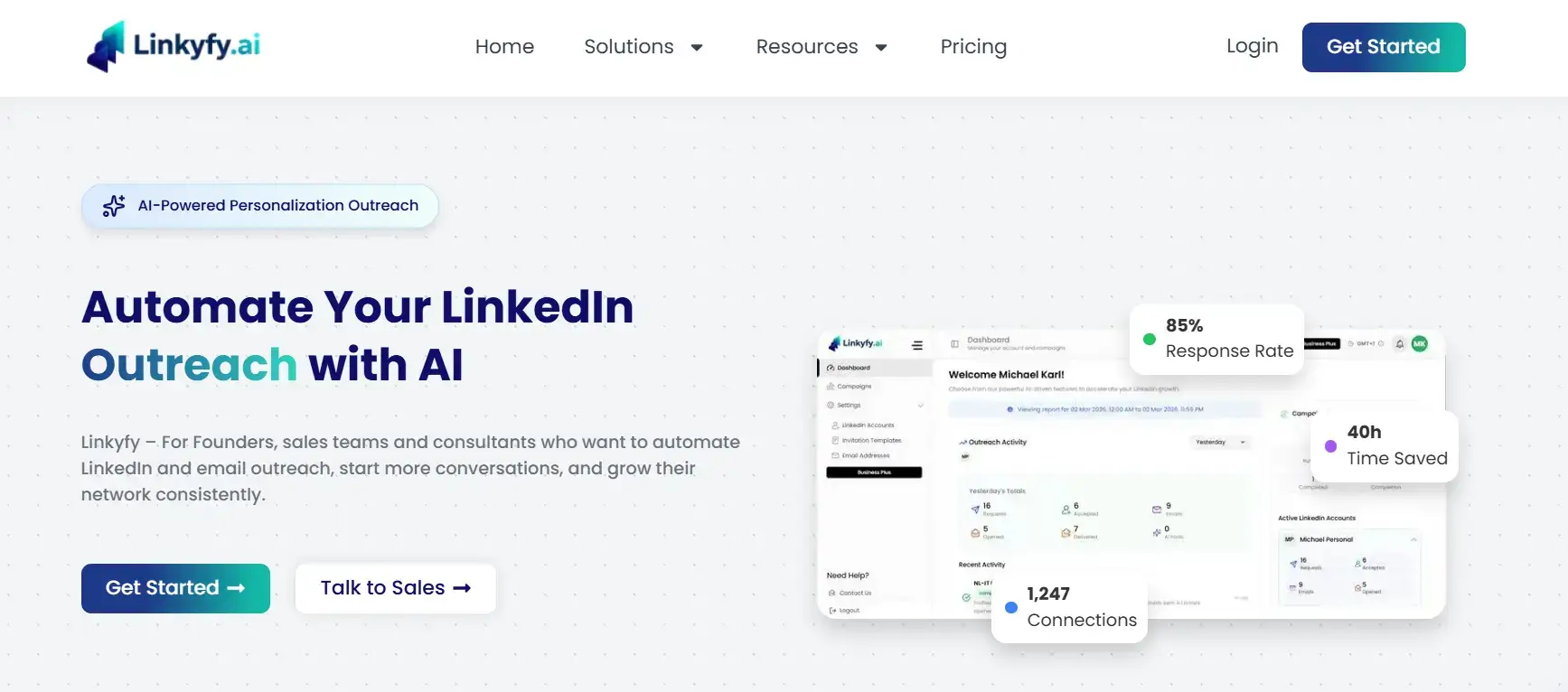
Linkyfy is an AI-powered LinkedIn automation tool built for sales professionals and founders who want relevance, not just volume. Where most automation tools let you template a message and blast it to a list, Linkyfy takes a different approach: its AI researches each prospect’s profile and company context before generating a message. The result is outreach that reads like it was written by someone who actually looked at the profile, because the AI did.
This matters because the biggest gap in LinkedIn automation is not sending speed. It is message quality. Most tools automate the mechanics of outreach but leave personalization to a first-name variable and a generic pitch. Linkyfy closes that gap by making every message contextually relevant to the person receiving it.
Key features:
- AI-generated messages based on live lead data and company research.
- Connection request automation with human-like sending behaviour.
- Multi-step sequences with intelligent follow-up logic.
- Safe daily sending limits to protect your LinkedIn account.
Best for: Sales professionals, startup founders, and growth teams who prioritise quality replies over raw connection numbers.
Pricing
Linkyfy offers a free lifetime plan with 20 invites/day to get started, with paid plans starting at $39/month for individual professionals and scaling up to $149/month for agencies managing multiple LinkedIn accounts.
- Pros
- AI personalization based on real prospects and company data, not just first-name tokens.
- Built-in daily limits to keep your LinkedIn account safe.
- Two-minute setup with zero technical configuration
- Built-in email finder to extend outreach beyond LinkedIn.
- Upcoming features: AI-powered LinkedIn post creation and auto-publishing.
2. HeyReach
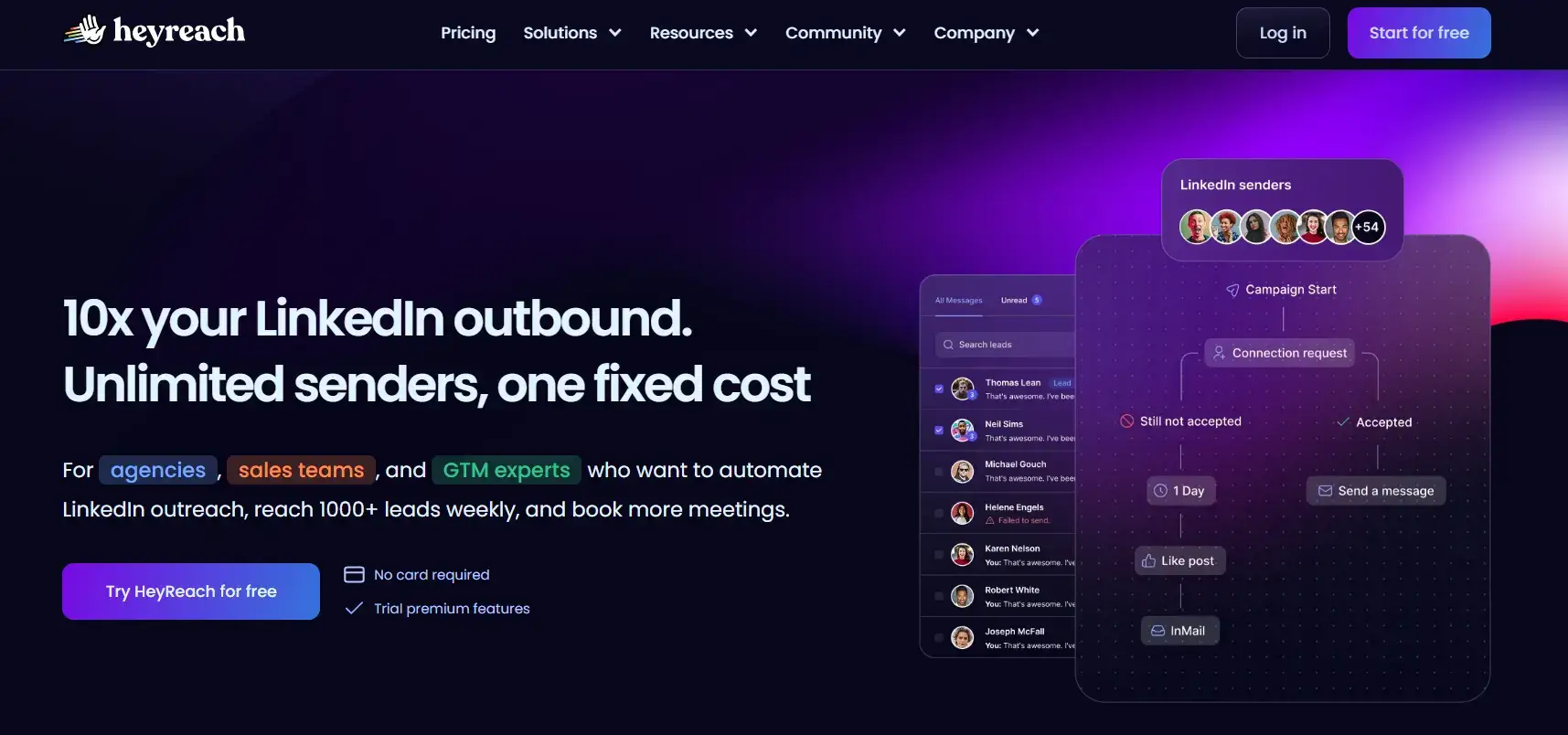
HeyReach is built for agencies that need to manage multiple LinkedIn accounts from one dashboard. Its strengths include unlimited campaigns per seat, flat‑rate pricing that scales down (especially compared to PhantomBuster when running 20+ accounts), and a simple campaign builder that requires no technical setup.
Best for: Agencies, outsourced SDR teams, and anyone coordinating LinkedIn outreach across multiple platforms or accounts.
Pricing
Entry pricing starts at approximately $79/month for a single sender, with agency-tier plans available for larger account rosters.
- Pros
- Unlimited campaigns per seat.
- Multi-account management from one dashboard.
- Flat-rate pricing that scales more predictably than execution-time billing.
- Simple campaign builder with no technical setup required.
- Cons
- Higher entry cost for solo users or very small teams.
- Offers fewer personalization features compared to other tools.
3. Expandi
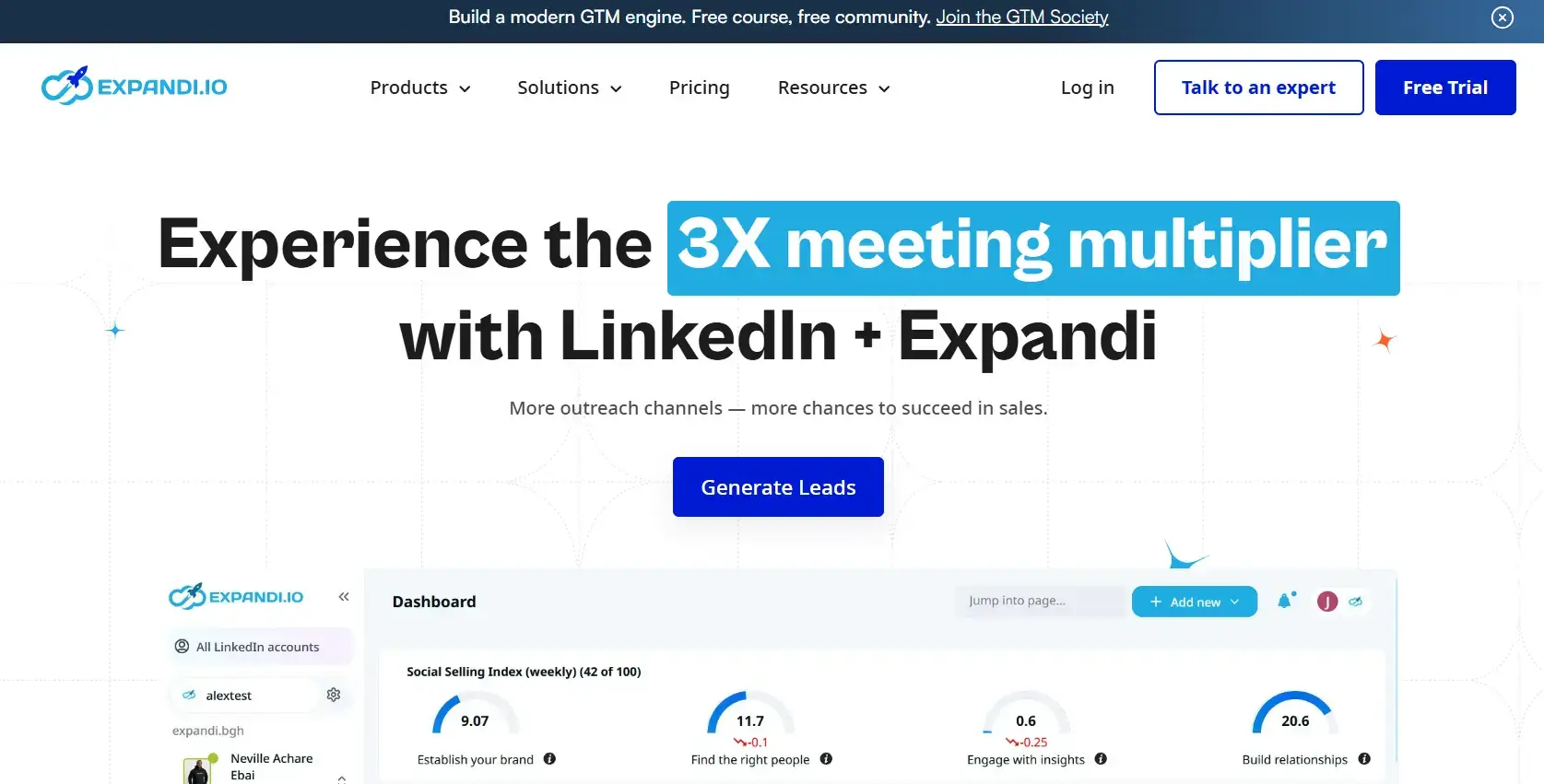
Expandi is a LinkedIn and email outreach platform known for its strong safety architecture. It offers dedicated IPs, country‑based proxies, and auto-warm-up features that significantly reduce the risk of being banned.
Beyond safety, Expandi stands out with advanced personalization options, including image and GIF variables and smart sequences with branching logic that adapt to prospect behaviour.
Best for: Growth teams willing to invest in premium account safety and complex, multi-branch outreach workflows.
Pricing
Approximately $99/month per LinkedIn account, with add-ons available for image and GIF customization features.
- Pros
- Dedicated IPs and country-based proxies for strong account protection
- Auto warm-up reduces ban risk for new accounts
- Advanced customization, including image and GIF variables
- Smart sequences with branching logic based on prospect behaviour
- Cons
- One of the higher-priced options on a per-account basis
- Steeper setup learning curve for advanced workflows
- Costs can stack quickly when managing multiple LinkedIn accounts
4. Waalaxy
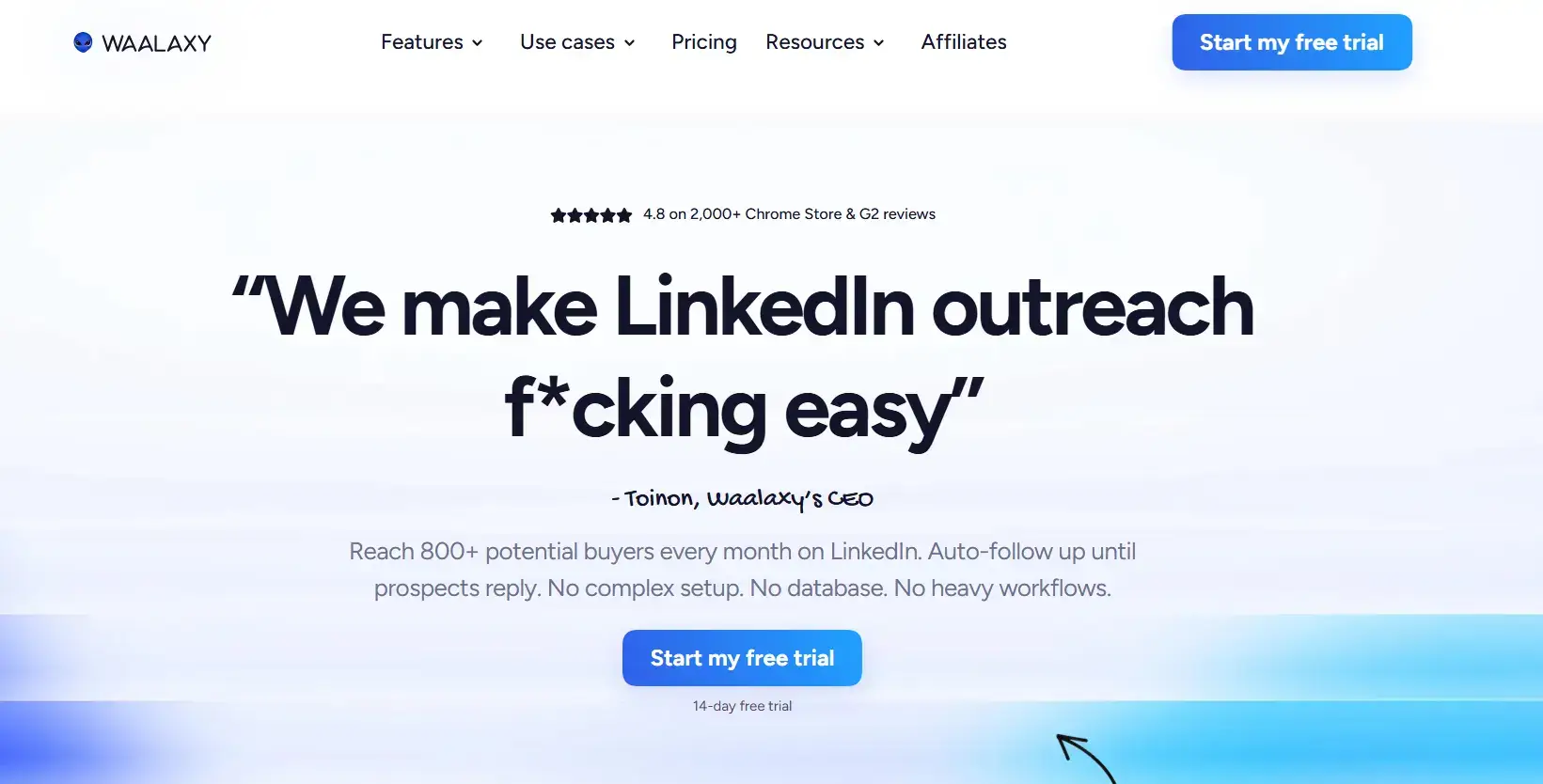
Waalaxy is a multi‑channel outreach tool (LinkedIn and email) featuring a visual flowchart campaign builder that makes it easy for non‑technical users to launch and manage campaigns.
Its strengths include prebuilt sequence templates, A/B testing capabilities that let marketing teams optimize messaging without manual analysis, quick Chrome extension setup, and CRM sync for streamlined workflows.
Best for: Non-technical users and small teams who want LinkedIn plus email outreach in a clean, beginner-friendly package.
Pricing
Plans start at ₹431/user/month (approximately $5/month) for the Pro plan, making it one of the more accessible options for teams earlier in the automation journey.
- Pros
- Visual flowchart campaign builder, no technical knowledge required
- Prebuilt sequence templates to get live quickly
- A/B testing for ongoing optimisation
- CRM sync and Chrome extension for simple setup
- Cons
- Chrome extension architecture carries a higher detection risk than fully cloud-based tools.
- Less suitable for teams managing large-scale, high-volume campaigns
- Limited advanced personalization compared to Expandi or Linkyfy
5. Dripify
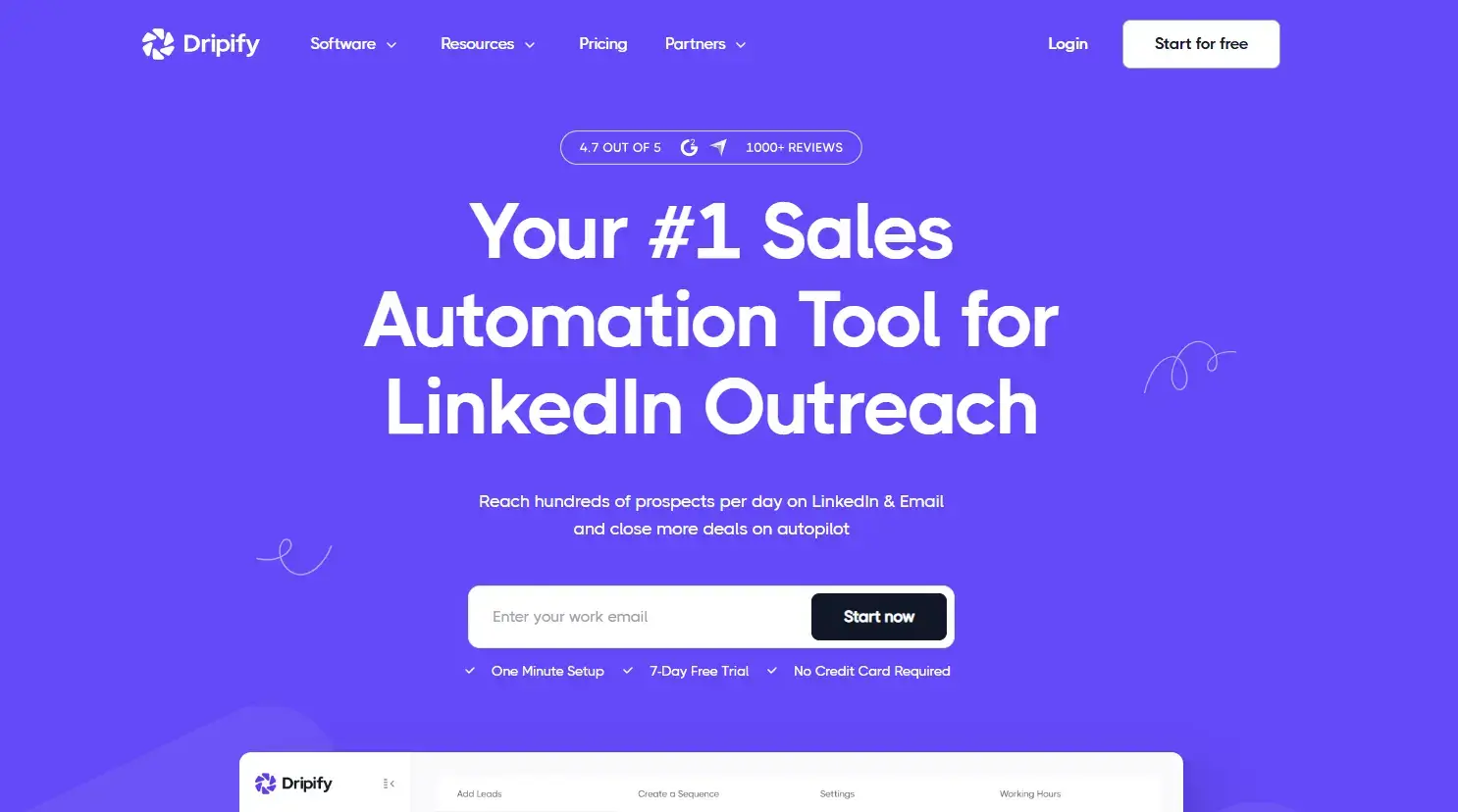
Dripify is a cloud-based LinkedIn plus email automation tool with a clean drag-and-drop campaign builder. It runs 24/7 in the cloud, so no desktop setup is required, and supports drip campaigns with delays and conditions for natural outreach.
Its strengths include conditional delays and branching workflows, a built-in email finder that extracts and verifies addresses, and the ability to extend LinkedIn sequences into email without switching platforms. The Pro plan also removes usage caps for scaling teams.
Best for: Small to mid-sized teams wanting reliable multi-step outreach without the technical overhead of PhantomBuster or the premium pricing of Expandi.
Pricing
Plans start at approximately $39/month per user (billed annually), with the Pro plan offering unlimited usage at a higher pricing tier for scaling outreach teams.
- Pros
- 24/7 cloud automation with no desktop or browser session required
- Drag-and-drop drip campaign builder with delays and conditional logic
- Built-in email finder for extending LinkedIn outreach to email
- Unlimited usage available on the Pro plan
- Cons
- AI personalization is more limited compared to tools like Linkyfy that research prospects before outreach
- Some advanced workflow features are locked behind higher-tier plans
- Customer support response times can vary
6. Botdog
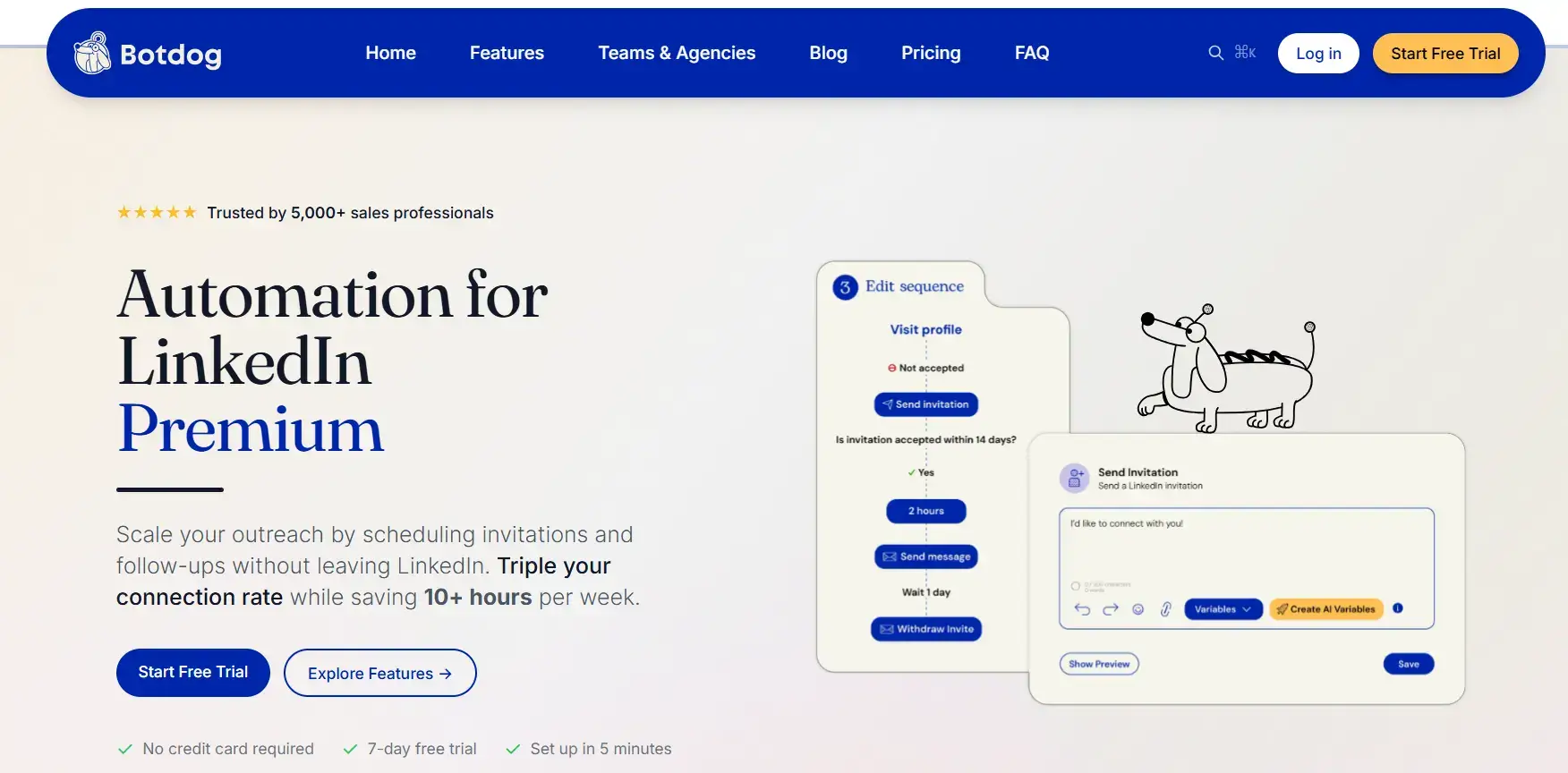
Botdog is a LinkedIn-only automation tool designed for simplicity and account safety. It offers a quick 3-minute setup, unlimited usage within LinkedIn’s safe limits, and hard-coded daily caps to protect accounts from detection. Outreach is enhanced with rich media messaging, including images, GIFs, and video, making engagement more dynamic.
Best for: Solo founders and small sales teams who want to get LinkedIn outreach running today without learning any technical concepts.
Pricing
Plans start at approximately $35/month with annual billing.
- Pros
- 3-minute setup, the fastest onboarding of any tool on this list
- Hard-coded safety limits protect accounts automatically
- Unlimited usage within LinkedIn’s safe thresholds
- Rich media messaging (images, GIFs, video links) included
- Cons
- LinkedIn-only; there is no email or multi-channel sequence support
- Fewer personalization options compared to AI-powered tools
- Limited advanced reporting and analytics
7. Lemlist
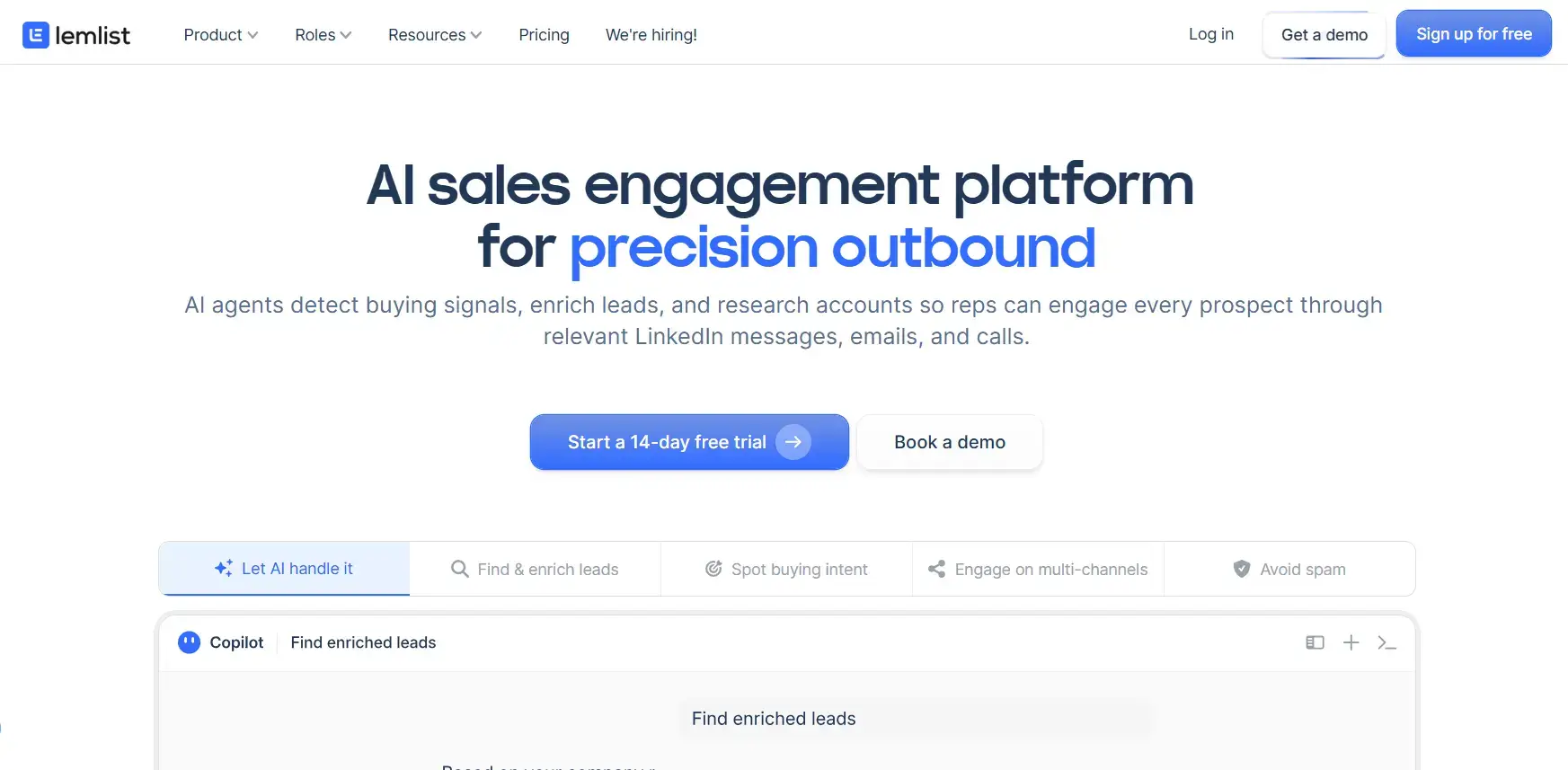
Lemlist is an email-first outreach tool with LinkedIn as a supporting channel for multi-touch sequences. Its strengths lie in strong email deliverability features, built-in warm-up, and AI-personalised email copy that adapts to each prospect.
It’s built-in warm-up improves deliverability from day one, while AI-generated copy adapts to each prospect at scale. LinkedIn actions like profile visits, connection requests, and messages run inside the same workflow as email sequences, so teams can generate leads across both channels without adding tools to their stack.
Best for: Outbound marketing teams where email is the primary revenue channel and LinkedIn is used to supplement with profile visibility, connection requests, and light messaging.
Pricing
The Multichannel Expert plan, which includes LinkedIn actions, starts at approximately $87/month.
- Pros
- Industry-leading email deliverability tools and warm-up features
- AI-generated personalized email copy
- Multi-channel sequences combining email and LinkedIn touchpoints
- Strong community and template library
- Cons
- LinkedIn is a secondary channel, features are less advanced than LinkedIn-native tools.
- Higher price point for the plan that includes LinkedIn actions
- Not ideal for teams whose primary focus is LinkedIn outreach
8. Meet Alfred
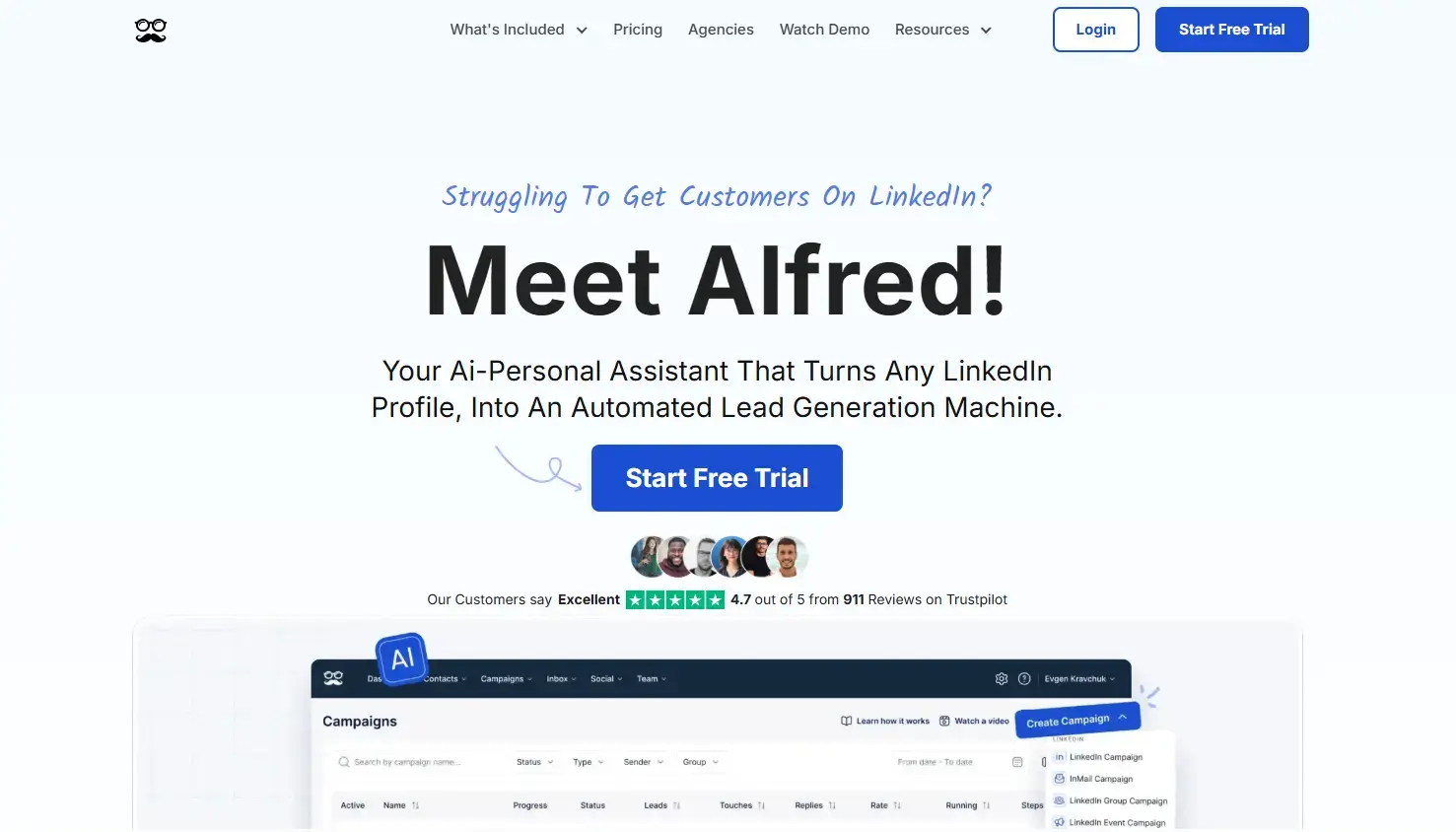
Meet Alfred is a budget-friendly, multi-channel outreach tool covering LinkedIn, email, and X (Twitter). It offers affordable pricing, making it accessible for smaller teams. Key strengths include a visual sequence builder for easy campaign design, a unified inbox to manage conversations across channels, and team collaboration features that streamline outreach efforts.
Best for: Small teams wanting affordable multi-channel automation across LinkedIn, email, and Twitter without significant upfront investment.
Pricing
Plans start at approximately $49/month, positioning it as one of the more cost-effective multi-channel options available.
- Pros
- Covers LinkedIn, email, and X (Twitter), giving the broadest channel coverage at this price point.
- Visual sequence builder with an accessible interface.
- Unified inbox for managing replies across all channels.
- Team collaboration and shared sequence features.
- Cons
- Fewer advanced safety features compared to other automation tools.
- AI adaptation is limited compared to dedicated tools.
- Some users report inconsistent deliverability across channels.
9. Dux-Soup
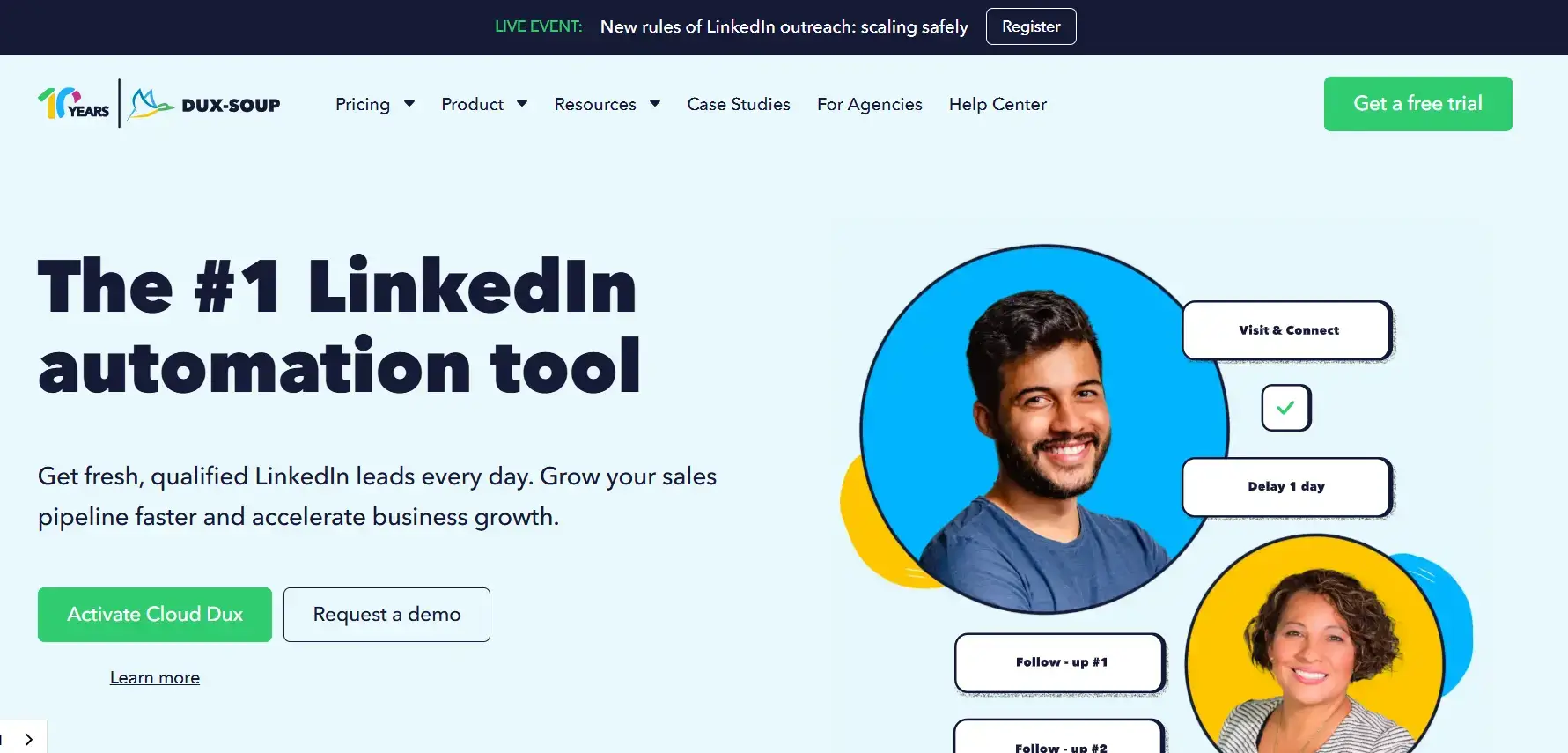
Dux-Soup is one of the longest-running LinkedIn automation tools, active since 2016, offering both a browser extension and a cloud-based Turbo version for safer, scalable outreach. Its core features include automated profile visits with personalized notes, lead tagging, and CRM integrations with HubSpot and Salesforce.
It is one of the few tools focused on bridging LinkedIn activity directly into pipeline data.
Best for: Solopreneurs testing LinkedIn automation on a single account, or CRM-heavy teams that need direct pipeline integrations.
Pricing
Entry plans start at approximately $14.99/month, with the cloud-based Turbo version available at a higher tier for safer, more scalable usage.
- Pros
- Long-established tool with a stable, well-documented feature set.
- Automated profile visits with customized notes.
- Strong CRM integrations (HubSpot, Salesforce, Pipedrive).
- Accessible entry-level pricing.
- Cons
- Browser extension versions carry a higher LinkedIn detection risk than cloud-native tools.
- Interface feels dated compared to newer platforms.
- The most capable features require upgrading to the cloud Turbo plan.
10. LinkedHelper
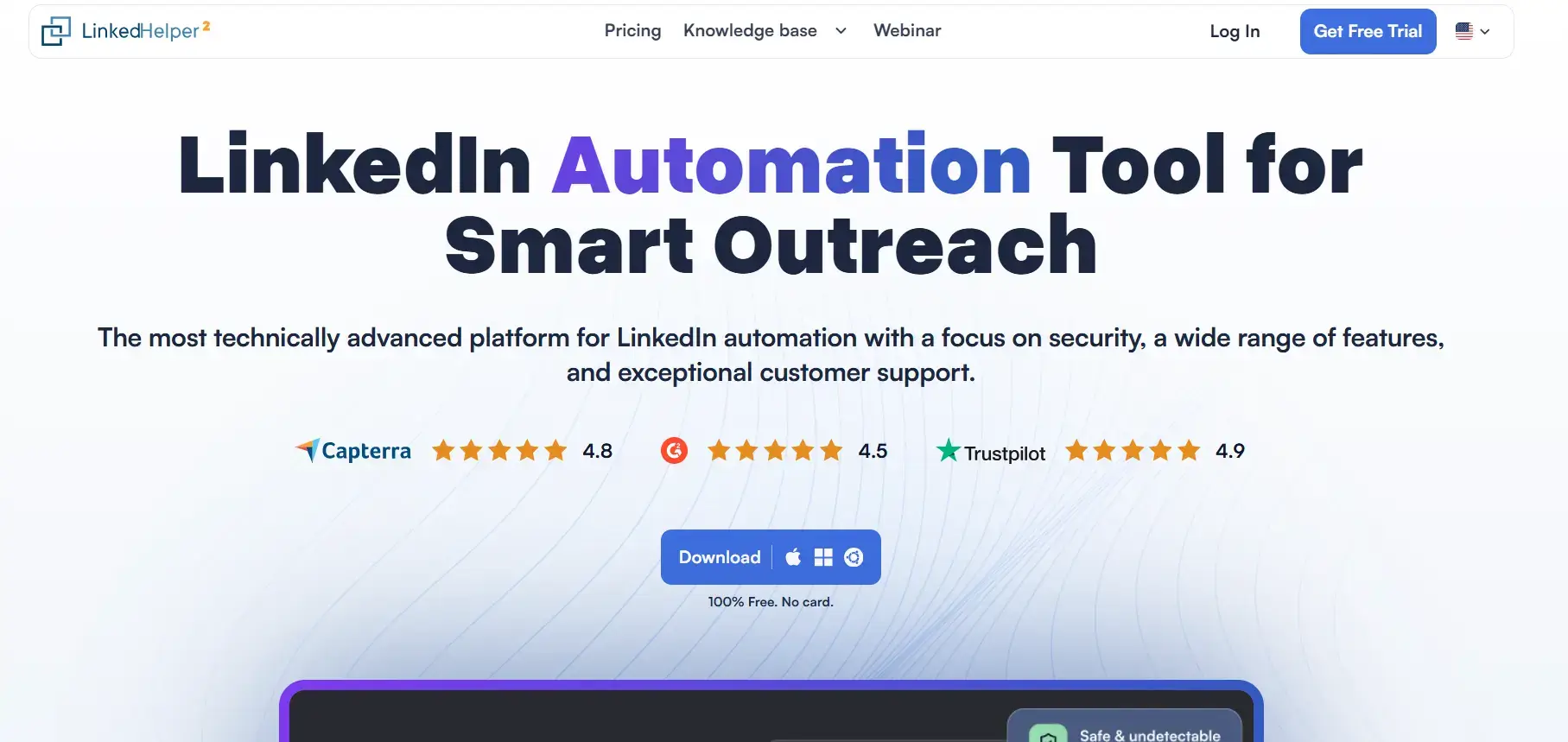
LinkedHelper is a desktop-based LinkedIn automation tool designed for users who want powerful automation at a very low cost. Unlike cloud tools, it runs directly on your computer, making it one of the most affordable options available.
Key features include automated connection requests with follow-ups, message sequences, and drip campaigns. It supports LinkedIn data scraping with export, CRM integrations, and campaign analytics. It also works seamlessly with LinkedIn Sales Navigator.
Best for: Beginners and budget-conscious users who want advanced automation at the lowest price
Pricing
LinkedHelper starts at around $15/month with a flat monthly fee and no execution-time billing.
- Pros
- Strong automation features like premium tools.
- No execution-time pricing (unlike PhantomBuster).
- Cons
- Desktop-based (your system must stay on).
- Slight learning curve for beginners.
- Higher detection risk if used aggressively.
What to Look for in a PhantomBuster Alternative in 2026
1/ Ease of Setup
The right tool should get you from signup to your first active campaign in minutes, not hours. If a platform requires you to manage browser sessions, API tokens, or cookie files before you can send a single connection request, the complexity itself becomes a barrier to consistent outreach.2/ LinkedIn Account Safety
The best tools use cloud-based infrastructure with dedicated IPs, human-like action delays, and hard-coded daily limits that keep your activity inside LinkedIn’s detection thresholds. Safety should be built into the architecture, not something you configure manually and hope you got right.3/ AI-Powered Personalization
Generic template messages with a first-name swap no longer generate meaningful reply rates. Modern tools that generate replies research each prospect and their company before outreach. They then use that live context to craft messages that feel relevant to the specific person, not a list of 500. Data accuracy in personalization is the difference between a reply and an unread message.4/ Transparent and Predictable Pricing
Flat monthly pricing makes it possible to forecast your tooling costs accurately. Execution-time billing, where you pay based on how many “hours” your automations run, creates unpredictability, and teams routinely hit caps mid-month before campaigns complete.5/ Multi-Channel Support
LinkedIn-plus-email sequences consistently outperform single-channel outreach. Even if LinkedIn is your primary channel, having the option to add email follow-ups to a sequence meaningfully increases the number of touchpoints before a prospect responds.6/ Unified Inbox and Reply Management
Automation handles the outbound side. When replies come in, the tool should also help manage conversations, tag warm leads, and track where every prospect sits in the pipeline. This way, teams avoid jumping between platforms.Grow Your LinkedIn Pipeline with Linkyfy
PhantomBuster is a powerful tool, but it was built as a general-purpose automation platform rather than a LinkedIn outreach engine. Every tool on this list exists to fill a specific gap left by PhantomBuster, whether that’s account safety, ease of use, multi-account management, or email integration.
For teams that want an AI-powered LinkedIn automation tool with safe-sending limits and a clean workflow, purpose-built for sales, Linkyfy is the strongest choice. It is one of the few tools that researches your prospects and their company before outreach begins, which is exactly why reply rates improve rather than stagnating at scale.
Want to see how AI-powered personalisation works in practice?
Start your free trial of Linkyfy and see how AI-powered personalization can increase your LinkedIn reply rates within days.
Frequently Asked Questions on PhantomBuster Alternatives for LinkedIn
What is the cheapest PhantomBuster alternative?
LinkedHelper and Dux-Soup offer the lowest entry point at around $15/month. Botdog is the most affordable option with a strong safety architecture, starting at around $35/month. Both significantly undercut PhantomBuster’s $56/month starting plan.
Do PhantomBuster alternatives offer free trials?
Botdog, Linkyfy, Dripify, and HeyReach all offer free trials ranging from 7 to 14 days, typically with full or near-full feature access so you can evaluate real campaign performance before committing.
Will using an automation tool get my LinkedIn account banned?
Not if you use the right tool. Cloud-based platforms with built-in daily limits, human-like delays, and dedicated IPs, such as Expandi or Botdog, carry a low risk of detection. Browser extension tools are riskier.
How is Linkyfy different from PhantomBuster?
PhantomBuster is a multi-platform automation platform with a broad feature set and a steeper learning curve. Linkyfy is built exclusively for LinkedIn and uses AI to research prospects before sending, delivering personalised outreach and better reply rates at scale.
Is PhantomBuster still worth using in 2026?
For developers needing multi-platform data scraping, yes. For sales teams focused on LinkedIn outreach and replies, purpose-built alternatives offer better safety and simpler setup without paying for features you’ll never use.