
As sales teams increasingly rely on LinkedIn automation, the need for reliable tools has never been greater. But Dripify users increasingly report specific frustrations: billing problems with FastSpring, rigid sequence builders, lack of real AI personalization beyond merge fields, and account safety incidents despite the platform’s cloud-based infrastructure. These pain points push sales teams to look for better alternatives.
According to Snov.io, more than 85% of companies now use LinkedIn automation to connect with prospective and existing customers, underscoring its importance.
This guide explores the best Dripify alternatives in 2026, what to look for in a replacement, and how to choose the right tool for your outreach goals. Below, we break down 10 alternatives by pricing, features, safety, and ideal use case.
1. Linkyfy.ai
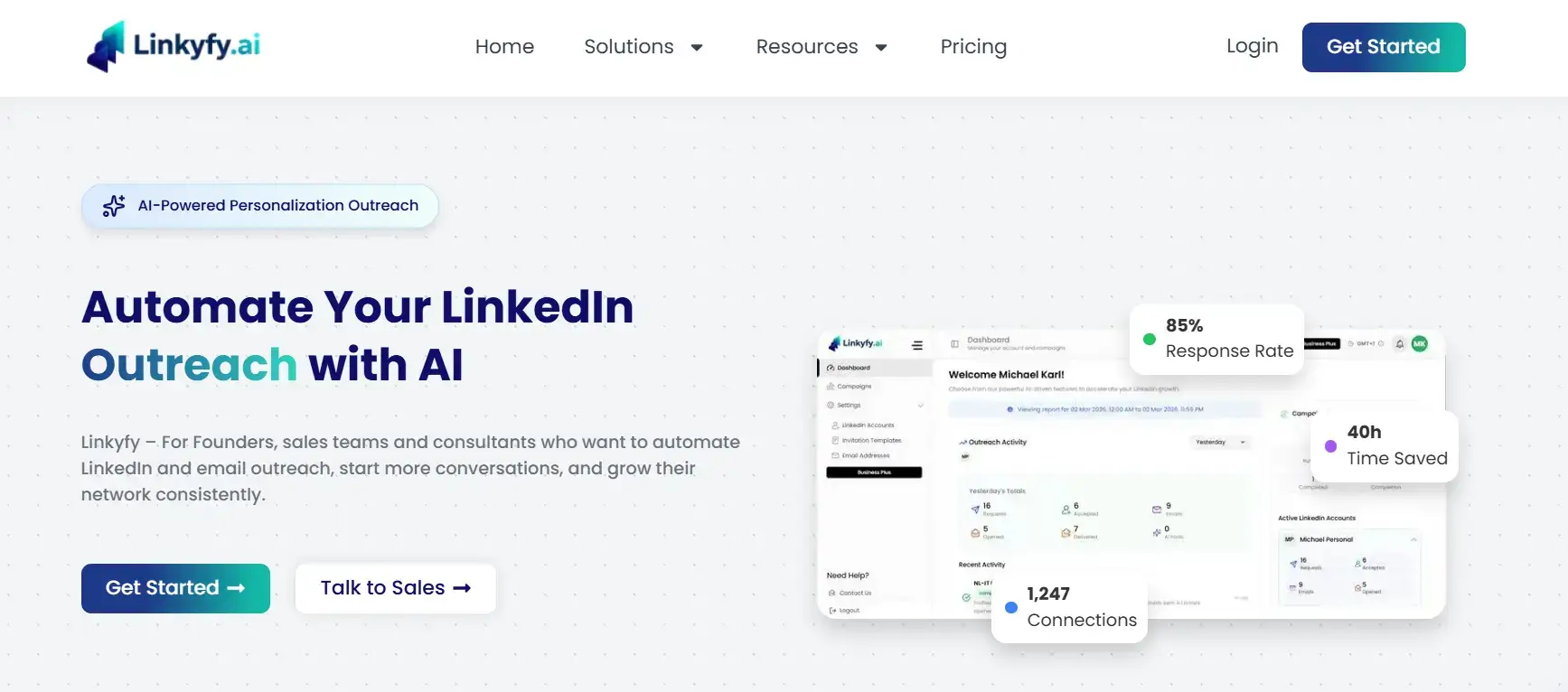
Linkyfy.ai is a LinkedIn automation tool designed for outreach teams seeking reliable campaign automation without compromising account safety. It focuses on personalization at scale, enabling sales professionals, founders, and growth teams to run campaigns that generate high-quality replies rather than just connection volume.
Best for founders, sales professionals, and growth teams who want safe, AI-powered LinkedIn outreach via a cloud-based platform, with strong personalization at scale and a free entry tier during early access.
Key Features
- AI-generated personalized messages tailored to each prospect
- Connection request automation with smart daily sending limits
- Multi-step sequences for consistent follow-up
- Safe daily limits designed to stay within LinkedIn’s thresholds
Pricing
Linkyfy.ai is currently free to use during early access, with 1 LinkedIn account, smart daily caps of 15-20 actions per day (connection requests and messages combined), and the core AI-personalized outreach workflow. Paid plans start at $39/month (Standard) for individual professionals and $69/month for teams, with higher usage limits, advanced automation, and multi-account support.
- Pros
- Clean, intuitive user interface that gets you to your first campaign fast
- AI personalization improves reply rates without manual effort
- Free plan available with no time limit, ideal for testing
- Cloud-based architecture significantly reduces detection risk vs browser extensions
2. We-Connect
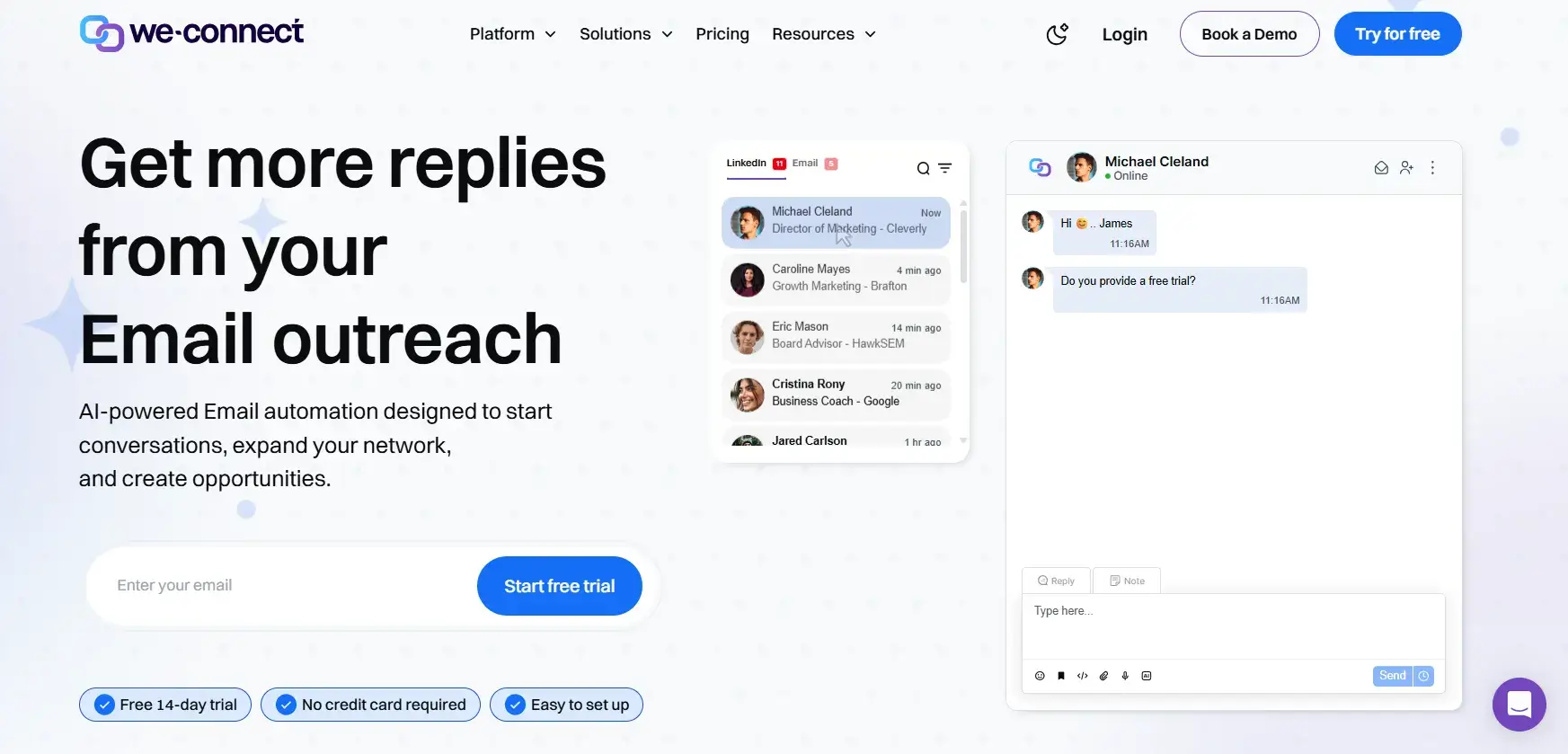
We-Connect is a cloud-based LinkedIn automation platform built for sales teams who need safe, scalable outreach without the risks associated with browser extensions. It runs on dedicated IPs, automates connection requests, messages, and follow-ups, and includes A/B testing and CRM integrations via Zapier. A built-in voice note feature sets it apart from most Dripify competitors.
Best for recruiters and sales professionals who want a reliable single-channel tool with a clean setup experience.
Pricing
LinkedIn-only automation: $69/seat/month. Multi-channel (LinkedIn + email): $79/month. A 14-day free trial is available with no credit card required.
- Pros
- Cloud-based with dedicated IPs, reducing LinkedIn ban risk
- Fast setup, most users are live within 15 minutes
- Voice note automation is a standout, rarely found in competing dedicated LinkedIn tools
- A/B testing helps optimize message performance over time
- Cons
- Email automation costs extra ($79/month vs $69/month base plan)
- Occasional bugs and slow performance have been reported by users
- Customer support is limited to weekdays and is not always responsive
3. Expandi
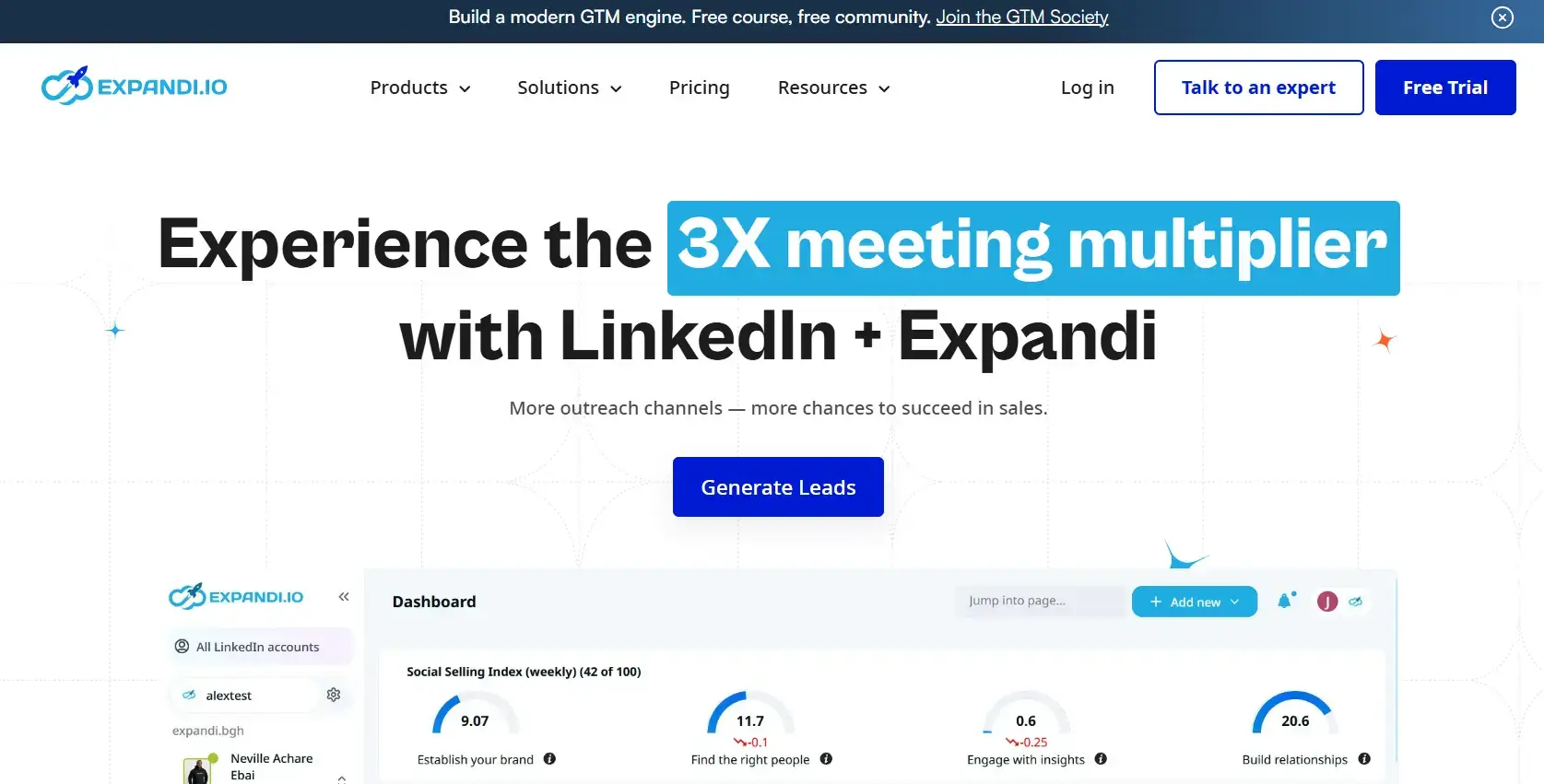
Expandi is a cloud-based LinkedIn automation platform known for its deep campaign customization. It supports over 10 campaign types and lets you combine actions and conditions, profile visits, connection requests, InMails, LinkedIn messages, and endorsements into a single sequence. It connects LinkedIn and cold email outreach and integrates with tools like Zapier and HubSpot.
Best suited for experienced users and agencies that need advanced, multi-branch campaign logic.
Pricing
One plan: $99 per seat per month. Image personalization via Hyperise integration incurs an additional $69/month fee. A free trial is available.
- Pros
- Highly customizable sequences with 10+ action and condition types
- Image and GIF personalization for standout outreach efforts
- Webhook integrations and CRM sync for advanced workflows
- Dedicated country-based IP per seat included in the subscription
- Cons
- Steep learning curve, not beginner-friendly
- Single plan at $99/month per seat with no budget tier for solo users
- Some users have reported account restriction issues despite safety claims
4. HeyReach
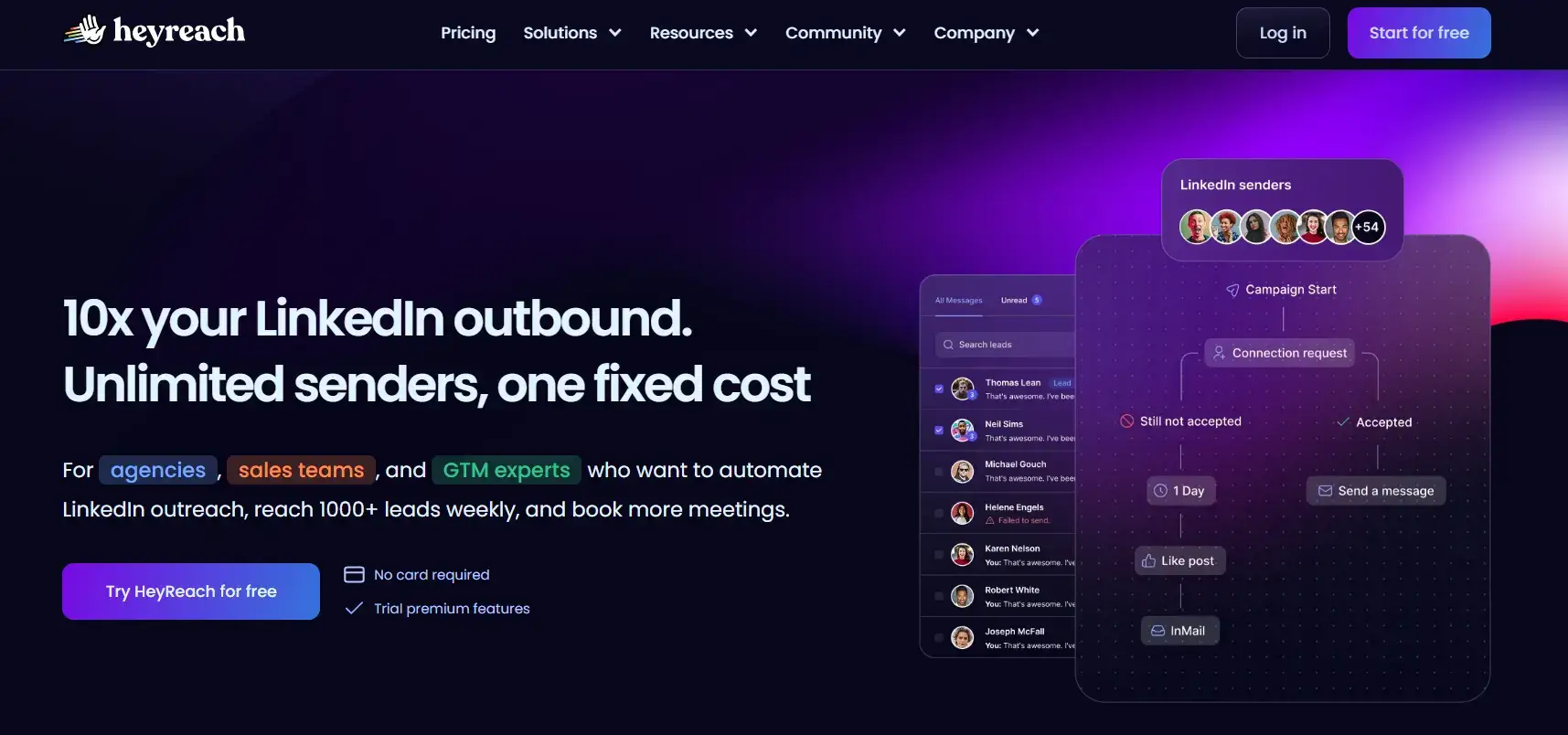
HeyReach is a LinkedIn-first automation platform designed specifically for agencies and sales teams managing multiple LinkedIn accounts. It runs on AWS infrastructure, with dedicated IPs per account, and offers unified inbox management that aggregates conversations from multiple connected LinkedIn accounts into a single view.
Best for agencies and outbound teams scaling LinkedIn outreach across multiple client accounts where unified inbox management matters more than email automation.
Pricing
Starts at $79/month for 1 sender. Volume discounts apply for 3+ accounts (~$49/month per sender). Agency plan: custom pricing for unlimited senders. Unlimited plan: $1,999/month.
- Pros
- Unified inbox across all sender accounts, essential for agencies
- Sender-based pricing means team members don’t add to the cost
- Cloud-based with dedicated IPs per account for strong safety
- Native integrations with Clay, HubSpot, Salesforce, and Pipedrive
- Cons
- No native email channel; requires a third-party tool like Instantly
- Costs scale fast: a 5-person team can hit $395/month quickly
- Agency and Unlimited plans require bringing your own proxies
5. MeetAlfred
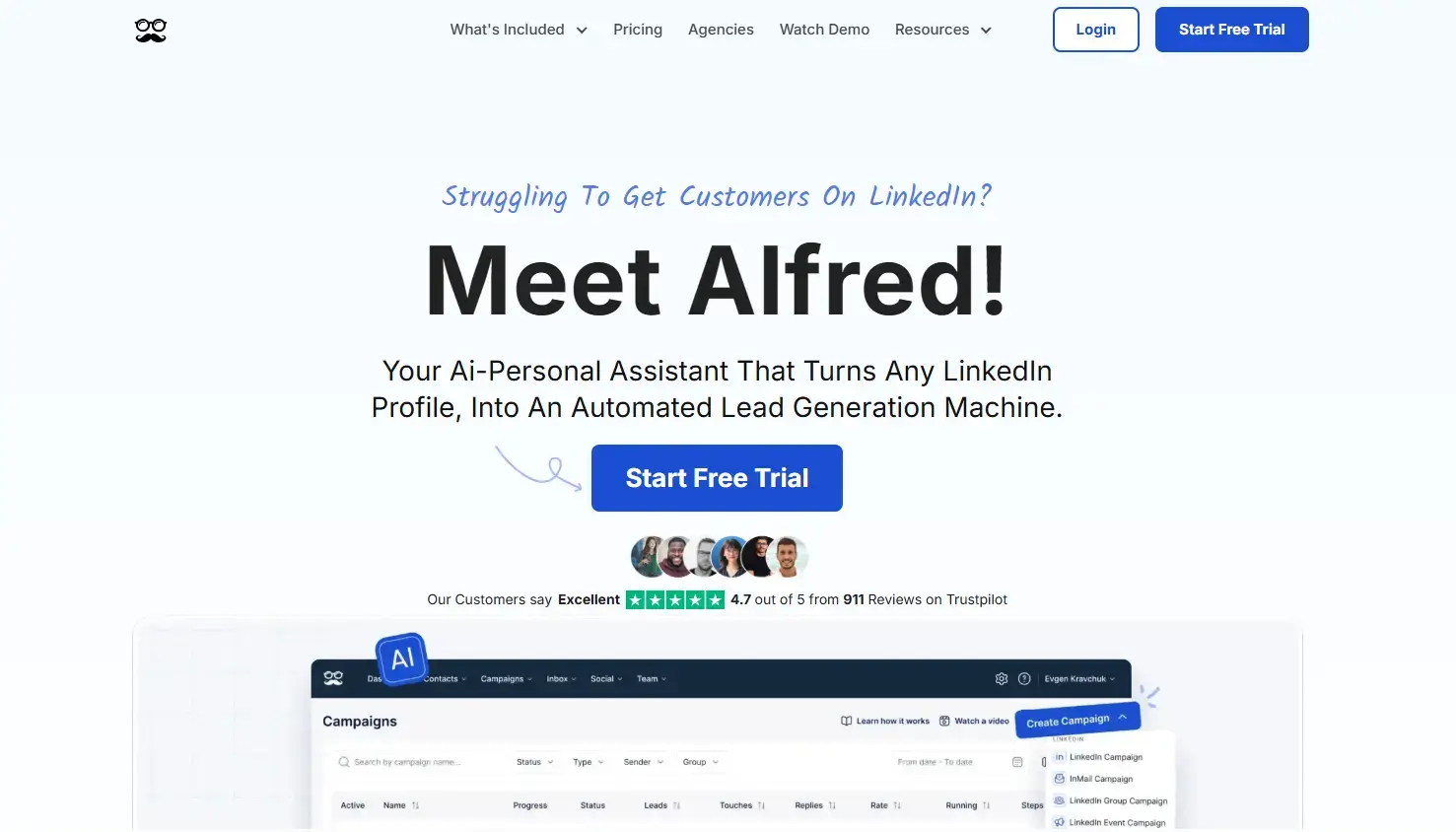
MeetAlfred is a multi-channel outreach platform that combines LinkedIn, email, and X (Twitter) in a single tool, one of the only platforms to add a third outreach channel beyond LinkedIn and email. It supports customizable prospecting sequences, automated LinkedIn profile views, skill endorsements, and a shared inbox for teams. Used by brands like Amazon and WeWork.
Best for tech-focused sales teams that want cross-platform outreach managed in one place.
Pricing
Basic: from $29/user/month. Pro: from $49/user/month (unlimited campaigns, Sales Navigator support, multi-channel). Team: from $39/user/month for 10+ users with white-labeling and priority support.
- Pros
- Unique three-channel outreach across LinkedIn, email, and X/Twitter
- User-friendly interface with pre-built sequence templates
- Team management features, including shared inbox and white-labelling
- CRM integration and campaign-level analytics included
- Cons
- Cannot reply on behalf of other LinkedIn senders in shared campaigns
- Some users report a risk of aggressive automation triggering LinkedIn account-flagged warnings
- Pricing can feel high for smaller teams that don’t need multi-platform coverage
6. Waalaxy
Waalaxy is a Chrome extension that automates LinkedIn and email outreach and is designed with beginners in mind. It comes with pre-built sequence templates, a built-in email finder, and a unified inbox. It offers one of the more affordable entry points for multi-channel outreach.
Best suited for solo founders, small teams, and marketers running moderate-volume campaigns who don’t need cloud infrastructure.
Pricing
Waalaxy’s Pro plan is priced at $5.20 per user per month, offering 300 LinkedIn invitations and a 14-day free trial. This makes it a budget-friendly option for freelancers and small teams starting with LinkedIn outreach.
- Pros
- Beginner-friendly with pre-built sequence templates
- Bundled email finder removes the need for an extra tool
- Freemium option available for testing before committing
- Annual plans offer up to 50% discount
- Cons
- Chrome extension model carries a higher LinkedIn detection risk than cloud tools
- Users consistently report bugs, billing issues, and refund difficulties
- Performance can be unreliable with reported data import issues
7. SalesRobot
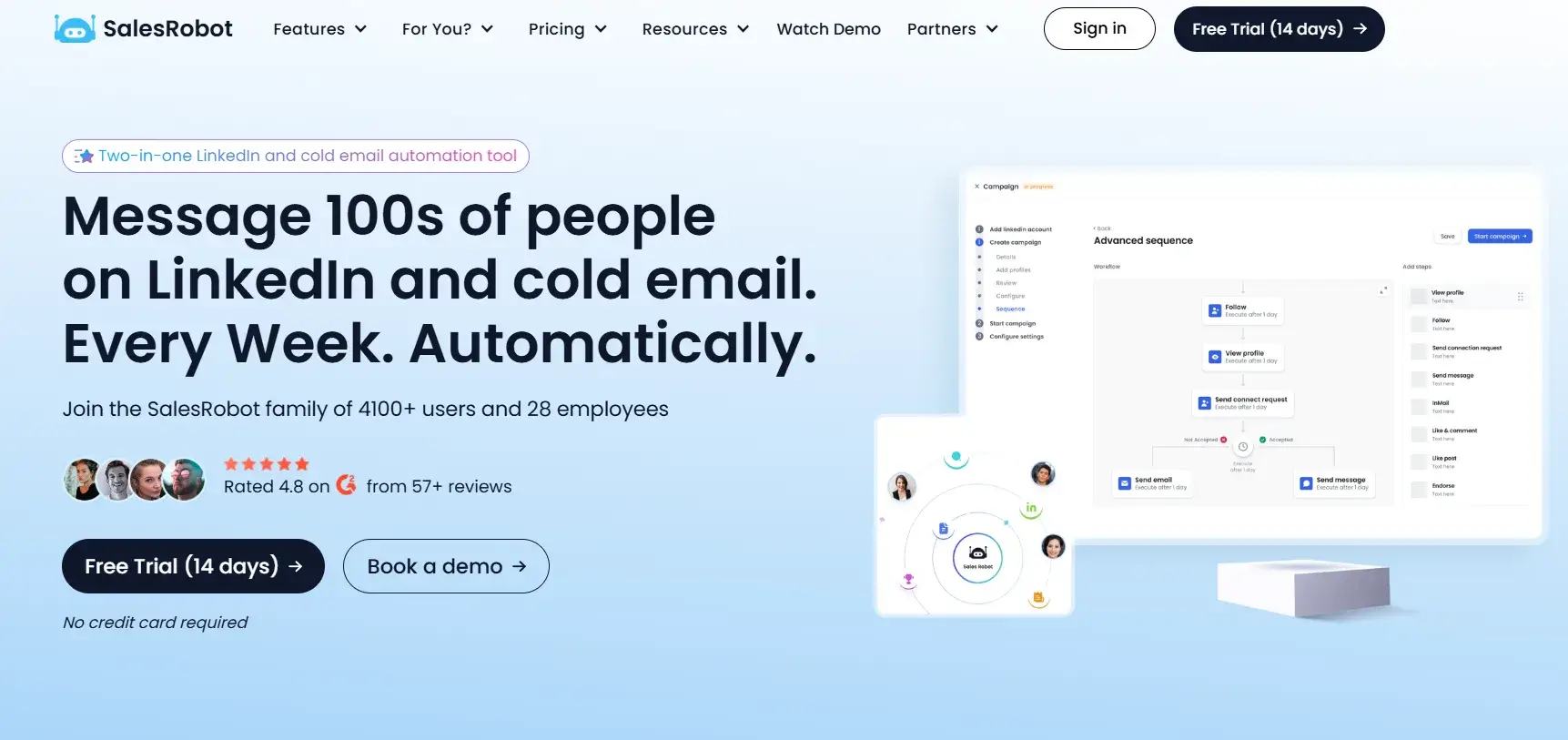
SalesRobot is a cloud-based LinkedIn and email automation platform built around AI-powered personalization. It uses residential IPs and mobile API behavior to keep outreach patterns looking natural, which users report delivers strong safety results. Features include AI message generation, voice note clones, video messages, smart reply classification, and an AI appointment setter.
Best for teams that want AI-first outreach with minimal manual input.
Pricing
Starts at $39/month. Advanced plans are available for larger teams. A 14-day free trial is included.
- Pros
- Residential IPs and mobile API behavior for strong account safety
- Advanced AI features: voice cloning, AI appointment setter, smart reply routing
- Native multi-channel support, LinkedIn, and email in one platform
- Solid for high-volume outreach with AI-driven personalization features
- Cons
- Pricing can add up quickly for larger teams
- Feature depth may be more than solo users need
- No free plan, trial required to test
8. Skylead
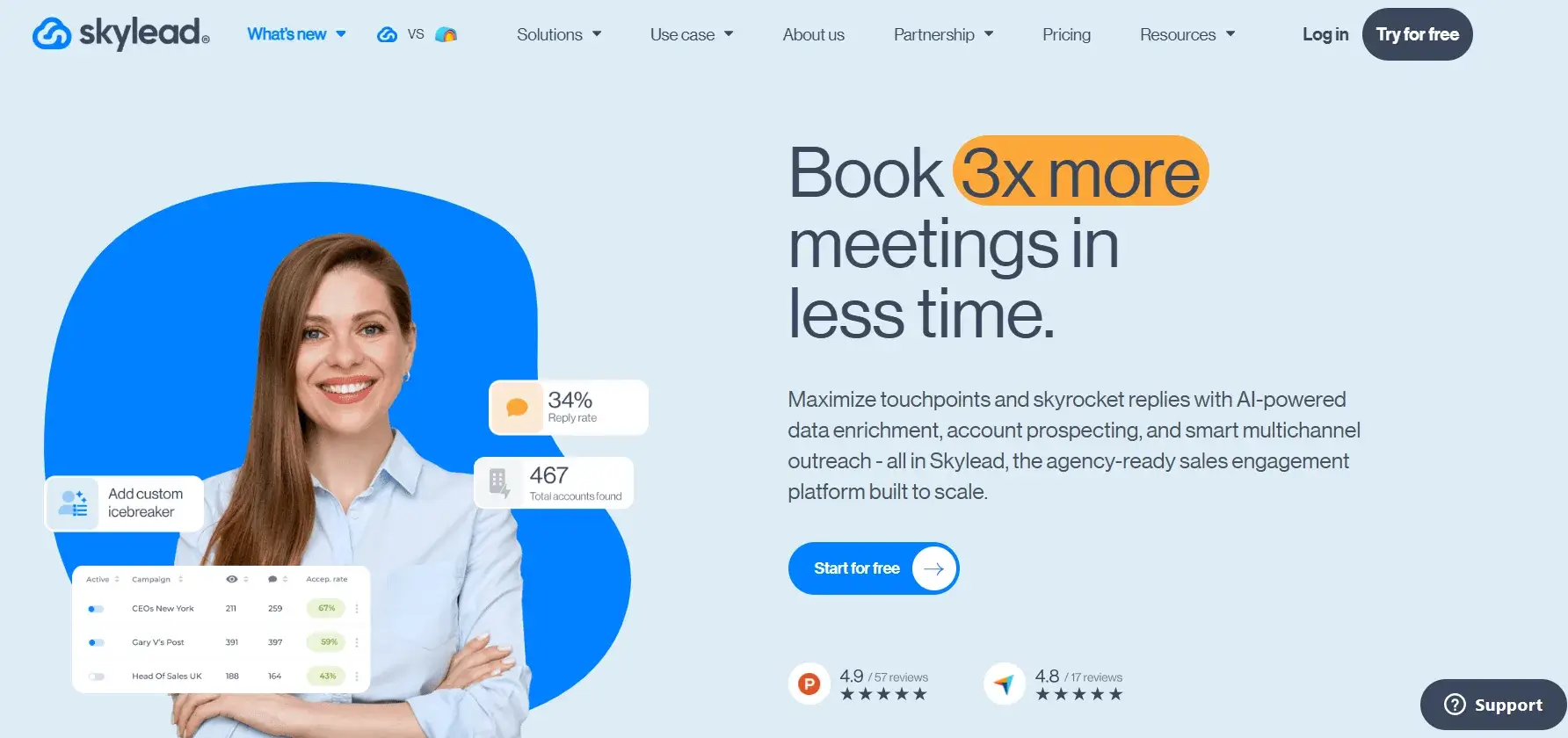
Skylead is a cloud-based LinkedIn and email automation tool that focuses on multi-channel smart sequences with if/else conditional logic. It includes a built-in email finder and verifier, unlimited email accounts for outreach automation, and native image/GIF personalization, all at the base price.
Best suited for teams running complex, multi-step sequences across both LinkedIn and email without relying on third-party enrichment tools.
Pricing
$100/month per seat. All features, including unlimited email accounts and a built-in email finder, are included in the single plan.
- Pros
- Native email finder and verifier removes the need for tools like Hunter
- Unlimited email accounts are included in the base plan
- Image and GIF personalization without additional cost
- Smart sequences with if/else logic for conditional multi-step flows
- Cons
- The interface can feel buggy, and users have reported inaccurate campaign analytics
- Limited campaign customization compared to Expandi
- No budget tier, single plan only
9. Dux-Soup
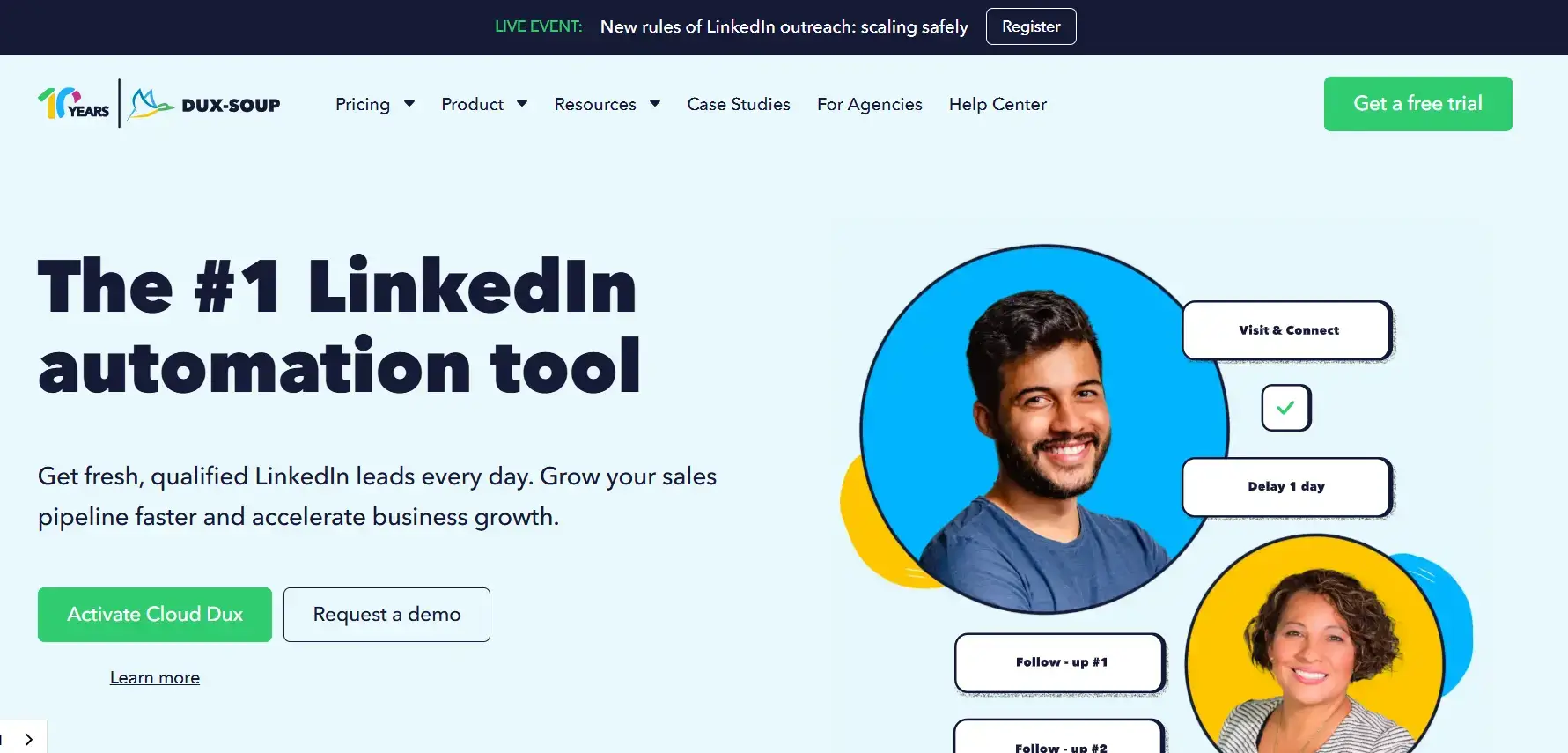
Dux-Soup is one of the most established LinkedIn automation tools on the market, in operation since 2015. It operates as a Chrome extension for lightweight tasks or can run on cloud infrastructure for always-on campaigns. It handles profile visits, connection requests, follow-up messages, and drip campaigns, and integrates with HubSpot, Salesforce, and Pipedrive.
Best for professionals who want a mature, well-supported tool at a low entry price.
Pricing
Pro Dux: $14.99/month ($11.25/month billed annually). Turbo Dux: $55/month ($41.25/month annually). Cloud Dux: $99/month ($74.17/month annually). 14-day free trial available, no credit card required.
- Pros
- Mature platform with a proven track record and a large user base
- Affordable entry point at $14.99/month for basic automation
- Robust CRM integrations, including HubSpot, Salesforce, and Pipedrive
- Cloud plan available for always-on campaigns without keeping your laptop open
- Cons
- LinkedIn-only, no email or multi-channel outreach
- Interface is dated and less intuitive than newer tools
- The browser extension model means campaigns stop if the browser crashes or sleeps
10. Linked Helper
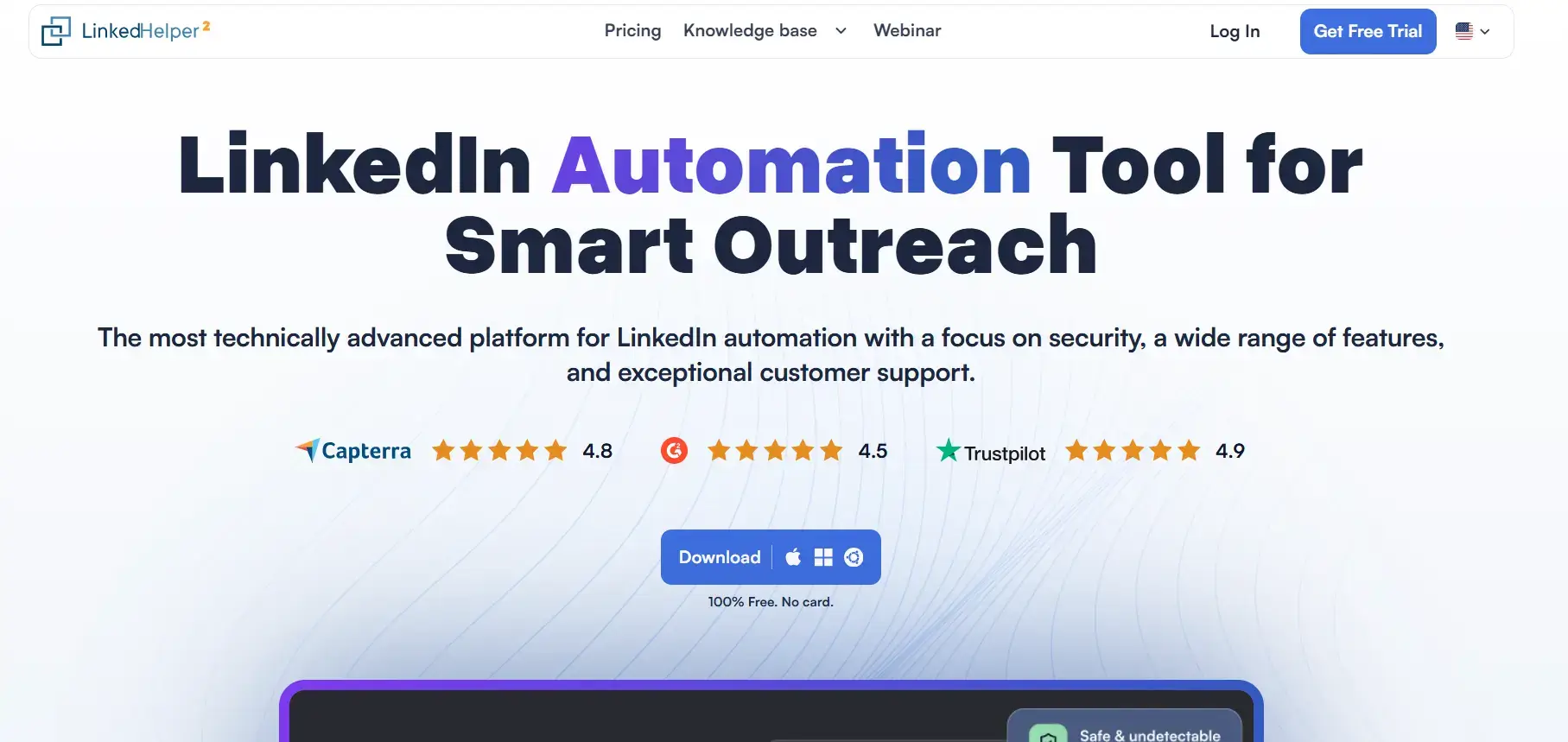
Linked Helper is a desktop-based LinkedIn automation tool and one of the most budget-friendly options available. It includes a built-in CRM, InMail automation, profile scraping, and support for multi-step drip campaigns. It does not require a browser extension or cloud subscription.
Best for individual professionals and small teams on tight budgets who are comfortable with a manual setup and a more technical interface.
Pricing
Starts at $8.25/month (billed annually) or $15/month (billed monthly). A free trial is available.
- Pros
- One of the cheapest LinkedIn automation tools, starting at $8.25/month on annual billing
- Built-in CRM removes the need for external contact management
- InMail automation is included, which most budget tools skip
- No cloud dependency, works directly from the desktop app
- Cons
- Desktop-based models carry a higher LinkedIn detection risk than cloud tools
- Steeper setup and less polished user experience than modern alternatives
- Campaigns stop when the desktop app or computer is not running
What to Look for in a Dripify Alternative
Not every LinkedIn automation tool fits every outreach strategy. Before switching, evaluate a few key criteria to make sure the tool you choose actually solves the problems your current setup creates.
1/ Ease of Setup
The tool should get you from signup to first campaign in minutes, not hours, with no technical configuration, no IT involvement. If onboarding requires reading a manual, that is time you are not spending on outreach.
2/ LinkedIn Account Safety
The safest tools share three traits: they operate outside the browser (native desktop apps or cloud infrastructure with dedicated IPs rather than Chrome extensions, which LinkedIn’s security systems specifically monitor), they enforce conservative daily limits (15-25 total actions per day, well below LinkedIn’s ~100 connection requests per week threshold), and they randomize timing between actions to mimic real human behavior. Together, these three factors keep activity below LinkedIn’s detection thresholds.
3/ AI-Powered Personalization
A first name alone isn’t enough in modern lead generation. Modern tools pull signals from a prospect’s profile, recent activity, and company before drafting each message, generating context-aware copy that reads as if written by a person. Higher relevance leads to higher reply rates.
4/ Transparent and Predictable Pricing
Flat per-seat or per-account pricing beats credit-based or usage-based billing in most outbound scenarios. You need to forecast costs without worrying about hitting execution caps mid-campaign. If pricing is hard to understand before you sign up, that is a red flag.
5/ Multi-Channel Support
LinkedIn-plus-email sequences consistently outperform single-channel outreach. At a minimum, your tool should support email follow-ups. Tools that also support InMail give you an additional touchpoint with prospects who have not yet accepted your connection request.
Modern outreach platforms like Linkyfy.ai help teams combine LinkedIn automation with AI-personalized email follow-ups in a single workflow, making multichannel outreach more consistent and scalable without juggling multiple disconnected tools.
6/ Unified Inbox and Reply Management
Intelligent automation handles the outbound side. The tool also needs to help you manage what comes back, tagging hot leads, tracking conversations at scale, and routing replies to the right team member without LinkedIn inbox chaos.
Automate LinkedIn Outreach Safely with Linkyfy.ai
Dripify is a capable starting point, but as outreach needs grow, teams often hit walls around personalization, campaign performance flexibility, and reply management. The right alternative depends on your priorities, whether that is account safety, multi-channel support, AI-driven messaging, or straightforward pricing.
Linkyfy.ai is a LinkedIn outreach automation tool built to address exactly those needs. It combines a native desktop app architecture (which sits outside the browser environment LinkedIn monitors most aggressively) with AI-generated personalized messages, smart daily caps, an eligibility check before activation, and a free entry tier during early access.
Try Linkyfy free during early access – no credit card needed, set up in under 2 minutes, first connections within 24 hours.
Frequently Asked Questions on Dripify Alternatives for LinkedIn Automation
Which LinkedIn automation tools support multi-channel outreach?
MeetAlfred (LinkedIn, email, and X/Twitter), Waalaxy, SalesRobot, Expandi, and Skylead all support multi-channel outreach. Most combine LinkedIn sequences with email follow-ups. MeetAlfred is currently the only tool adding X/Twitter as a third channel.
Is Dripify worth it in 2026?
Yes, Dripify can be worth it in 2026 for businesses looking to automate LinkedIn outreach and lead generation. It offers drip campaigns, analytics, and team features, but users should compare pricing, safety, and multichannel capabilities with alternative outreach automation tools before choosing it.
How many connection requests can I safely send per day on LinkedIn?
LinkedIn’s current safe threshold is roughly 100 connection requests per week (about 15-20 per day) for standard accounts, tightened from previous limits in 2024-2025. Sales Navigator and Premium accounts can push slightly higher, but conservative daily caps remain the safest approach. Tools like Linkyfy enforce these limits automatically using smart daily caps and randomized timing.
Do any Dripify alternatives offer AI reply handling?
SalesRobot includes an AI appointment setter and smart reply classification that routes responses based on intent. Linkyfy.ai generates AI-personalized outbound messages. Full AI reply automation is still emerging, so most tools rely on human review for reply management.
Can you get banned from LinkedIn for using automation tools?
Yes, there is always some risk when using LinkedIn automation tools, as LinkedIn’s policies restrict automated activity. However, tools built with safer architectures, such as Hybrid Architecture (native desktop application bridges with the cloud-based system) & Fully-secure cloud based systems, generally reduce detection risk compared to browser extensions. Browser-based extensions like Waalaxy or Dux Soup are often considered riskier because LinkedIn actively monitors unusual browser behavior and automation patterns.
How is Linkyfy different from Dripify?
Linkyfy.ai is using its desktop app only to mimic the user behaviour and secure logins which are not saved anywhere. While outreach automation and personalized message generation execute entirely in the cloud, safety features like randomized pacing and conservative daily action caps remain active. In contrast, Dripify is a pure cloud platform offering advanced team dashboards but less native AI personalization.