
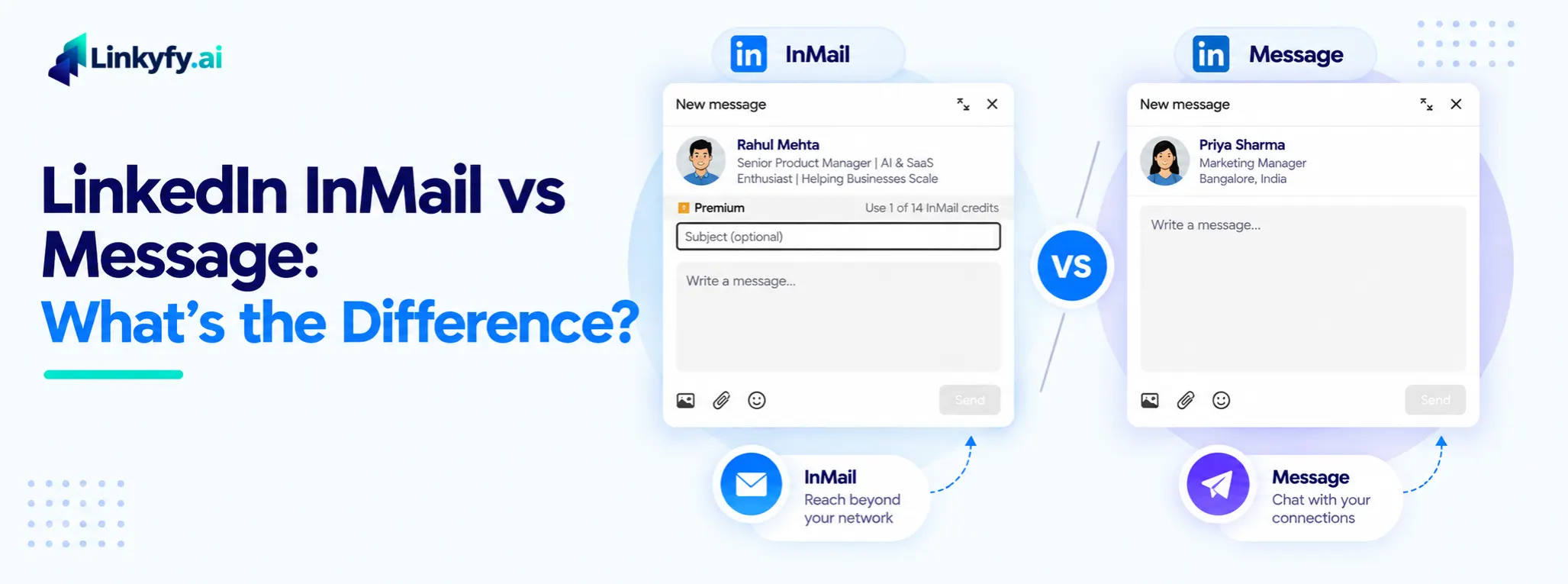
The short answer: a regular LinkedIn message is free but mostly reaches people you’re already connected to, while InMail costs a credit but can reach people outside your network. That distinction sounds simple, but it’s the reason the two aren’t really competing options. They solve different problems, and most outreach that works well ends up using both at different stages of the same relationship.
This guide covers what separates them, what each one costs, how to judge which gets more replies, and a clear way to decide which one to use.
What Is a Regular LinkedIn Message?
A regular message is the free option built into LinkedIn’s core messaging. You can send one to anyone in your 1st-degree network. In some cases you can also message people who share a LinkedIn Group with you, even without being connected. There’s no subscription requirement and no credit system, though LinkedIn does limit how much you can send each day.
The catch is built into the name: it only works once a relationship already exists, whether that’s an accepted connection or a shared group.
What Is LinkedIn InMail?
InMail is LinkedIn’s paid messaging feature for reaching people outside your network entirely, no connection, no shared group, no prior interaction required. It’s included with Premium, Sales Navigator, and Recruiter subscriptions, each of which allocates a set number of credits per month:
- Premium Career: 5 credits/month (accumulates up to 15)
- Premium Business: 15 credits/month (accumulates up to 45)
- Sales Navigator Core / Advanced: 50 credits/month (accumulates up to 150)
- Recruiter Lite: 30 credits/month (accumulates up to 120)
- Recruiter Pro: 100 credits/month
- Recruiter Corporate: 150 credits/month
Unused credits roll over up to that plan’s cap and expire after 90 days if unused. LinkedIn refunds a credit if the recipient replies within 90 days, and any reply counts toward the refund, including a “not interested.” No reply, no refund. Extra credits beyond your plan’s allowance can typically be purchased separately, at roughly $10 each.
One detail most guides skip: if the person you’re messaging has “Open Profile” enabled on their account, you can message them without spending a credit at all, regardless of your plan.
InMail vs Message Side by Side
| Factor | Regular Message | InMail |
|---|---|---|
| Who you can reach | 1st-degree connections (and some shared-group or event contacts) | Anyone on LinkedIn, connected or not |
| Cost | Free, unlimited | Costs a monthly credit (refunded if the recipient replies) |
| Requires a paid plan | No | Yes (Premium, Sales Navigator, or Recruiter) |
| Delivery | Lands in the recipient's normal inbox | Lands in the recipient's inbox with an "InMail" label |
| Character limit | Up to roughly 8,000 characters | Roughly 200-character subject, ~1,900–2,000-character body |
| Best for | Warm outreach, follow-ups, ongoing conversations | Cold outreach to people outside your network |
What the Response Rate Data Actually Shows
This is where a lot of guides on this topic get overconfident. Benchmarks for InMail and regular messages vary meaningfully across sources: some report InMail reply rates in the 10–25% range for cold outreach, with LinkedIn’s own research citing InMail response rates roughly three times higher than a comparable cold email. Regular messages to existing 1st-degree connections tend to perform better still, commonly cited in the 25–40%+ range, which makes sense given there’s already a relationship in place before you send anything.
The honest takeaway: comparing the two head-to-head on response rate alone is a bit of an apples-to-oranges exercise, since InMail is built for people who don’t know you yet and messages are built for people who already do. A more useful benchmark is tracking your own reply rate by channel over time, since personalization, targeting, and timing all move these numbers more than the channel choice itself. A few patterns show up consistently across sources, though: messages under roughly 400 characters tend to outperform longer ones on both channels, and sending Tuesday through Thursday, in the morning or late afternoon, is commonly reported as the higher-performing window.
When to Use Each One
Use a regular message when: you’re following up with an accepted connection, nurturing a warm lead, replying to an inbound conversation, or reaching someone through a shared group or event without spending a credit on a relationship that’s already warm enough for a free message to work.
Use InMail when: the person isn’t in your network and isn’t likely to accept a connection request quickly, you’re reaching someone senior or hard to access another way, or a deal is time-sensitive enough that waiting on a connection request isn’t practical.
The sequence that tends to work best combines both: send a personalized connection request first; if it’s accepted, follow up with a free message; if it goes unanswered after several days, use InMail as the fallback for that same prospect rather than starting from scratch. This spends credits only on the people who didn’t convert through the free path first.
Common Mistakes With Both
- Sending an InMail before checking whether the person has Open Profile enabled, and spending a credit unnecessarily
- Writing InMail messages long enough to need scrolling; shorter, more specific messages consistently perform better on both channels
- Using the exact same message for InMail and a regular message, when a cold recipient needs more context up front than a warm connection does
- Never following up. A single message on either channel, with no second touch, leaves most realistic response-rate ranges on the table
How Linkyfy Fits Into an InMail-and-Message Strategy
Manually deciding, message-by-message, whether a prospect needs a connection request, a free message, or an InMail credit doesn’t scale past a handful of contacts a day. Linkyfy automates the sequencing itself: it sends a personalized connection request first, generated from the prospect’s actual profile rather than a template, and only escalates when a response doesn’t come through. Every account also runs through an eligibility check, a dedicated IP (Standard plan and up), and capped, randomized daily sending, so the volume behind that sequencing doesn’t read as automated to LinkedIn’s own systems.
FAQs on LinkedIn InMail vs Message
Can I send a LinkedIn message without a paid plan?
Yes, regular messages are free and included on every LinkedIn account, but only to 1st-degree connections and some shared-group or event contacts. Reaching someone outside your network requires either a connection request or InMail.
Do unused InMail credits roll over?
Yes, up to a cap based on your plan (for example, 45 for Premium Business, 150 for Sales Navigator Core), and unused credits expire after 90 days.
Do I get my InMail credit back if the person doesn’t respond?
No. LinkedIn refunds the credit only if the recipient replies within 90 days, and any reply counts, including a decline. No reply means the credit isn’t refunded.
Is InMail or a regular message more effective?
It depends on context more than channel. InMail reaches people a regular message can’t, but regular messages to existing connections generally see higher reply rates simply because a relationship already exists. The better question is which one fits the specific prospect’s stage, not which one wins overall.
What is LinkedIn Open Profile, and how does it affect InMail?
Open Profile is a setting some members enable that lets anyone message them for free, without spending an InMail credit, even without a connection. Checking for it before sending an InMail can save credits on prospects you could otherwise reach at no cost.
