
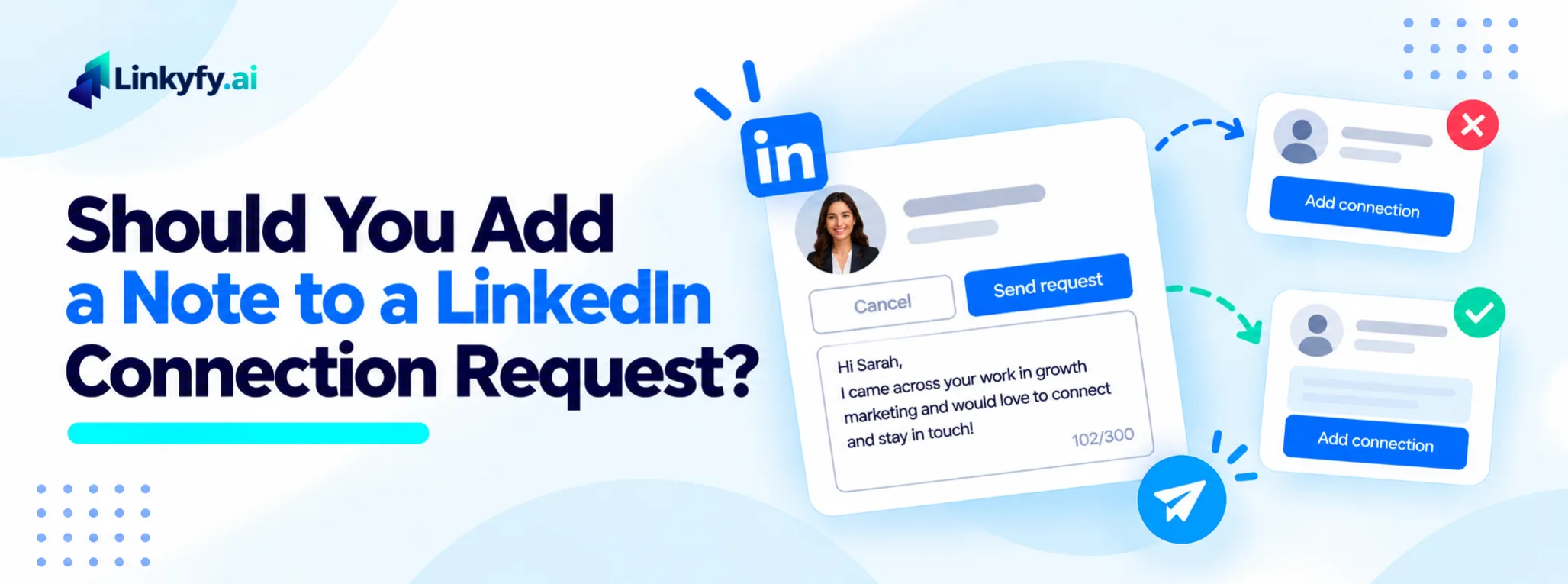
You find the right person and click Connect. Then LinkedIn asks if you want to add a note.
It sounds like a small choice, but advice online goes both ways. Some people swear by a note, and others send every request blank.
The data points to a clearer answer. A note barely changes whether someone accepts, but it changes what happens after they do.
This guide covers what the data shows, when to add a note, and when to skip it. It also shows what a good note looks like and how to test it on your own account.
Let’s start with the short answer.
The Short Answer
| What to Compare | With a note | Without a note |
|---|---|---|
| Effect on acceptance | About the same | About the same |
| Effect on replies after acceptance | Higher | Lower |
| Effort per request | More | Almost none |
| Free-account limits | Only a few notes a month | No limit beyond the weekly request cap |
| Best for | Prospects you most want to talk to | Broad outreach where you have nothing specific to say |
What the Data Shows
A Belkins study of more than 20 million outreach attempts compared requests with and without a note. Acceptance was 26.42% with a note and 26.37% without. That gap is too small to matter.
Replies told a different story. Once they accepted, 9.36% of people who got a note replied. Only 5.44% of those without a note did. That is about a 72% lift.
A separate 2026 review of 1,800+ LinkedIn campaigns points the same way. It found a reply rate of 22% per accepted connection with a personalized note, against 14% without.
LinkedIn outreach companies reported both datasets, and each defines a reply in its own way. So read them as a direction, not a promise.
The takeaway is simple. A note barely changes who accepts. It changes what happens next.
Why a Note Matters More for Replies Than for Acceptance
Who you are and who they are mostly decide acceptance. Your profile, their role, and any mutual connections do most of the work. Many people accept without opening the note at all.
The note helps later. It gives your first message some context, so the message reads as a follow-up to something, not a cold pitch. That is likely why replies rise even when acceptance does not.
For what does move acceptance, see our guide on LinkedIn acceptance rate.
When to Add a Note
Add a note when the extra effort can pay off. Four cases stand out.
- A high-value prospect. Someone you most want to talk to is worth a minute of effort.
- A real shared context. An event, a group, a mutual contact, or a post you read gives you something true to mention.
- An unclear reason to connect. If your profile and theirs don’t explain why you’re reaching out, one line fills the gap.
- Few mutual connections. With no shared network, a note is the only bridge you have.
When to Skip the Note
A blank request is fine. A weak note adds nothing and can read like a mass message.
Skip the note when you are sending broad outreach and have nothing specific to say. Skip it when the note would only be a pitch. And on a free account, skip it once you have used your monthly notes.
If you can’t name a real reason for connecting, a blank request is the better choice.
What a Good Note Looks Like
A good note has three traits. It gives one specific reason, it stays short, and it holds no pitch.
LinkedIn limits the note to roughly 200 to 300 characters, depending on account type and date. Check what your own account shows, and leave a few characters spare so nothing gets cut off.
Here are examples to adapt. Change the wording so it sounds like you.
Weak: “Hi, I’d like to add you to my network.”
Stronger: “Hi [Name], I enjoyed your post on hiring your first SDRs. Would love to connect.”
Stronger, with a shared group: “Hi [Name], we’re both in the [Group] group, and I liked your comment on pricing. Glad to connect.”
Stronger, with a mutual contact: “Hi [Name], [Mutual Contact] suggested I reach out. I follow your work on [topic] and would like to connect.”
Free vs. Premium: The Note Limit
Free accounts can send only a small number of notes each month. Sources report between three and five, and the cap has applied since 2023. Reports say Premium accounts have no monthly cap on notes. Every account still has a weekly cap on total requests.
LinkedIn changes these limits from time to time, so check what your own account shows.
On a free account, the rule is simple. Spend your notes on the people you most want to reach, and send the rest blank. For the weekly cap, see our guide to LinkedIn limits and safe outreach volume.
Common Mistakes With Connection Notes
A few habits cause the most weak notes. Watch for these six.
- Pitching in the note. The note opens a door. Save the offer for later.
- Using generic flattery. “I love your profile” could go to anyone, so it reads that way.
- Leaving broken merge tags. A note that starts “Hi {first_name}” tells them it is a mass message.
- Running to the character limit. A note cut off mid-sentence looks careless.
- Sending the same note to everyone. If you can’t change it, send the request blank. Our guide on how to automate LinkedIn messages without sounding like a robot covers the habits to avoid.
- Treating the note as the whole job. The message after acceptance does the real work. Our guide on how to turn LinkedIn replies into booked calls covers what to do once they reply.
How to Test It on Your Own Account
Your results depend on your audience, so test it. For two weeks, send half your requests with a note and half without, all to the same type of prospect.
Then track two numbers for each half: acceptance rate and replies per accepted connection. Our guide on LinkedIn outreach metrics shows how to read them.
If acceptance is the same but replies are higher with a note, keep notes for your best prospects. Send the rest blank.
There is no target number to hit. Your own baseline is what counts.
Notes Written From the Profile: Linkyfy for Connection Requests
Writing a good note for every prospect takes time. Linkyfy can take over that part.
Linkyfy writes each LinkedIn message from the prospect’s real profile. So a note names something real, not a merge tag. Daily actions stay capped at 15 to 20, with randomized delays.
To see how it works, explore LinkedIn Message Automation.
FAQs on LinkedIn Connection Request Notes
Does adding a note increase my acceptance rate?
Usually not by much. One large study found 26.42% acceptance with a note and 26.37% without. A note helps more with replies once they connect.
Should I send a note on a free LinkedIn account?
Only to your best prospects. Free accounts get a small monthly quota of notes, so send the rest blank.
How long can a connection request note be?
Roughly 200 to 300 characters, depending on account type and date. Check your own account, and aim to stay under the limit.
What should I write in a connection request note?
Give one specific reason for connecting, such as a post, an event, or a mutual contact. Keep it to a line or two, and leave out the pitch.
Is it okay to send a connection request with no note?
Yes. A blank request is normal. A generic note adds nothing, so a blank one is the better choice.
What should I send after they accept?
A short message that builds on the note or the shared context. Our guide on how to turn LinkedIn replies into booked calls covers what comes next.
