
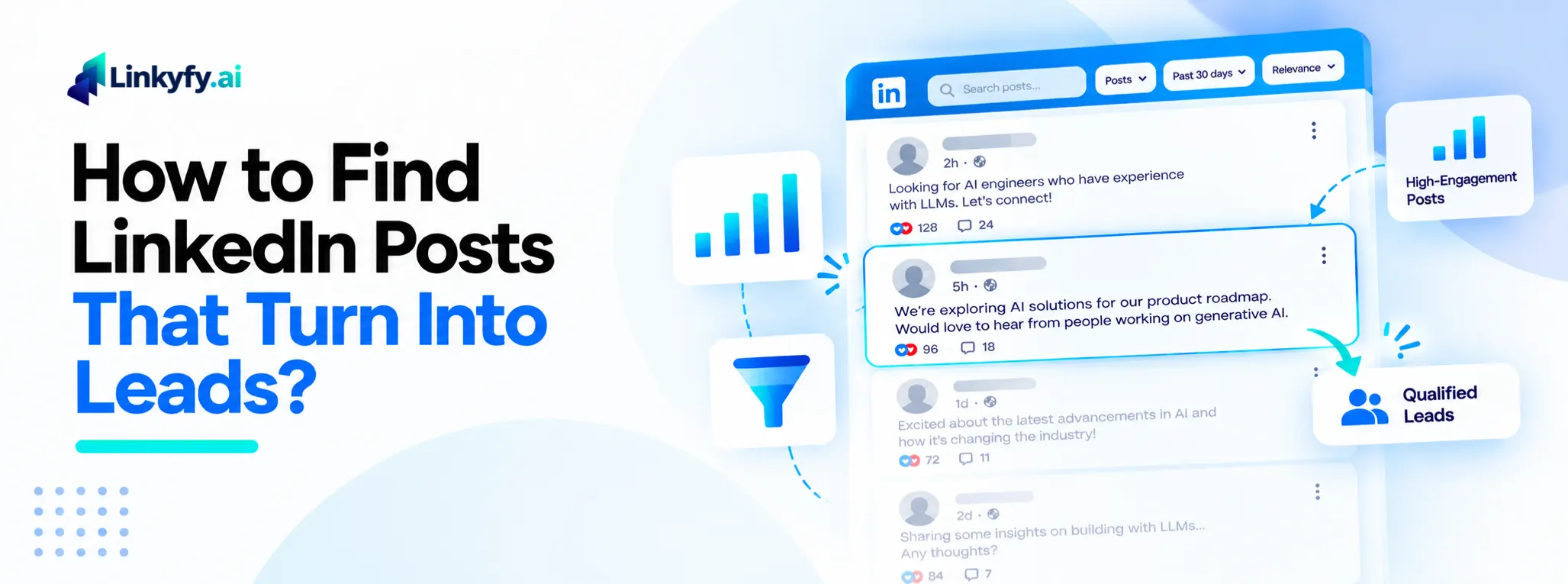
Somewhere on LinkedIn right now, someone is posting exactly what you sell. A founder says they’re hiring. A marketer asks for agency recommendations. A sales leader admits their current tool isn’t working. These posts are buying signals, sitting in plain sight.
Most sales teams miss them anyway. Scrolling a feed all day isn’t a real strategy, and a vague search usually returns noise instead of signal. So this guide breaks down a repeatable method: how to search for the right posts, how to tell a real signal from a generic one, how to find the right person to contact, and how to turn a single search into an ongoing source of warm leads.
None of this requires a paid tool or a technical setup. Everything below works with a standard LinkedIn account and LinkedIn’s own native search. The goal is to give you a process you can run by hand today, and a sense of what’s worth automating once the volume outgrows manual searching.
What a Post Tells You That a Profile Never Will
A static profile tells you who someone is. A post tells you what they need right now. Someone writing “looking to outsource our SEO” is a warmer signal than anyone a generic title-and-industry search returns, because they’ve already told you the problem.
On top of that, posts carry their own context. You know exactly what to reference in your outreach, instead of opening with a generic line that could apply to anyone.
How to Search LinkedIn for Posts by Keyword
Start with LinkedIn’s own search bar, not a third-party tool. Type your keyword, run the search, then filter the results to the “Posts” tab specifically. That step matters, since the default results mix people, companies, and posts together.
From there, use LinkedIn’s “Date posted” filter and switch it to “Past 24 hours” or “Past week.” A hiring post from six months ago is a dead lead. A fresh one is a live conversation. Sorting by “Latest” instead of “Top match” also surfaces recent posts, rather than ones LinkedIn thinks are most relevant overall.
Keyword phrasing matters more than most people expect. Broad terms like “marketing” return too much noise. Instead, search phrases people actually type when they’re asking for something: “looking for,” “any recommendations,” “hiring a,” or the specific service or role you’re targeting. Narrow, natural phrases outperform broad industry terms almost every time.
What Makes a Post Worth Acting On
Not every post that matches your keyword is worth a message. Still, a few patterns show up consistently in posts worth acting on:
Hiring or outsourcing signals. “We’re hiring a growth marketer” or “looking to outsource our SEO” are direct statements of need. These are the highest-intent posts you’ll find.
Recommendation requests. “Any agency recommendations for X?” is someone actively shopping, right now, in public. That’s about as warm as cold outreach gets.
Knowledge-sharing posts. Someone sharing genuine expertise on a topic relevant to your niche isn’t ready to buy yet, but it’s a natural opening for a comment or a warm introduction before any pitch.
What to skip: generic career updates, celebratory posts with no real ask, and reposts with no original commentary. These rarely lead anywhere, however closely they match your keyword.
From Post to Prospect: Finding the Right Person
Once you’ve found a relevant post, decide who to actually reach out to. Sometimes it’s the person who wrote it. Other times, it’s someone commenting with real interest, especially on a knowledge-sharing post where the original poster isn’t your buyer but a commenter might be.
Before sending anything, do a quick gut-check against your ideal customer profile. Does this person’s role, company size, and industry actually fit what you sell? If you’re doing this by hand, that judgment call takes a few seconds per post. Tools like Linkyfy can score this automatically once you’re ready to do it at scale, but the judgment itself doesn’t require software.
Common Mistakes When Prospecting From LinkedIn Posts
Acting on stale posts. A hiring post from three months ago has likely already been filled. Stick to recent activity, and treat anything older than a week or two as a much lower priority.
Sending a generic message anyway. If you found someone through a specific post, reference it. Otherwise, you’ve done the hard part of finding a warm signal and then thrown it away with a templated pitch that ignores the exact reason you reached out in the first place.
Not tracking which searches actually work. Some keyword phrases return far more relevant posts than others. Without tracking that, you’ll keep running searches that waste time instead of doubling down on what works.
Treating every keyword match as equal. A direct hiring post and a loosely related knowledge-sharing post both show up under the same search, but they don’t deserve the same follow-up. Prioritize the clearest signals first, rather than working through results in the order LinkedIn returns them.
Pitching in the comments instead of reaching out directly. Replying to someone’s hiring or recommendation post with a public sales pitch tends to look opportunistic, and it tips off everyone else watching that thread. A short, specific direct message referencing the post almost always performs better than a public comment.
How Linkyfy Finds These Posts for You
Running this search manually across a handful of keywords a day is doable. Running it across the dozens of searches a real pipeline needs isn’t, at least not by hand, and neither is scanning every comment thread or scoring every result against your ICP on your own. Linkyfy’s LinkedIn Post Finder automates the search-to-outreach workflow described above: it surfaces matching posts, filters them by intent, identifies the person behind each one, and queues personalized outreach, all from a single LinkedIn search. That way, the method in this guide keeps working, just without the manual search, the manual comment-scanning, or the manual ICP check.
FAQs on Finding LinkedIn Posts for Lead Generation
How often should I run these searches?
Daily, if the keyword is core to what you sell. Buying-intent posts go stale fast, so a search you run once a week will miss most of the relevant activity.
Do I need a LinkedIn Sales Navigator to do this?
No. LinkedIn’s native search, the “Posts” filter, and the “Date posted” filter are all available on a free account. Sales Navigator can expand what you see, but it isn’t required to get started.
What’s the best way to phrase a keyword search?
Use specific, natural phrases over broad industry terms. Searching “looking to outsource SEO” returns far more relevant posts than searching “SEO” alone.
Should I message the person who posted, or someone commenting?
It depends on the post. On a hiring or outsourcing post, the original poster is usually the right contact. On a knowledge-sharing post, a commenter with genuine interest can be a better fit than the poster.
Is this different from just browsing LinkedIn normally?
Yes. Browsing your feed shows you whatever LinkedIn’s algorithm ranks as relevant. A targeted keyword search with the right filters shows you posts that match a specific signal, whether or not the algorithm would have surfaced them on its own.
