
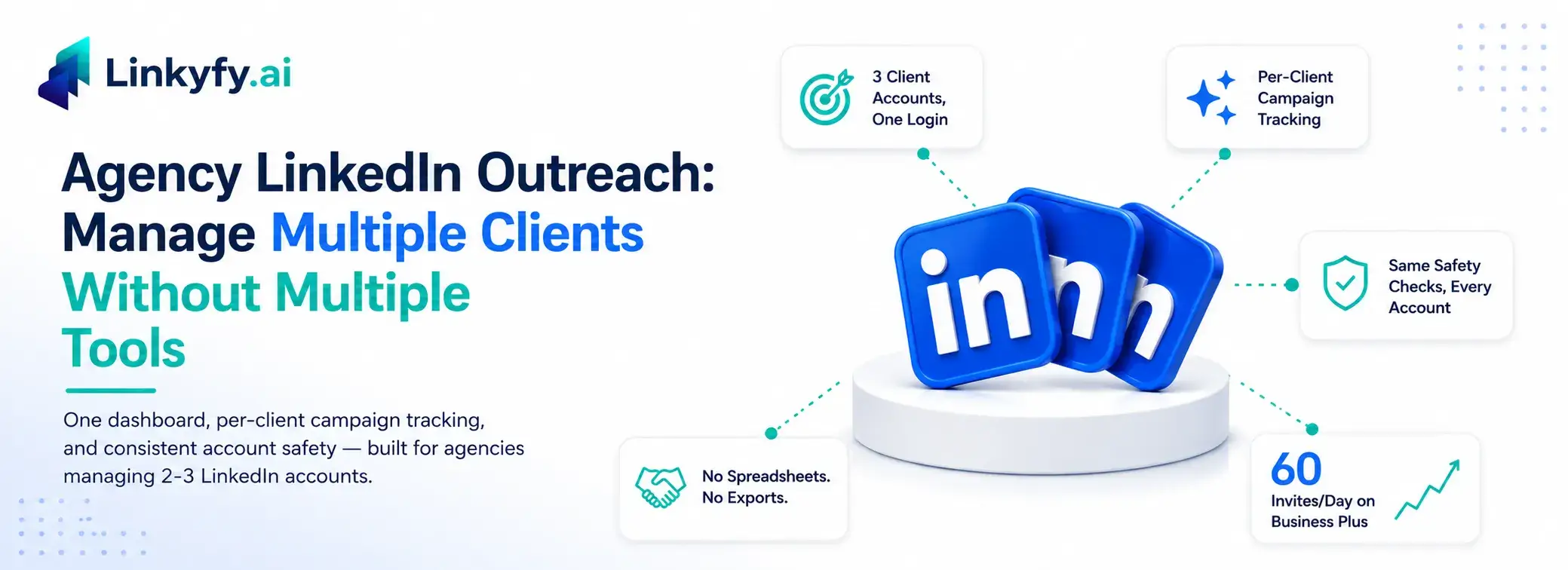
Most agencies running LinkedIn outreach for clients end up with a patchwork setup: one login per client, a separate spreadsheet to track what each account is doing, and no single view of which campaign is actually working. That’s not a workflow — it’s a liability waiting for a client to ask “how’s my campaign doing?” on a Tuesday morning.
The enterprise-grade tools built for this problem are built for a different buyer: agencies running 10+ accounts, with the pricing and complexity to match. If you’re a boutique agency running outreach for 2-3 clients, that’s the wrong tool for the job. This piece covers what multi-account LinkedIn outreach actually requires at that scale — multi-account management, per-campaign tracking, and consistent account safety — and where the tooling gap is.
Learn how Linkyfy’s Business Plus plan supports up to 3 LinkedIn accounts under one subscription, with real-time reporting and cloud-based automation designed specifically for growing agencies, not enterprise operations.
Why Client-by-Client Tools Break Down First
Every additional client account you manage separately adds the same three costs: a new login to secure, a new place to track performance, and a new context switch every time you move between accounts. None of that shows up in a sales demo. All of it shows up three weeks into a live retainer.
Agencies managing LinkedIn campaigns for multiple clients face a specific set of requirements that single-account tools don’t solve for:
- Per-campaign performance tracking that doesn’t require exporting and merging data manually
- Account-level safety controls applied consistently across every client account
- A workflow that doesn’t require a dedicated operator per account
The Boutique Agency Gap
The competitive landscape for LinkedIn outreach automation splits cleanly in two. On one end, tools like HeyReach are built for large agencies managing 10+ LinkedIn accounts- enterprise scale, enterprise pricing, enterprise complexity. On the other end, most LinkedIn automation tools are built for a single account and a single user.
There’s very little built for the space in between: an agency running outreach for a handful of clients who needs multi-account management without paying for- or configuring- infrastructure sized for ten times their actual account count.
What "Sized for Boutique Agencies" Actually Looks Like
Linkyfy’s Business Plus plan is built specifically for this middle tier. It supports 3 LinkedIn accounts under one subscription, with per-account campaign tracking so an agency can see exactly how each client’s outreach is performing without switching logins or exporting spreadsheets. It’s the one Linkyfy plan explicitly positioned for agencies.
At the Business Plus tier:
- 3 LinkedIn accounts managed from a single subscription
- Up to 60 LinkedIn connection invites per day across 3 accounts
- 3 active Grow Network campaigns running in parallel
- 6 “Find Posts with AI” searches, for prospecting beyond standard search filters
- 48 email finds and sends/day, for the multi-channel LinkedIn + email workflow
Every client account still goes through the same account eligibility check – 250+ existing connections and at least 1 year of account age- before automation activates, and every account runs on the same randomized-delay, human-behavior-mimicking safety layer regardless of which client it belongs to.
Why Architecture Matters More at Multi-Account Scale
Running one client account through a risky tool is a bad day. Running three client accounts through a risky tool is three bad days, three client relationships, and three sets of retainer invoices at stake simultaneously.
This is where the underlying architecture stops being a technical footnote and starts being the actual pitch. Linkyfy runs through cloud-based infrastructure – not a browser extension, which carries meaningfully lower detection risk than extension-based competitors like Expandi. For an agency, that risk is multiplied across every account under management, not isolated to one.
The platform also never accesses or stores client passwords – only the configuration details required to run the account safely – which matters when the account in question doesn’t belong to the agency but to a client who’s trusting the agency with it.
Reporting Without the Copy-Paste
Client reporting is usually the part of agency outreach work that eats the most unbilled hours. Linkyfy’s deliverability and reply-rate analytics track performance per campaign in real time- delivery rate, open rate, reply rate, and click rate on the email side, plus connection acceptance and engagement on the LinkedIn side – so pulling a client update doesn’t mean reconstructing numbers from three different exports.
Looking ahead, Linkyfy is also building MCP-based CRM integrations, which will let campaign data, reply data, and prospect records sync automatically into the CRMs and workflow tools agencies already report through – removing the manual export step entirely once live.
What This Changes for a Growing Agency
An agency doesn’t need enterprise-scale tooling to look and operate like it has its outreach fully under control. It needs one dashboard, consistent safety controls across every client account, and reporting that doesn’t require a spreadsheet to reconcile. That’s the specific gap a 3-account, per-campaign-tracked plan is built to close – scale agency outbound without adding headcount for every new client account.
Linkyfy Business Plus is designed for boutique agencies managing multiple LinkedIn client accounts.
- Manage up to 3 LinkedIn accounts from one subscription
- 60 connection invites/day across all managed accounts
- Per-client campaign reporting from a single dashboard
- Cloud-based architecture (not a browser extension)
- Account eligibility checks before automation (Eligibility criteria: 250+ connections, 1 year old account)
- MCP-based CRM integrations coming soon
Best For: Agencies managing 2-3 client accounts.
Talk to Sales for an agency demo of Business Plus multi-account management, or start free at linkyfy.ai
Frequently Asked Questions
Is it against LinkedIn’s rules for an agency to manage multiple client accounts?
No. Agencies operate on behalf of real people who each own their account, which is standard for outbound-led businesses. The risk isn’t the number of accounts; it’s how they are managed. Tools that check account eligibility before automating and apply built-in compliance safeguards help keep multi-client management within LinkedIn’s terms.
How many LinkedIn accounts can one tool manage for an agency?
This varies by platform tier. On Linkyfy, Business Plus supports up to 3 LinkedIn accounts under one subscription, with per-account campaign tracking. It’s designed for boutique agencies rather than the 10+ account scale some enterprise tools support.
How do you avoid getting a client’s LinkedIn account restricted when managing multiple accounts?
Account eligibility and daily activity limits matter most. On Linkyfy, accounts need at least 250 connections and to be at least one year old before automation starts. Daily limits of 15–20 LinkedIn connection requests per account (up to 60 total across Business Plus) are combined with randomized delays, ensuring one client’s activity doesn’t affect another’s.
Is a browser extension or a cloud-based tool safer for managing multiple client accounts?
Cloud-based infrastructure generally carries a lower detection risk than browser extensions because extension activity runs inside the browser environment that LinkedIn actively monitors. This becomes even more important at agency scale, where one flagged account can affect a client relationship, not just a personal profile.
Does each client’s LinkedIn account get the same safety protections?
On Linkyfy, yes. Every account, regardless of how many an agency manages, goes through the same eligibility checks and uses the same randomized-delay, cloud-based automation designed to improve account safety.
