
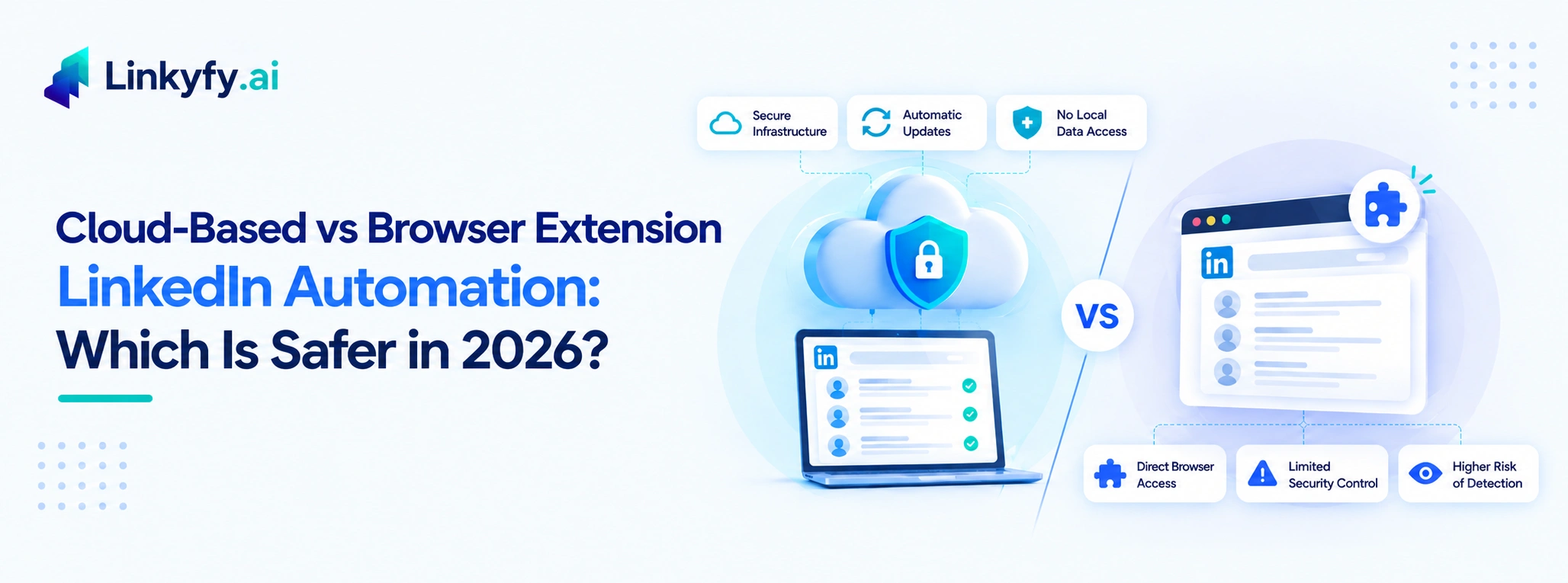
Every LinkedIn automation tool eventually gets asked the same question: does it run in your browser, or does it run somewhere else entirely? The answer sounds like a technical footnote, but it’s actually the single biggest factor in how detectable your outreach is. It matters more than your daily volume, more than your message quality, and more than which specific tool’s logo is on the product.
This isn’t a settled debate everyone agrees on. A few tool vendors still argue browser extensions are just as safe, or safer, since they run “inside your normal session.” But the architecture itself tells a clearer story once you look at what LinkedIn is actually able to see from each approach.
How Browser Extension Automation Actually Works
A browser extension automates LinkedIn by injecting scripts directly into the page you’re viewing: clicking buttons, filling fields, and scrolling, all inside your live, authenticated session. From LinkedIn’s side, every one of those actions arrives through your actual browser, tied to your actual cookies and fingerprint.
That’s exactly the problem. LinkedIn’s detection systems can identify browser-level manipulation directly. Specifically, this shows up in a few ways:
- Click and keystroke consistency: injected actions land with a mechanical evenness that doesn’t match how a person actually clicks or types
- Session and timing patterns: automated sessions often run at hours or durations that don’t fit the account’s normal usage history
- Action velocity: profile views, connection requests, or messages firing faster than a human could realistically click through them
- Extension fingerprinting: many browsers and security layers can detect that a page’s DOM is being manipulated by an installed extension, separate from anything LinkedIn itself does
Extensions also require LinkedIn to stay open in a browser tab to keep working, which creates two more practical issues: the automation stops the moment you close the tab or your laptop sleeps, and it depends entirely on your local machine staying online and connected. And if the extension has a security flaw, that flaw has direct access to your authenticated session and credentials, not just your automation settings.
How Cloud-Based Automation Works Differently
A cloud-based tool never touches your browser at all. It runs on its own servers and communicates with LinkedIn independently of your device, meaning there’s no local session for LinkedIn to inspect for injected scripts or fingerprint mismatches. This eliminates the browser-simulation risk entirely. Your laptop can be closed, and the campaign keeps running exactly the same way.
A few practical consequences follow from that:
- No device dependency: campaigns keep running whether your computer is on, off, asleep, or on a different network entirely
- No local fingerprint to flag: there’s no injected script running inside your actual browser session for LinkedIn or any browser-level security layer to catch
- Resilience to interface changes: a browser extension has to be patched by its developer whenever LinkedIn changes its page structure, leaving a window where the extension either breaks or runs against outdated selectors; a cloud platform interacting through more stable channels doesn’t share that fragility
- Centralized updates: improvements to detection-avoidance logic roll out on the provider’s side, without requiring you to reinstall or update anything locally
The Part Most Comparisons Skip: Shared IP vs. Dedicated Infrastructure
Here’s where it gets more interesting than a simple “cloud good, extension bad” headline suggests. Not all cloud automation carries the same risk profile. The difference comes down to how the provider routes your traffic:
- Shared IP infrastructure: your account’s activity runs through the same server IP address as dozens of other users of the same tool. If LinkedIn flags one account on that IP, the IP’s reputation degrades for everyone using it, including accounts that never did anything wrong. Most cloud-based LinkedIn tools use this model, since it’s cheaper to operate at scale.
- Dedicated IP infrastructure: each connected account gets its own isolated IP address, so one account’s activity has no bearing on another’s standing. This avoids the shared-blast-radius problem entirely – Expandi is one of the better-known tools built around this model, and reports meaningfully lower flagged-account rates as a result.
The honest takeaway: “cloud-based” isn’t a single safety tier. It’s a spectrum, and the specific infrastructure behind the “cloud” label matters as much as the label itself.
What Actually Gets Accounts Restricted, Regardless of Architecture
Architecture sets your risk floor, but it doesn’t guarantee safety on its own. The behaviors that trigger restriction are largely the same whether a tool runs in a browser or in the cloud:
- Volume spikes: sending far more requests in a short window than your account’s history supports
- Identical message content: the same template, sent at scale, with only a name swapped in
- Widely ignored requests: a high volume of connection requests that go unanswered or get rejected
- Aggressive targeting: mass-contacting public or unrelated profiles outside any real network logic
- Sudden behavior changes: an account that’s used LinkedIn lightly and manually for years, then abruptly starts sending 50 connection requests a day
No architecture, cloud, dedicated IP, or otherwise, cancels out what happens when these behaviors stack on top of it. The tool determines your exposure to browser-level detection. Your actual sending behavior determines most of the rest. see our full breakdown of how to automate LinkedIn outreach without getting banned for the sending-side practices that matter regardless of which tool you use.
So Which Should You Choose?
If the choice is strictly cloud vs. browser extension, cloud wins on the mechanics: no session manipulation for LinkedIn to detect, no dependency on your device staying online, and no extension code with direct access to your credentials. That’s not a marketing claim. It’s a direct consequence of where the automation actually executes.
But “cloud-based” alone isn’t the finish line. Before choosing any tool, cloud or otherwise, ask these questions:
| Question | What a good answer looks like |
|---|---|
| Does it cap daily activity conservatively? | Fixed daily limits that stay within the ranges in our limits guide |
| Does it randomize timing? | Variable delays, not fixed intervals |
| Does it check an account’s standing before starting a campaign? | A check on account age, connections and activity history |
| Does it run on shared or dedicated IP infrastructure? | A clear answer, stated on the pricing or feature page |
| How does it log in to your account? | A clear explanation of how login works and what is stored |
Architecture reduces one category of risk. Sending discipline reduces the rest.
Where Linkyfy Fits
Linkyfy runs in the cloud: no browser extension and no requirement to keep a tab open. A lightweight desktop app is available as an alternative, but the automation itself runs in the cloud. On Standard plan and above, each account is assigned a dedicated IP. On top of that, accounts go through an eligibility check on account age and connections before a campaign can start, and sends are capped at 15–20 actions per day with randomized delays between each one, rather than firing at fixed, mechanically even intervals.
None of that makes any LinkedIn automation risk-free; no tool can promise that, regardless of what its marketing says. What it does is take care of the infrastructure side, the part entirely outside your control once you’ve chosen a tool. The remaining risk comes down to how conservatively your own campaigns run, which is the part you actually get to manage. See how this plays out across a full campaign in our guide to LinkedIn outreach automation.
Comparing tools? See how Linkyfy stacks up against Dripify and Expandi. If you’re adding email to the mix, read our guide to multi-channel outreach sequences.
FAQs on Cloud vs. Browser Extension LinkedIn Automation
Is cloud-based LinkedIn automation always safer than a browser extension?
Generally, yes, at the architecture level. Cloud tools don’t manipulate your live browser session, which removes an entire category of detection risk. But “cloud-based” covers a range of infrastructure quality, and a poorly-paced cloud campaign can still get restricted.
Why do browser extensions get flagged more easily?
Because they inject actions directly into your authenticated LinkedIn session, and LinkedIn’s detection systems can identify that manipulation at the browser level. The mechanical timing and consistency of injected clicks doesn’t match natural usage patterns.
Does using a cloud-based tool guarantee my account won’t get restricted?
No. Architecture reduces one risk category, but volume spikes, identical templated messages, and aggressive targeting can still trigger restriction regardless of whether a tool runs in the cloud or in a browser.
What’s the difference between shared and dedicated IP infrastructure?
Shared IP means your account’s traffic runs alongside other users of the same tool on the same server address; if one account gets flagged, the whole IP’s reputation can suffer. Dedicated IP infrastructure isolates each account’s traffic, avoiding that shared risk.
Do browser extensions have access to my LinkedIn password?
Extensions operate within your authenticated session, which means they have the same access your logged-in browser does. If an extension has a security vulnerability, that access extends to your account. Cloud tools that don’t require a stored password carry less exposure on this specific point.
