
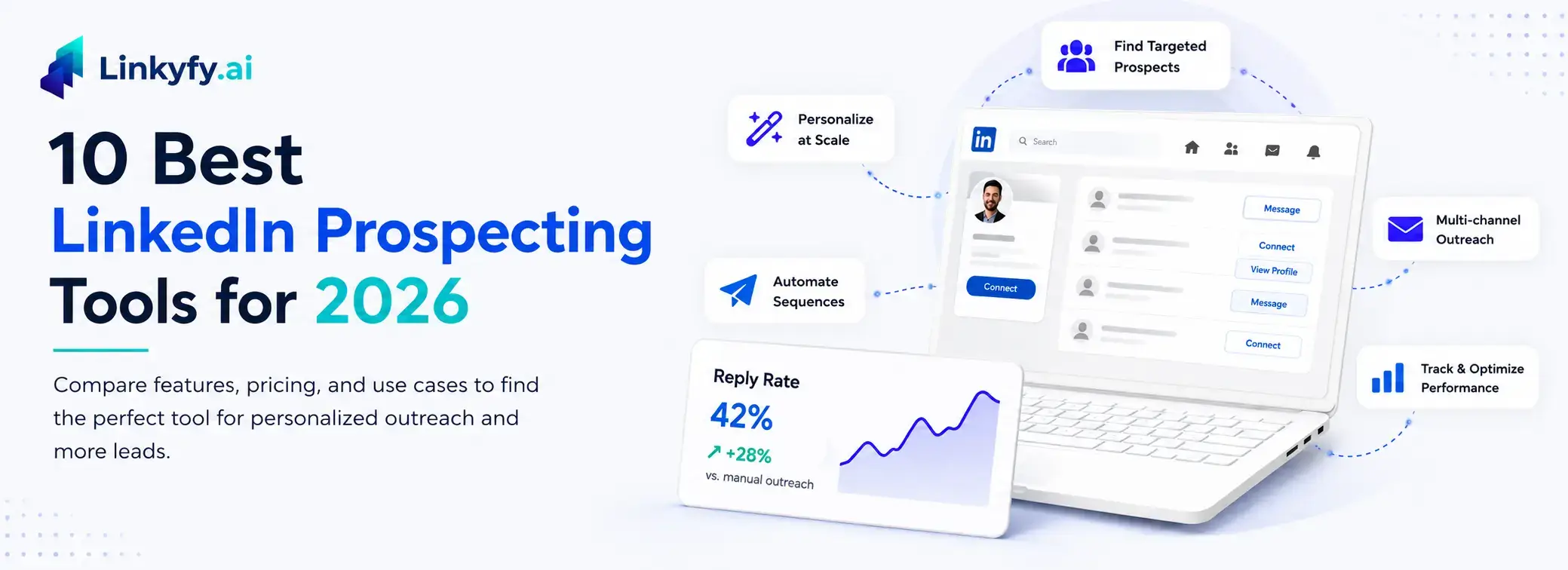
LinkedIn prospecting has become one of the most effective ways for B2B sales teams to generate qualified leads, but manual outreach is difficult to scale. This guide compares the best LinkedIn prospecting tools for 2026, including LinkedIn automation software, lead generation platforms, and AI-powered outreach solutions. You’ll discover which tools excel at personalized prospecting, multichannel outreach, account safety, and sales automation so you can build a more efficient LinkedIn lead generation strategy and improve reply rates without risking your account.
LinkedIn drives 80% of B2B leads generated through social media, making it the one channel B2B sellers cannot afford to treat as an afterthought. But manual prospecting drains hours: finding the right people, personalizing every message, and following up consistently eats into the day for SDRs, founders, and sales teams, and LinkedIn’s activity limits only tighten the squeeze.
The right LinkedIn prospecting AI tools solve this. This guide covers the 10 best tools for three core jobs: finding high-quality lead data, automating connection and outreach sequences, and running multichannel follow-up. We also break down how to choose the right tool for your team and how to stay within LinkedIn’s safety guidelines.
1. Linkyfy.ai
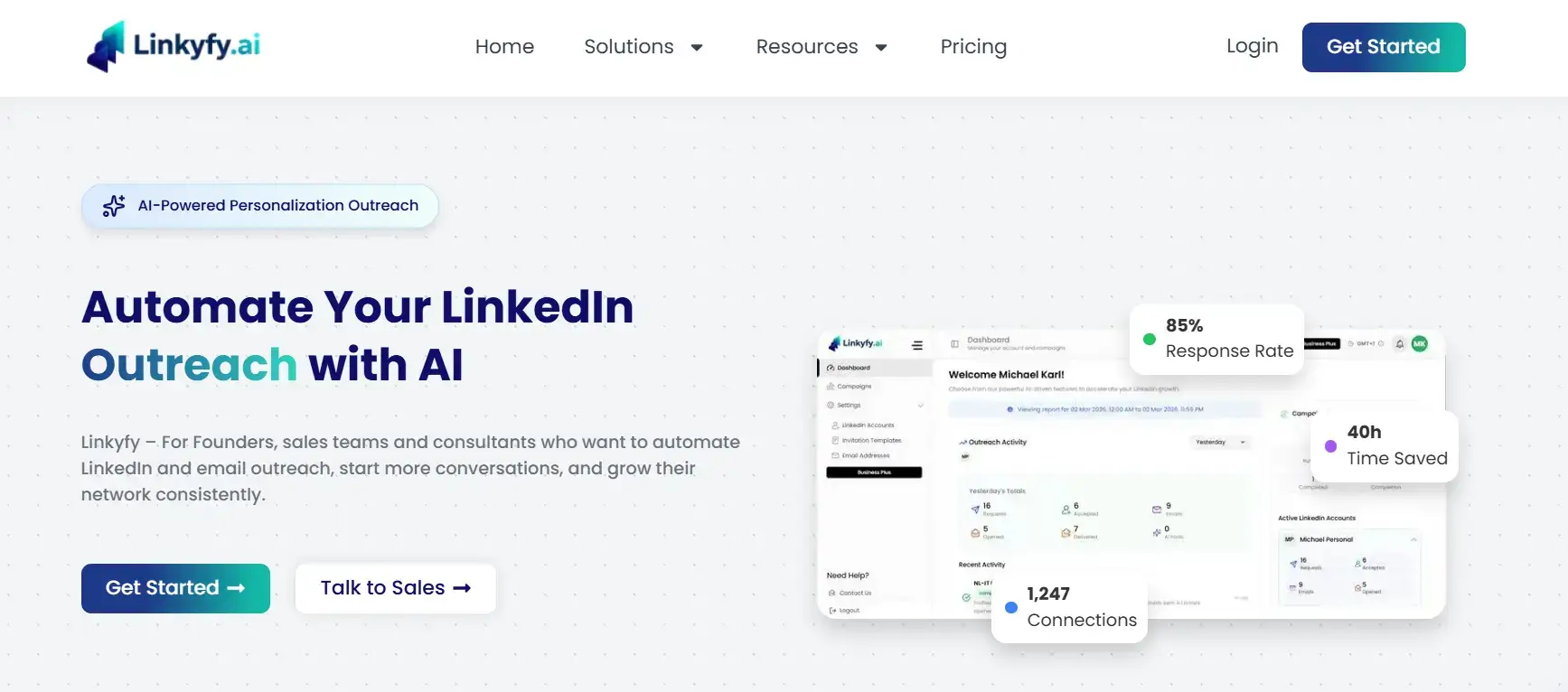
Linkyfy.ai is an AI-powered LinkedIn automation software platform built for sales professionals who want relevance, not just volume.
Most LinkedIn lead generation tools send the same templated message to every prospect and wonder why reply rates stay flat. Before sending any message, Linkyfy pulls live prospect data and company data for each contact, then uses that context to generate personalized outreach that actually speaks to the individual. The result is a meaningful difference in reply rates compared to spray-and-pray automation.
Linkyfy is best suited for teams that prioritize quality replies over raw connection volume. Whether you need LinkedIn outreach automation for sales professionals or a solution for founders, CXOs, and marketing agencies managing client campaigns, Linkyfy is built for teams that would rather convert one out of ten prospects than send one hundred connection requests and receive only two replies.
Key Features
- AI-generated personalized messages tailored to each prospect’s profile and company context
- Connection request automation with smart sequencing
- Multi-step outreach sequences with conditional follow-ups
- Safe daily sending limits are designed to keep accounts in good standing
Pricing
Linkyfy.ai offers a free plan that includes 1 LinkedIn account, 20 connection invites per day, and 1 Grow Network campaign, making it a good way to test the platform before committing. Paid plans start at $39/month for the Standard plan, designed for individual professionals. The Business plan starts at $69/month and offers higher invite limits and expanded campaign access, while the Business Plus plan at $149/month is suited for agencies managing up to 3 LinkedIn accounts.
- Pros
- Personalization is baked into the core workflow, not a paid add-on
- Reduces the manual research time that kills SDR productivity
- Safe sending limits protect your LinkedIn account from restrictions
- Accessible for founders and solo sellers, not just enterprise sales teams
2. Apollo.io
- Pros
- Strong free plan (100 export credits/month) for testing before committing
- Database and outreach sequences in a single platform reduce tool sprawl
- Extensive filtering for hyper-targeted lead lists
- Cons
- LinkedIn automation is extension-based, not cloud-based, which carries a higher risk of detection.
- Data quality on international contacts can be inconsistent. Verify exports before loading into campaigns.
- Advanced features such as intent data require higher-tier plans
Apollo.io is a sales tool that combines a massive B2B contact database with built-in outreach sequences, a dialer, and LinkedIn enrichment via a Chrome extension. It is one of the most complete all-in-one platforms on the market for US-focused outbound teams who want prospect and company data, and sequencing. However, its LinkedIn automation software layer is extension-based rather than cloud-based.
Key Features
- 230M+ contact database with verified emails and phone numbers
- LinkedIn Chrome extension for instant lead enrichment while browsing
- Email sequencing and automated follow-ups
- CRM sync with HubSpot, Salesforce, and Pipedrive
- Intent data signals to prioritize warm accounts
Pricing
Free plan available with 100 monthly credits. Paid plans start at $59/user/month (Basic), or $49/user/month billed annually, with Professional at $99/user/month, or $79/user/month billed annually, and Organization at $149/user/month, or $119/user/month billed annually.
3. Evaboot
Key Features
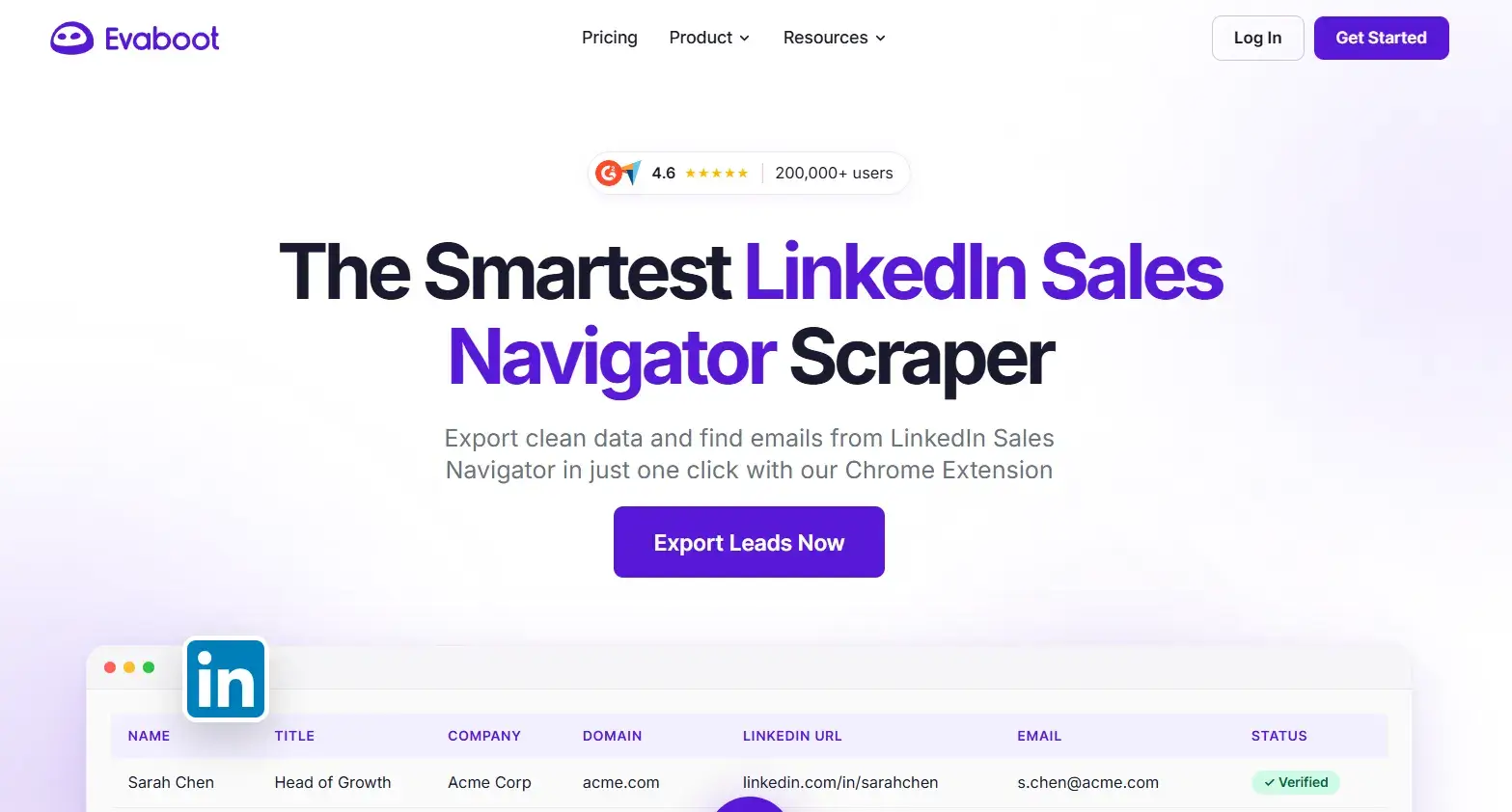
- One-click export from LinkedIn Sales Navigator searches and lists
- Automatic data cleaning (removes mismatched leads that don’t fit your filters)
- Email finder with verification status (valid, risky, invalid) for each contact
- CSV export with LinkedIn profile URLs included
Pricing
Starts at $9/month for 100 credits, scaling to $99/month for 1,200 credits. Each credit exports one lead with an email address. Note that the mandatory Sales Navigator subscription adds significantly to the real monthly cost.- Pros
- Saves significant time on manual data cleaning after Sales Navigator exports
- Email verification is built into the export process
- Simple, focused UI with minimal learning curve
- Cons
- Requires an active LinkedIn Sales Navigator subscription ($99–$149/month) to function
- No outreach or automation capability, strictly a data extraction tool
- Email accuracy averages 70–80%, so additional verification is recommended
4. HeyReach
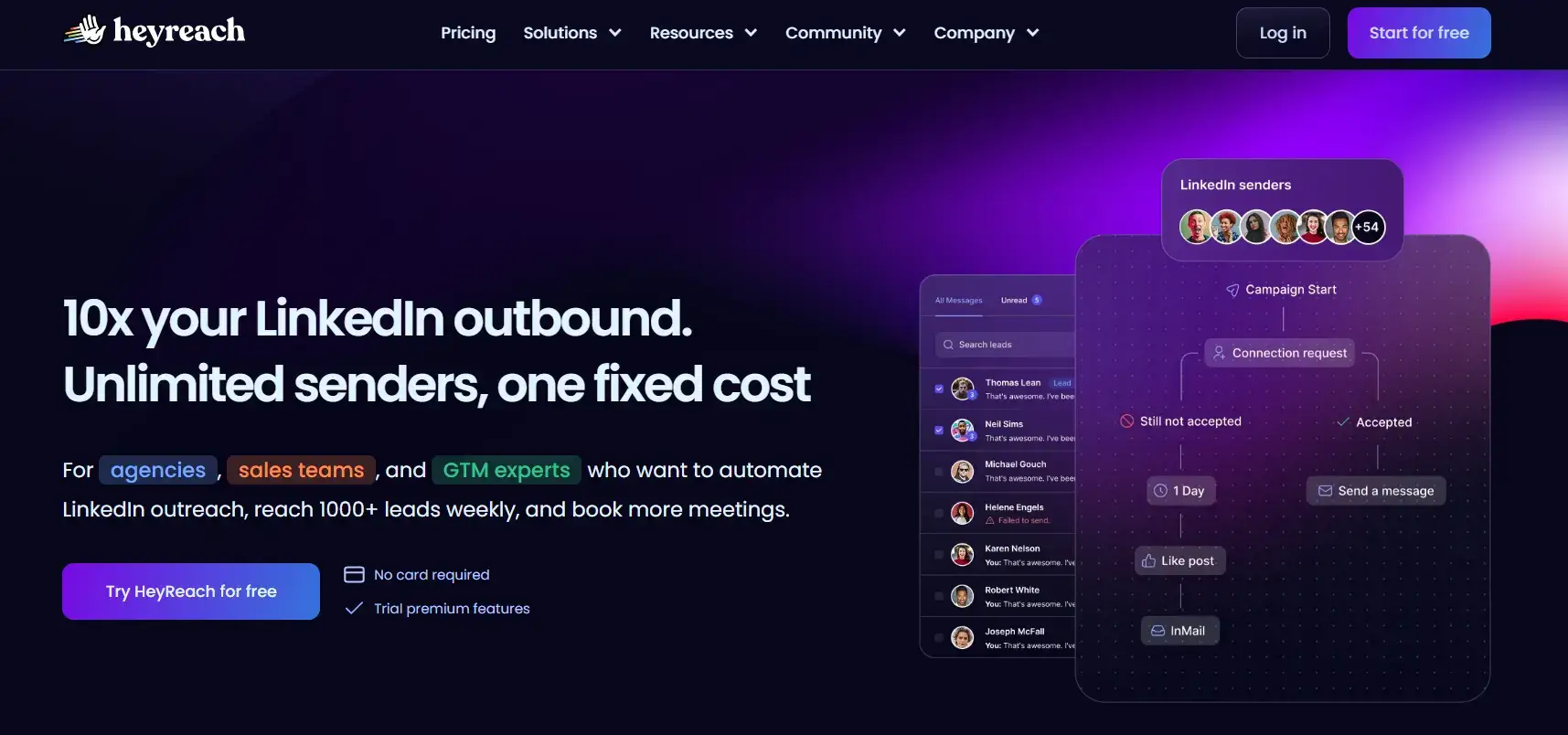
HeyReach is a cloud-based LinkedIn automation platform built for agencies and teams that need to run outreach across multiple LinkedIn accounts simultaneously. Its defining feature is a multi-sender architecture; campaigns rotate across multiple LinkedIn profiles automatically, bypassing per-account sending limits while centralizing all replies in a single unified inbox.
Key Features
- Multi-account campaign rotation across unlimited LinkedIn profiles
- Unified inbox consolidating replies from all senders
- Campaign analytics broken down by sender and sequence step
- Native integrations with HubSpot, Salesforce, and Clay
Pricing
Plans start at $79 per sender/month, dropping to $71 quarterly and $63 annually. Agency-scale plans reach $2,999/month for unlimited senders, where the per-account cost drops sharply.
- Pros
- Best-in-class architecture for agencies managing 10+ client LinkedIn accounts
- Flat-rate pricing at agency scale delivers significantly lower cost per sender.
- Cloud-based operation, no browser extensions required
- Cons
- Overpriced for individual sellers or small teams who only need one account
- No native email functionality, requires a separate cold email tool for multichannel campaigns
- The minimum starting price of $79/month makes it expensive for low-volume use
5. Expandi
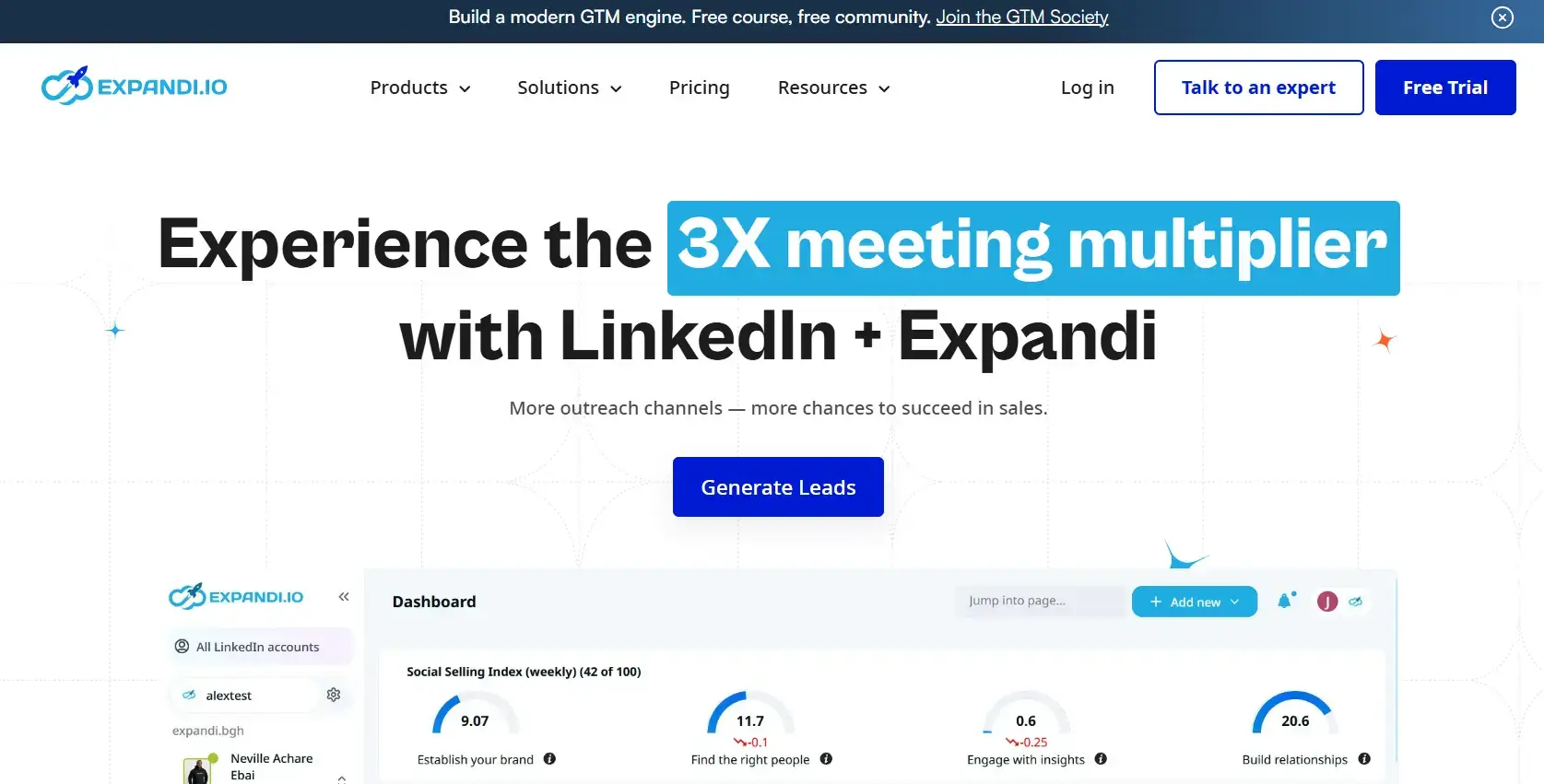
Expandi is a cloud-based LinkedIn automation tool recognized for its advanced campaign-building capabilities and one of the strongest safety track records in the category. It offers conditional branching logic that lets users create highly customized LinkedIn sequences. For example, following up only with prospects who viewed a profile but did not connect is a strong choice for sophisticated single-account outreach.
Key Features
- Conditional campaign flows with branching logic (if/else sequences)
- Cloud-based with dedicated IP per user for safer automation
- Smart limits and human-behavior simulation to reduce detection risk
- Native integration with HubSpot, Salesforce, and webhooks
Pricing
$99/account/month billed monthly, or about $79/month billed annually. Teams managing multiple accounts scale linearly at this rate, making it cost-prohibitive for agencies compared to HeyReach.
- Pros
- Highly flexible campaign builder for complex, multi-step outreach logic
- Dedicated IP per account is one of the better safety implementations in the market
- Solid CRM integrations without needing Zapier
- Cons
- $99/account/month is expensive for teams managing multiple senders
- Visual personalization features (images, GIFs) require additional third-party subscriptions, adding $100+ to the monthly cost
- Steeper learning curve than simpler tools like Botdog or Dripify
6. Dripify
Key Features
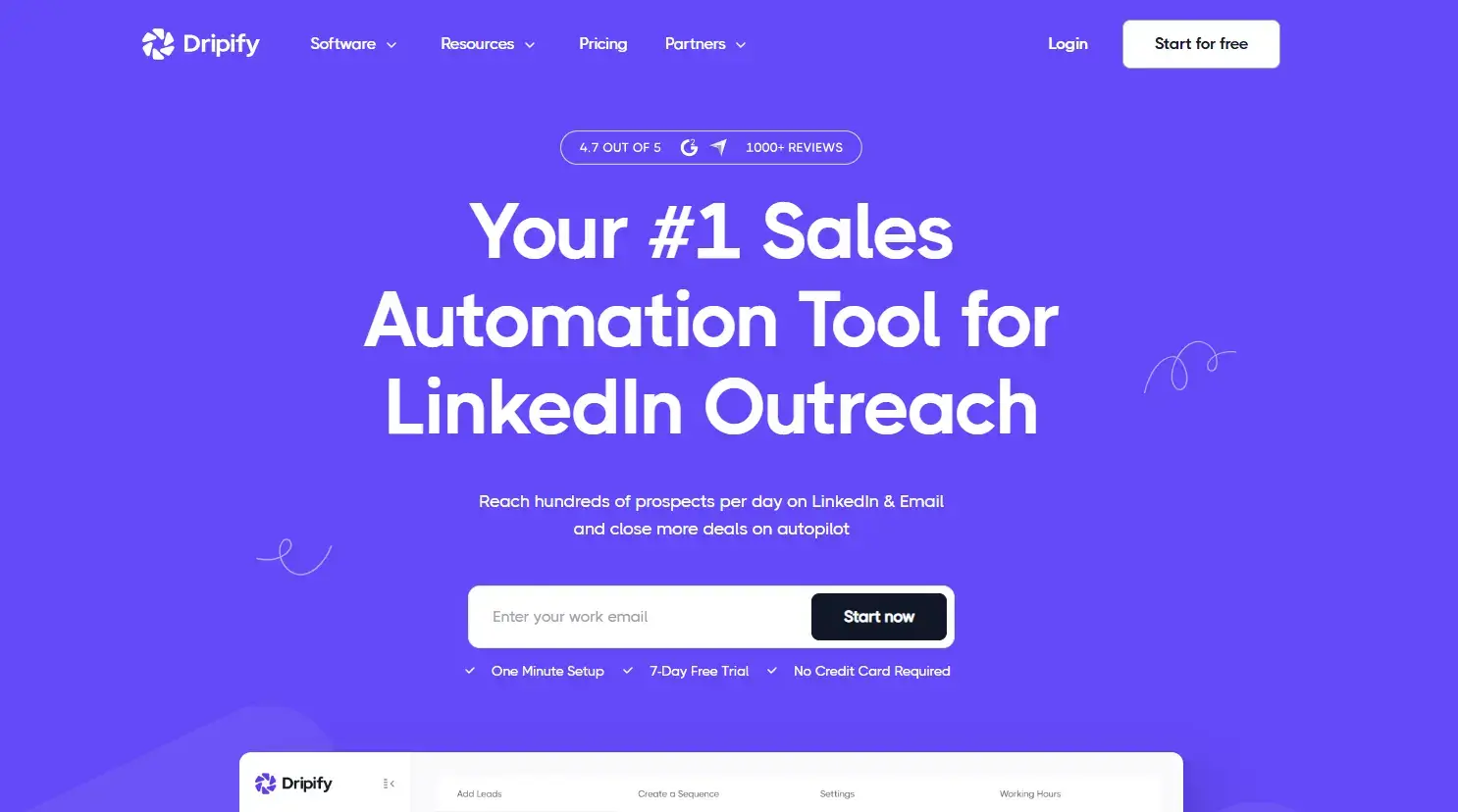
- Multi-step LinkedIn drip campaigns with automated follow-ups
- A/B testing for message variants
- Email sequences on Pro and Advanced plans
- Team management dashboard with per-member detailed analytics
Pricing
Basic at $39/user/month, Pro at $59/user/month, and Advanced at $79/user/month (billed annually). Pro is the plan most users need for unlimited campaigns and full daily limits.- Pros
- Strong value at $59/month for unlimited campaigns and full LinkedIn quotas
- Email integration eliminates the need for a separate outreach tool
- Clean, intuitive interface with a short onboarding curve
- Cons
- Basic plan limits connection requests to 20/day, well below LinkedIn’s actual limits
- No native multi-account support, so agencies need multiple subscriptions
- CRM integration via Zapier rather than native connectors on lower tiers
7. Waalaxy
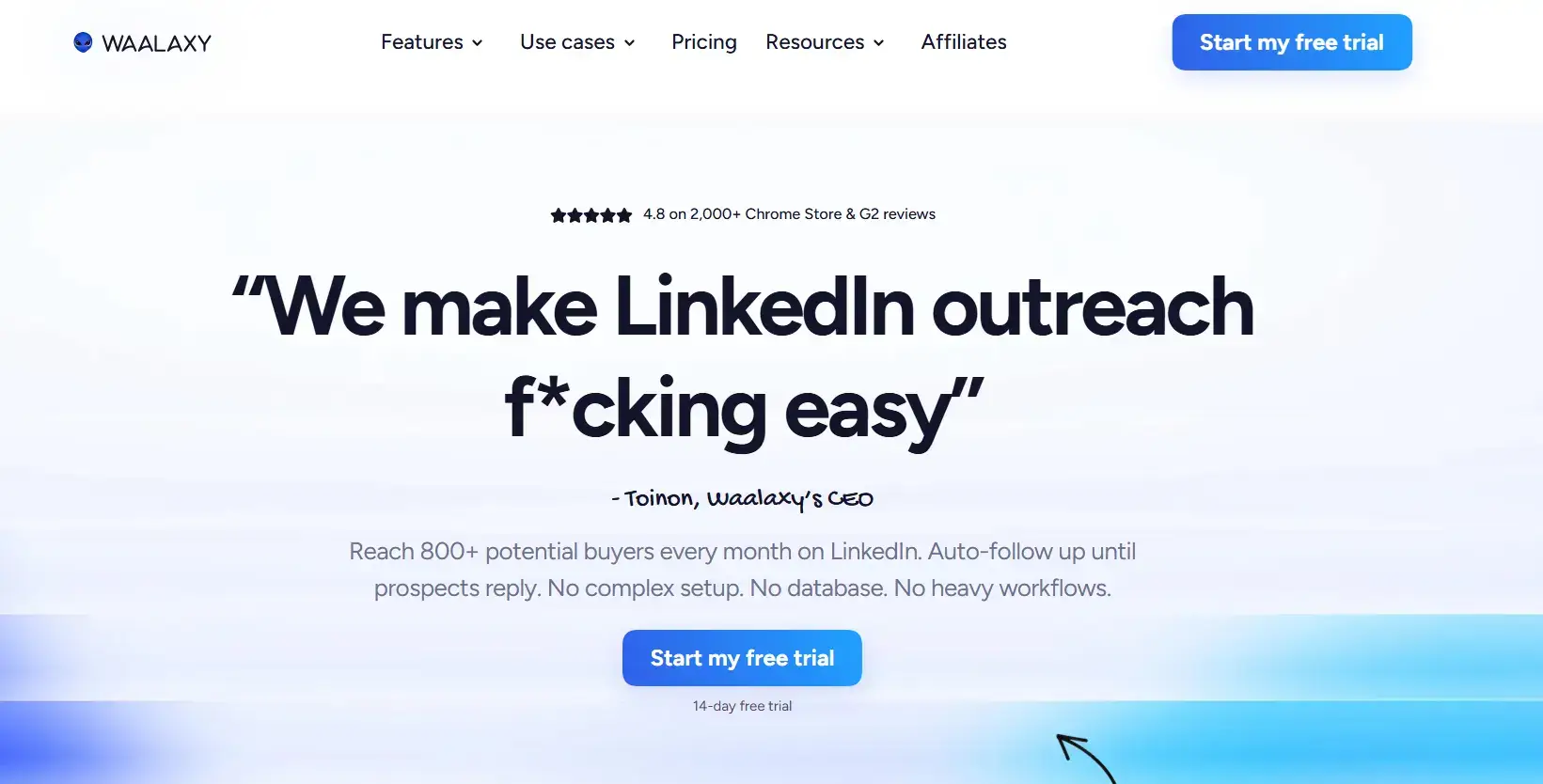
Waalaxy is a LinkedIn and email automation platform designed for simplicity and accessibility, particularly for solo founders, freelancers, and small teams taking their first steps with prospecting automation. A genuine free tier and a no-code campaign builder lower the entry barrier significantly compared to most tools in this category.
Key Features
- LinkedIn + email sequences in a single workflow
- No-code campaign builder with pre-built templates
- AI-assisted message writing on paid plans
- Smart inbox for managing replies
Pricing
Pro €19/user/month (~$20, 300 invites/month), Advanced €49/user/month (~$53, 800 invites/month), Business €69/user/month (~$75, 800 invites/month, adds cold email sequences + email finder credits).
- Pros
- Free plan available with LinkedIn-only campaigns (5 invites/day)
- One of the easiest tools to set up and launch without sales ops support
- Multichannel capability without requiring a separate email tool
- Cons
- Pro plan caps LinkedIn invitations at 300/month, below LinkedIn’s actual limits
- Email functionality requires the Business plan ($80/month)
- Sales Navigator integration is locked to the Business tier
8. Lemlist
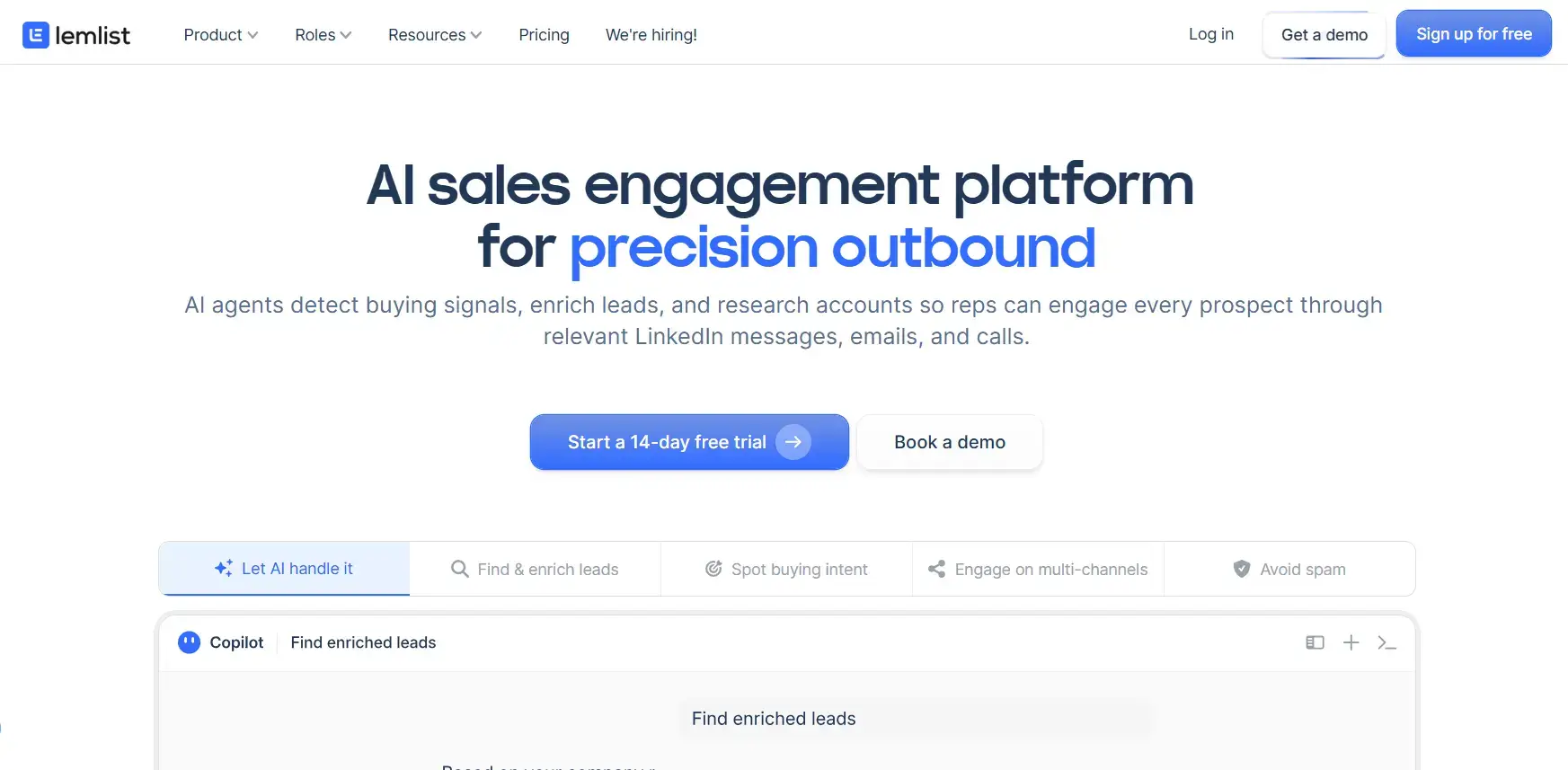
Lemlist built its reputation as one of the best cold email deliverability platforms on the market, with native email warm-up (via Lemwarm), dynamic image and video personalization, and a large library of campaign templates. LinkedIn was added as a multichannel layer, making it the right tool for outbound teams where email is the primary channel and LinkedIn touchpoints support it.
Key Features
- Dynamic image and video personalization (screenshots, custom graphics per prospect)
- Email warm-up via Lemwarm for improved deliverability
- LinkedIn profile visits, connection requests, and DMs as sequence steps
- Large template library with conditional branching
Pricing
Email plan at $55/month billed annually (or $69/month billed monthly), and Multichannel plan (LinkedIn included) at $87/month billed annually (or $109/month billed monthly).
- Pros
- Best-in-class email personalization features, including prospect website screenshots natively
- Email deliverability tooling is ahead of most combined platforms
- Strong multichannel campaign logic with conditional follow-up paths
- Cons
- LinkedIn automation requires the Multichannel Expert plan ($99/month); the Email Pro plan does not include it.
- No built-in email finder; enrichment tools like Hunter or Apollo must be added separately
- LinkedIn feature depth is shallower than pure LinkedIn automation tools
9. Botdog
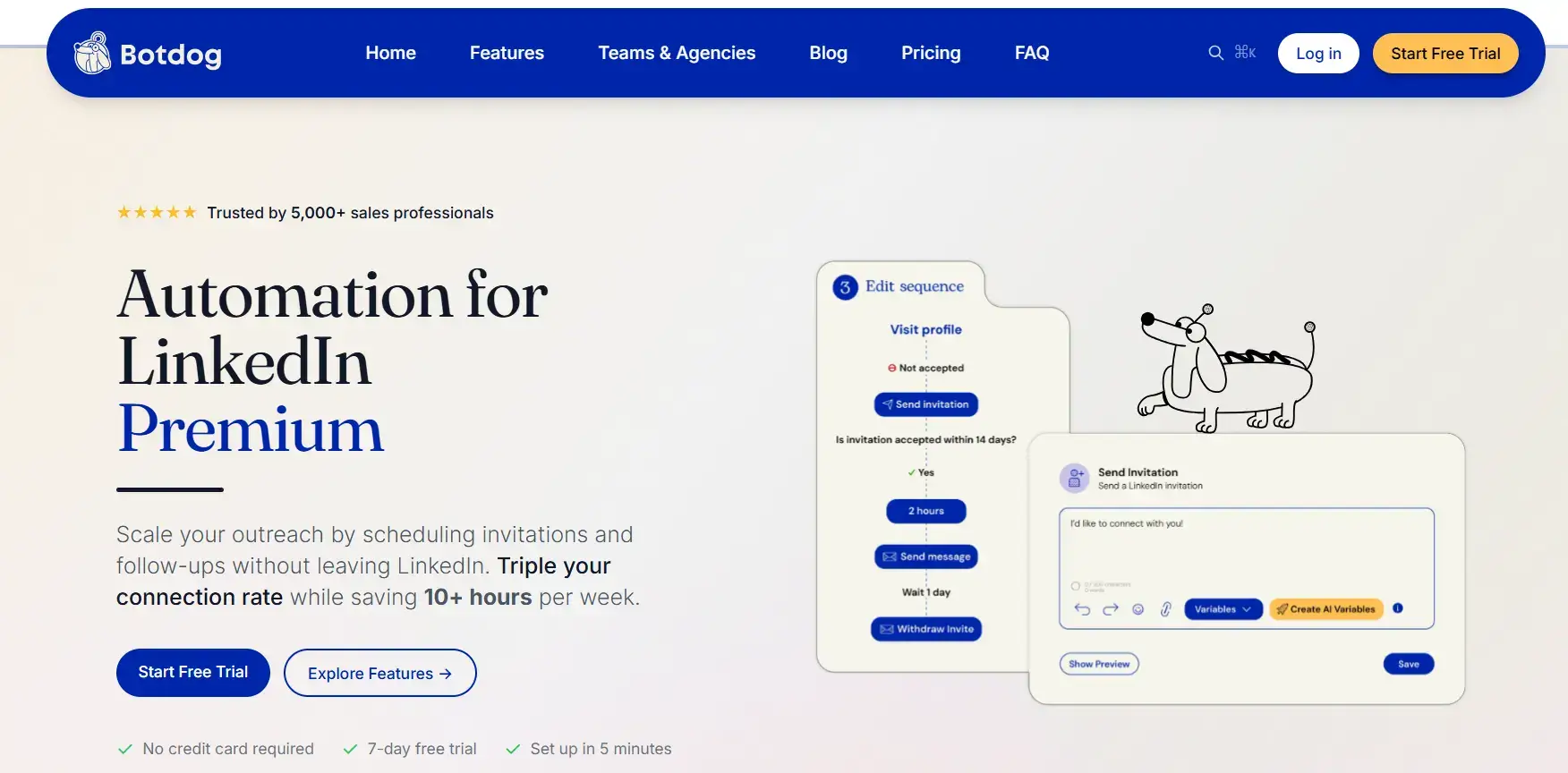
Botdog is a focused, cloud-based LinkedIn automation tool designed for individual professionals and small teams who want safe, reliable LinkedIn outreach without the feature complexity or cost of enterprise platforms. Its category-leading 4.9/5 rating on G2 and a 3-minute setup process make it the go-to recommendation for users who want to start fast and stay safe.
Key Features
- Cloud-based automation with built-in safety limits and anti-detection measures
- Rich media messages (images, GIFs, and video links) included without add-ons
- Unlimited campaigns on all plans
- Smart inbox for managing incoming replies
Pricing
Starts at about $55/month billed annually, or $79/month billed monthly (Solo plan). Agency plan runs $299/month billed monthly (about $209/month billed annually), and Managed plans are custom-priced starting from $690/month.
- Pros
- Best-in-class reliability rating (4.9/5) with no browser extension required
- Rich media messages included at base pricing, no extra subscriptions needed
- Straightforward setup with minimal learning curve
- Cons
- LinkedIn-only, no native email integration for multichannel sequences
- Less suitable for agencies managing large numbers of client accounts
- Fewer advanced workflow options compared to Expandi or La Growth Machine
10. La Growth Machine
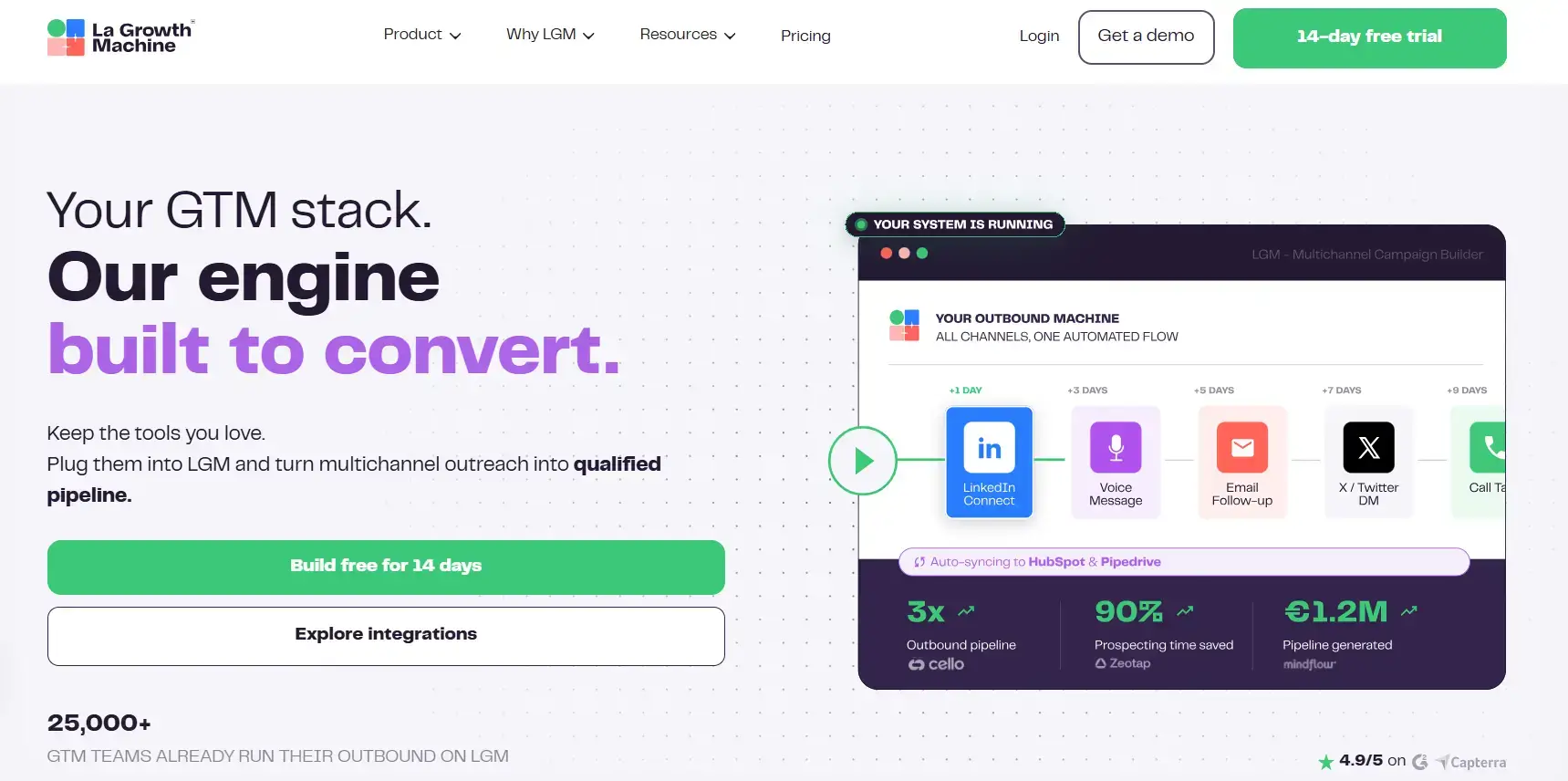
La Growth Machine (LGM) is a multichannel outreach platform that combines LinkedIn, email, and X (Twitter) in a single sequence builder. It is the strongest option for teams that want unified multichannel automation without stitching together separate tools. Its LinkedIn feature set is deeper than email-first platforms, and its outreach logic is more flexible than pure LinkedIn tools.
Key Features
- Native LinkedIn + email + X (Twitter) sequences in one workflow
- Voice messages on LinkedIn (unique to LGM in this tier)
- Identity-based pricing with per-identity campaign management
- Native HubSpot and Salesforce integrations
Pricing
Basic at €50/identity/month (~$54), billed annually, Pro at €100/identity/month (~$108), billed annually, and Ultimate at €150/identity/month (~$162), billed annually. Teams with 3+ identities should compare total cost against HeyReach’s per-account pricing.
- Pros
- Deepest LinkedIn feature set of any combined multichannel platform (including voice messages)
- Avoids the tool sprawl of managing separate LinkedIn automation and email platforms
- Strong CRM sync without Zapier dependency
- Cons
- Pricing scales per identity, which becomes expensive for teams with multiple senders
- Does not include an email finder; an external enrichment tool is required
- Steeper onboarding than simpler tools, particularly for non-technical users
How to Choose the Right LinkedIn Prospecting Tool
The best LinkedIn prospecting tool depends on your specific goal, team size, and the extent to which your outreach relies on LinkedIn alone versus a multichannel approach.
1. Define the Job First
Tools fall into three categories: finding lead data (Evaboot, Apollo), automating LinkedIn outreach (Linkyfy.ai, Expandi, Dripify, Botdog, HeyReach), and running multichannel follow-up (Lemlist, La Growth Machine, Waalaxy). Match your shortlist to the category that covers your biggest gap.
2. Prioritize Account Safety
Cloud-based tools with dedicated IPs, randomized action delays, and warm-up modes are meaningfully safer than browser extensions that run from your home IP address. Favor cloud-based architecture before comparing features.
3. Check CRM and Export Options
Native connectors to HubSpot, Salesforce, or Pipedrive save hours of manual data work. If native sync is not available, verify the tool offers clean CSV export and a reliable Zapier connection at a minimum.
4. Match Pricing to Your Team Structure
Per-seat models (Apollo, Expandi, Dripify) suit small teams and individual contributors. Per-sender models (HeyReach) reward agencies at scale. Per-identity models (La Growth Machine) work for focused multichannel teams. Tiered, per-account models with a free entry point (Linkyfy.ai) suit individuals and small teams who want to start at no cost and step up as outreach volume grows. Run the math at your actual team size before committing.
5. Start with a Free Trial and a Small Test Batch
Every tool on this list offers either a free plan or a trial. Launch a batch of 50–100 connections before scaling to gather real performance data, reply rates, acceptance rates, and account health before committing to a full subscription.
New to LinkedIn automation? Linkyfy.ai’s free plan lets you test AI-personalized outreach on one account, no credit card required, before you weigh up any paid tier.
Is LinkedIn Automation Safe to Use?
Yes, LinkedIn automation is safe when used carefully, but careless automation can get an account restricted or permanently banned. Safety depends primarily on how you use the tool, not simply which tool you choose.
The main risk factors are consistent across tools: exceeding LinkedIn’s weekly connection and message limits, sending generic or spammy messages that generate low acceptance rates and reports, and running automation through a browser extension, which sits inside your browser where LinkedIn’s security systems are designed to detect it. Any of these, alone or together, significantly raises your account risk, regardless of which platform you use.
Warm up new LinkedIn accounts slowly with 10–15 requests per day. Always personalize each message to keep acceptance rates strong. Stay well below LinkedIn’s activity limits, which sit at around 100 requests per week for standard accounts and stretch toward 150–200 only for Sales Navigator or established, high-SSI profiles. Favour cloud-based platforms or native desktop apps over browser extensions, and let human-like pacing, not raw volume, set your ceiling.
Scale Your LinkedIn Outreach Safely with Linkyfy
The strongest prospecting stack pairs a reliable data tool for building targeted lead lists with a safe outreach tool for sequencing. It adds multichannel follow-up when LinkedIn volume is constrained. That combination covers reach, personalization, and follow-through without overloading any single channel.
Linkyfy.ai was built specifically around this principle. As a LinkedIn outreach automation tool designed for safe sending and genuine personalization, it enables sales teams and founders to scale LinkedIn outreach without risking account restrictions or sending impersonal, templated messages that recipients delete without reading. For teams that care about reply quality as much as they do about outreach volume, Linkyfy is the platform built around that priority.
Frequently Asked Questions on LinkedIn Prospecting Tools
Are free LinkedIn prospecting tools worth using?
Yes, for testing and low-volume prospecting. Tools like Linkyfy.ai, Waalaxy, and Apollo offer genuine free tiers with real functionality. They work well for solo founders and small teams validating their ICP before committing to a paid plan.
Should I use a cloud-based or browser-based LinkedIn tool?
Avoid browser extensions. They run inside your browser, where LinkedIn’s detection systems are tuned to spot automated behaviour. Both cloud-based platforms, which run on dedicated IPs, and native desktop apps, which run locally but outside the browser-extension environment (like Linkyfy), are meaningfully safer for sustained use.
How many LinkedIn connection requests can I send per week?
LinkedIn generally allows 100–200 connection requests per week, depending on your account type, connection rate, and account age. Premium and Sales Navigator accounts typically receive slightly higher limits. Always stay well below the ceiling.
Can one tool handle both finding leads and outreach?
A few tools try, but there are trade-offs. Apollo effectively combines a contact database with outreach sequences. Most specialized tools, Evaboot for data, and Linkyfy.ai for outreach, do each job better individually. A two-tool stack often outperforms an all-in-one at comparable cost.
Which LinkedIn prospecting tool is best for agencies?
HeyReach is the strongest fit for agencies managing multiple client LinkedIn accounts at scale, with flat-rate pricing that rewards volume. For agencies where the quality of personalized outreach matters as much as scale, Linkyfy.ai is a strong complementary option for individual account management.
