
DIY LinkedIn Automation With Claude or ChatGPT: Why It Gets Your Account Flagged

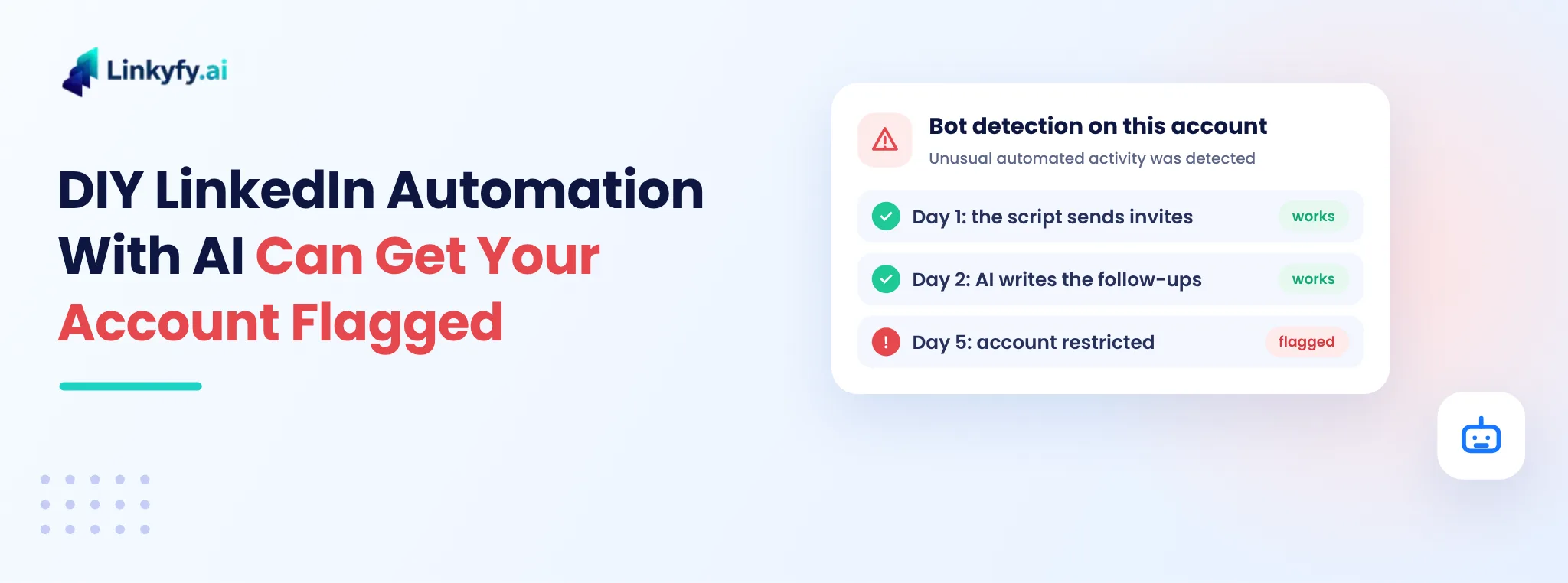
DIY LinkedIn automation with AI can get your account flagged: a bot detection warning after a script works on day 1 and day 2
Share

It starts with a simple idea. You ask Claude, ChatGPT or another AI tool to write a small script, or you give an AI browser agent your LinkedIn login. It finds people, sends connection requests and writes follow-ups for you.

On day one it works. On day two it still works, and it feels like you have built your own LinkedIn automation tool for free.

Then the warning arrives. LinkedIn notices that your account is behaving like a bot and limits it, sometimes after only a few days.

We know, because we tried it ourselves. This guide explains why DIY LinkedIn automation with AI gets detected so quickly, what it really costs besides account safety, and what a safer setup does differently.

Why DIY LinkedIn automation with AI looks so easy

AI tools have made it easy to build things that used to need a developer. In an afternoon you can have:

  • a script that opens LinkedIn search results and clicks "Connect"
  • an AI agent that reads a profile and writes a personal note
  • a follow-up message that goes out a few days later

The first run feels like a win. Requests go out, a few people accept, and nothing seems wrong.

The problem is that "it works today" and "it is safe to run every day" are two very different things. LinkedIn does not judge a single action. It looks at how your account behaves over days and weeks.

How LinkedIn spots a home-made bot

LinkedIn does not allow software that automates activity on its site, and it says so in its help pages on automated activity and prohibited software and extensions. It does not publish exactly how it detects automation, but home-made setups tend to show the same warning signs:

  • Robotic timing. Actions happen at fixed intervals, at odd hours, or far faster than a person could click.
  • Sudden volume. An account that sent five requests a week now sends dozens a day.
  • No normal activity around it. The account only sends invitations and messages. It never scrolls the feed, reads posts or replies like a person.
  • An unusual browser or location. Scripts often run in automated browsers, on cloud servers, or from IP addresses that change or don't match where you normally log in.
  • Identical patterns. The same steps, in the same order, every single day.

One of these on its own may not trigger anything. Together, they make an account look automated very quickly.

What happened when we tried it on our own account

We tested a DIY setup the way many founders do: an AI-written script running on one of our own LinkedIn accounts.

The first two days went fine. Soon after, LinkedIn flagged the account with a "Bot detection on this account" warning.
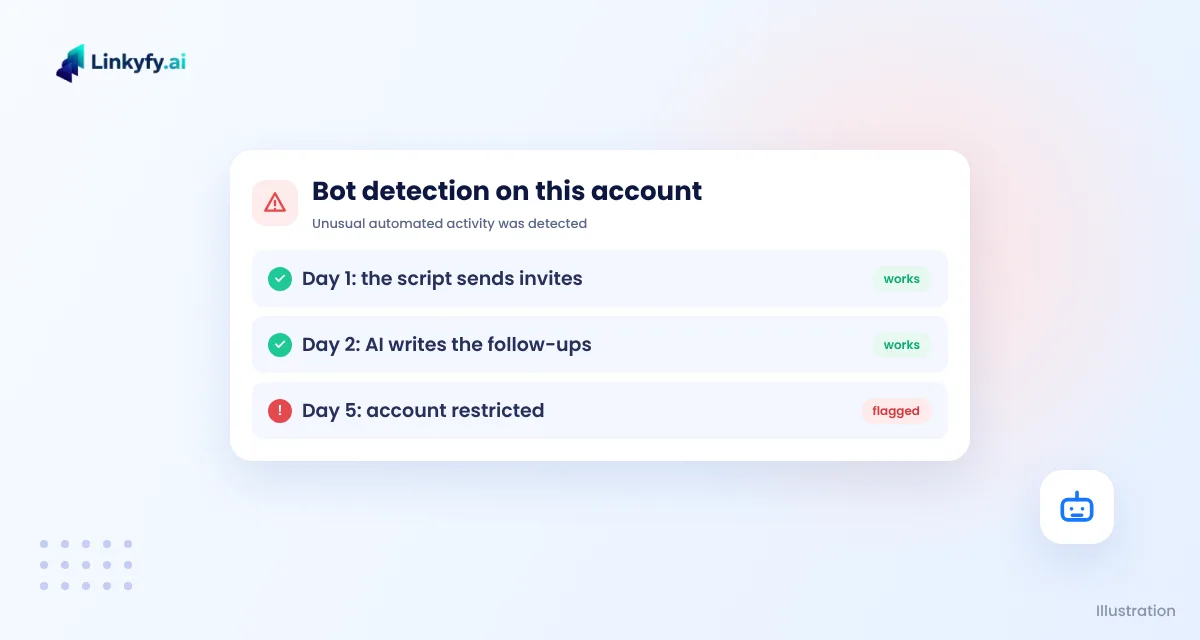
Illustration of an account warning for automated activity: day 1 and day 2 work, then the account is flagged on day 5

That is the pattern to expect. The script does not fail on day one. It fails once LinkedIn has seen enough of its behaviour.

Account safety is not the only cost

Even if your account were never flagged, a DIY setup asks more of you than it first seems.

What you need DIY with an AI tool A dedicated automation tool
Account safety You design the pacing, limits and IP yourself Built-in limits, pacing and a stable connection
Message quality AI can invent facts or misread a profile, so you check every message Messages built from the real profile, with review before sending
Planning You decide who to target, the sequence and when to stop Campaign steps, follow-ups and stop-on-reply are ready
Upkeep The script breaks when LinkedIn changes its pages Maintained for you
Your time Hours of building, fixing and watching it run Setup in minutes, then a daily check

The time cost is the one people underestimate most. An hour a day spent fixing a script is an hour you are not talking to prospects.

What a safer automation setup does differently

Good LinkedIn automation does not try to send more. It tries to look and behave like a careful person using LinkedIn. That means:

  1. Human pacing. Small daily numbers, random gaps between actions, and activity only during normal working hours.
  2. A gradual start. New or quiet accounts warm up slowly instead of jumping to full volume.
  3. A stable, trusted connection. The account works from one consistent, reliable IP and location, not a different server each day.
  4. Session continuity. The account stays signed in like a normal user instead of logging in again and again from new places.
  5. Smart stopping. A sequence stops as soon as someone replies, so a person takes over the conversation.
  6. Limits that respect the account. An older account with a real network can do more than a brand-new one.

Our guide to LinkedIn limits and safe outreach volume explains how to set a safe pace, and our comparison of cloud vs. browser extension LinkedIn automation covers why where your automation runs matters. If you are wondering about IP addresses, see do you need a dedicated IP for LinkedIn automation.

If you still want to build it yourself

Some people will still want to experiment. If you do, lower the risk:

  • Never test on your main account. Use an account you can afford to lose.
  • Keep numbers very low. Think a handful of actions a day, not dozens.
  • Read every AI-written message before it goes out. Check names, companies and facts.
  • Run it from your own usual device and location, not from a cloud server.
  • Stop at the first warning. Verify the account, pause for days, and don't restart at the same pace.

Even then, no setup can make automation risk-free. LinkedIn's rules apply to every tool, including the ones you build yourself. For more on doing this the careful way, read how to automate LinkedIn outreach without getting banned.

How Linkyfy protects your LinkedIn account while it automates

We built Linkyfy because we saw the DIY problem first-hand. Instead of sending as fast as possible, Linkyfy is designed to behave like a real user:

  • Real-user behaviour. Actions are spread out with randomized delays, and daily actions stay capped at 15 to 20.
  • A reliable proxy for every account. Each account works through a stable, trusted connection instead of shifting servers and IP addresses.
  • An account check before you start. Linkyfy checks that the account is old enough and has enough connections before a campaign runs.
  • Messages from the real profile. Each message is written from the prospect's actual profile, and you can review it before it is sent.
  • Stop on reply. A sequence stops the moment someone answers, so you can take over.

No tool can promise that LinkedIn will never restrict an account, and we don't either. What Linkyfy does is remove the behaviour that gets DIY setups flagged in the first place, so you can automate outreach while keeping your account safe.

To see how it works, explore LinkedIn outreach automation with Linkyfy.

FAQs on DIY LinkedIn Automation

Can I use Claude or ChatGPT to automate LinkedIn?

You can ask an AI tool to write a script or run a browser agent, but LinkedIn does not allow software that automates activity on its site. Home-made setups are often flagged within days because their behaviour looks robotic.

Why does a DIY LinkedIn bot work at first and then get flagged?

LinkedIn looks at how an account behaves over time, not at one action. Fixed timing, sudden volume, unusual browsers or IP addresses and no normal activity add up after a few days.

What should I do if LinkedIn says it detected automation on my account?

Stop the script right away, complete any verification LinkedIn asks for, and pause automated activity for several days. When you restart, keep volumes low and use a tool with built-in limits.

Is any LinkedIn automation tool 100% safe?

No. Every tool carries some risk because LinkedIn sets the rules. A good tool lowers the risk with human-like pacing, daily limits, a stable connection and stop-on-reply, but it cannot remove it.

How is Linkyfy different from a DIY script?

Linkyfy mimics real user behaviour with randomized delays and capped daily actions, runs each account through a reliable proxy, checks the account before a campaign starts and stops a sequence when someone replies.

Ravi Kotwani

Written by

Ravi Kotwani

CTO & Founder, Linkyfy.ai

Ravi Kotwani is the CTO and Founder of Linkyfy.ai. He has spent 16 years building web, mobile and AI products, and now helps founders and marketers grow with marketing automation, starting with LinkedIn outreach.

Follow on LinkedIn →