
You sent fifty connection requests this week. Three people reply, and none turn into a call. You have spent hours messaging cold leads who never write back, while the sales pipeline stays just as empty as when you started.
Every message, every post, every connection on LinkedIn matters, because opportunities born here are 39% more likely to close than those from other places.
This guide turns LinkedIn sales prospecting into 11 clear, repeatable steps to find, qualify, and message the right buyers, so your next fifty messages get replies instead of silence.
What Is LinkedIn Sales Prospecting?
LinkedIn sales prospecting is the process of finding, researching, and reaching out to potential clients on your professional network to start real, meaningful sales conversations. Unlike mass, generic messaging, it focuses on targeted, direct outreach to decision-makers who genuinely match your ideal customer profile.
In practice, it comes down to three parts: building a list of the right prospects, qualifying each one against your ICP (ideal customer profile), and reaching out with a message relevant enough to actually earn a reply.
Why Is LinkedIn Effective for Sales Prospecting?
LinkedIn beats most other prospecting channels for one reason: buyers list their job title, seniority, and company openly, so you can target an audience who makes buying decisions, no guesswork required. The scale backs this up, too.
LinkedIn has over 1.2 billion professionals, including 98% of Fortune 500 CEOs, so senior decision-makers are easier to reach here than through a cold call or an untargeted email blast. The platform also surfaces real-time signals, job changes, new posts and funding announcements that give you a genuine, timely reason to reach out.
How to Use LinkedIn for Sales Prospecting in 12 Steps
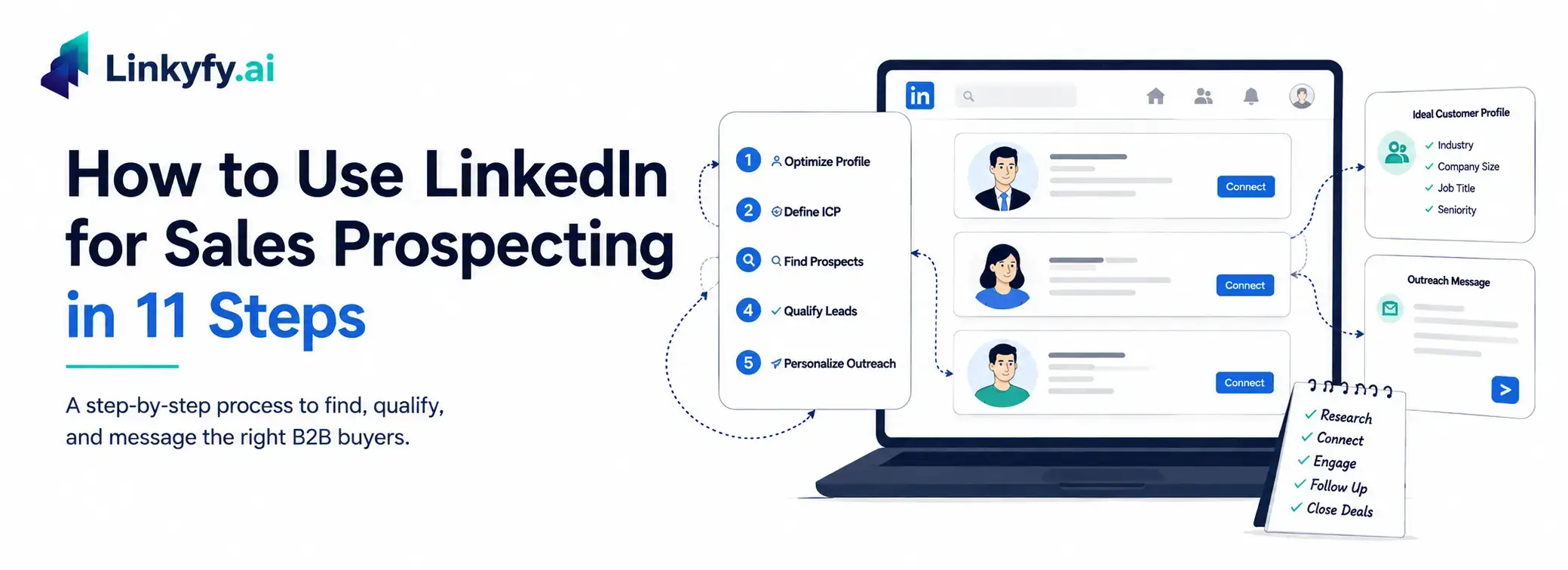
These 12 steps make up a repeatable LinkedIn prospecting strategy that follows the natural order of prospecting: set up first, then find the right people, qualify them, and finally reach out.
Step 1: Optimize Your LinkedIn Profile for Sales
Before sending a single message, fix your profile. It’s the first thing every prospect checks. Use a headline that states who you help and how, not just your job title.
Fill in your About section with a short value proposition, add a professional photo and banner, and include social proof in the Featured section. A weak profile makes even a strong message look like spam.
Step 2: Define Your Ideal Customer Profile
Before you search for a single lead or potential customer, define exactly who you’re looking for: industry, company size, job title, seniority, and the problem your product solves for them.
Skipping this step is the fastest way to waste weeks messaging people who were never going to buy. A tight ICP also makes every later step, including advanced search filters, Boolean queries, and Sales Navigator, more effective.
Step 3: Use LinkedIn Search Filters and Boolean Operators
LinkedIn’s basic search lets you filter prospects by job title, company, and location for free. To narrow results, use Boolean operators:
- AND to combine keywords
- OR to broaden a search
- NOT to exclude irrelevant titles
- Quotation marks for exact phrases
- Parentheses to combine commands
A query like (Marketing OR Growth) AND SaaS NOT Recruiter turns a messy 5,000-result search into a focused shortlist.
Step 4: Use LinkedIn Sales Navigator to Find Leads
Sales Navigator is a paid tool that makes prospecting far more precise, with 30-plus filters covering seniority, headcount, and recent activity.
It also saves searches and sends alerts when new leads match your criteria, so your list stays current without having to rerun the same search weekly. For ongoing B2B prospecting, it’s usually worth the cost.
Step 5: Find Prospects Through Competitor Followers
Anyone following your competitor’s LinkedIn page has already shown interest in a similar solution, making them a warm lead rather than a cold one.
Visit the competitor’s page, open their followers list, and cross-check names against your ICP. Exclude the competitor’s own employees, and personalize your message so it doesn’t read like a copycat pitch.
Step 6: Find Prospects in Relevant LinkedIn Groups
LinkedIn Groups bring professionals together around a shared topic, making membership itself a soft qualifier. Join a few active groups in your niche, review who’s posting and commenting, and engage before you send a connection request.
Many groups go quiet after a few months, so check for recent activity before treating a member list as a live source of high-quality leads.
Step 7: Use the People Also Viewed Feature to Find Lookalike Prospects
Once you’ve found one strong-fit prospect, open their profile and check “People Also Viewed”; LinkedIn surfaces similar profiles based on shared attributes, often turning into a short list of near-identical leads.
It isn’t filterable, so you’ll still need to manually check each suggestion against your ICP, but it’s a fast way to expand a list that’s running thin.
Step 8: Enrich Your Leads and Find Verified Emails
Before messaging, enrich each lead with company size, recent posts, mutual connections, and a verified email so you have a second way to reach them. Pairing LinkedIn with email outreach automation gives you a backup channel that keeps the conversation moving when a prospect goes quiet on LinkedIn.
AI-driven insights can speed this up significantly, and syncing enriched data through a CRM integration keeps your tools and outreach lists aligned with a single source of truth. This is what separates a message that gets ignored from one that shows you did your homework, and it takes just a couple of minutes per lead.
Step 9: Warm Up Prospects by Engaging With Their Valuable Content
Cold outreach gets warmer the moment a prospect recognizes your name. Like and comment on a few recent posts before sending a connection request. A thoughtful comment does more for acceptance rates than any opening line.
Spend two or three extra minutes reviewing a prospect’s recent posts, company news, or hiring activity before reaching out. Even one personalized reference can make your message stand out from generic outreach.
Block 10–15 minutes a day for this. It’s a small habit that compounds into higher reply rates within weeks.
Step 10: Send Connection Requests Without a Note
It sounds surprising, but skipping the note often works just as well: connection requests sent without a message get accepted slightly more often than ones with a generic note (one analysis of 11.5 million requests found 27.6% versus 25.3%), so a bland note rarely earns its place.
Save the note for a genuinely relevant icebreaker, like a mutual connection or shared group; otherwise, a blank request performs just fine.
Step 11: Send Personalized Messages That Get Replies
Once connected, resist the urge to launch into a sales pitch immediately. Reference something specific, a recent post, a shared connection, a company update, then ask one question that qualifies whether they have the problem you solve.
Generic pitches are easy to spot and ignore. Tools like LinkedIn Message Automation can help personalize this step at scale without losing the human touch.
Keep your first message focused on starting a conversation rather than selling. Asking one relevant question usually performs better than sending a long product pitch.
Scale Your LinkedIn Sales Prospecting With Linkyfy
Put together, the above 11 steps come down to one repeatable system: optimize your profile, target the right people, warm them up, then reach out with something relevant. Consistency and personalization matter more than raw volume; that’s what turns a list of names into actual replies.
Linkyfy is a privacy-first LinkedIn outreach automation tool built for founders, CXOs, and sales professionals who want to run this process on autopilot and hit their business goals faster, with AI-personalized connection requests and follow-ups that stay within LinkedIn’s safe limits so you can scale without the manual grind.
Frequently Asked Questions on LinkedIn Sales Prospecting
How many connection requests can you send on LinkedIn per week?
LinkedIn caps most accounts at approximately 100 connection requests per week to prevent spam. This limit applies to free users, Premium accounts, and Sales Navigator.
How many follow-ups should you send after a connection is accepted?
There is no fixed number that works for every prospect. Start with a personalized message after the connection is accepted, then send one or two relevant follow-ups if there is no response. Keep each message useful and spaced out rather than repeatedly sending the same sales pitch.
How can you automate LinkedIn prospecting with AI?
You can automate LinkedIn prospecting by letting AI handle the repetitive parts of outreach. Linkyfy uses each prospect’s profile and activity to create personalized connection requests and follow-ups, helping you reach more relevant people without writing every message manually.
What is the best tool for LinkedIn prospecting?
The best tool depends on your prospecting workflow and goals. LinkedIn Sales Navigator is useful for finding and filtering leads with advanced search criteria, while LinkedIn automation tools such as Linkyfy can help streamline outreach, follow-ups and personalisation.
How long does LinkedIn sales prospecting take to show results?
LinkedIn prospecting usually takes consistency rather than producing immediate results. Give your strategy several weeks to generate enough outreach and engagement data to evaluate reply rates, connection acceptance and qualified conversations. Your results will depend on your ICP, message quality, targeting and outreach consistency.
How do you track LinkedIn prospecting activity?
Track metrics such as connection requests sent, acceptance rate, messages sent, reply rate, follow-ups, qualified conversations and meetings booked. Keeping these metrics in a CRM or outreach platform helps you identify which prospects, messages and campaigns are generating results.
Should you send an InMail or a connection request first?
If you have a clear reason to connect, a connection request is usually a straightforward starting point. Use InMail when you need to reach someone outside your network and have a Premium feature that supports it. LinkedIn specifically positions InMail as a way to contact people you’re not connected to.
