
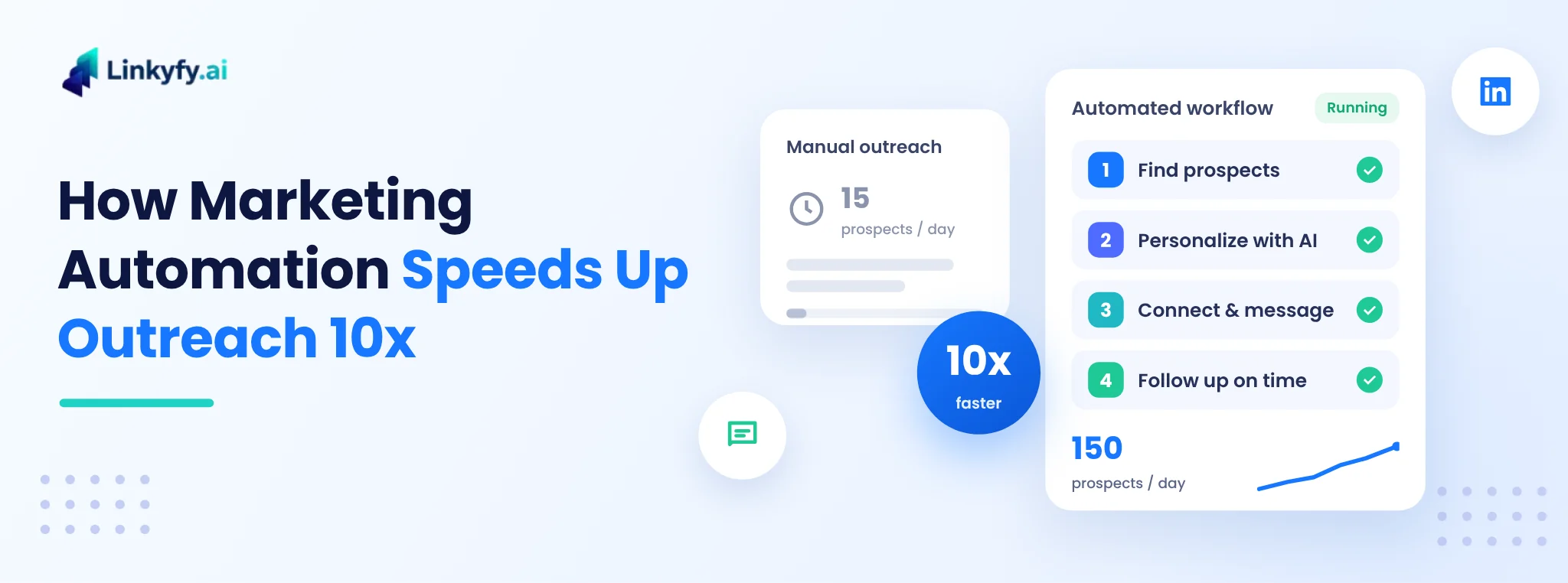
Most outreach is slow for one reason: a person does every step by hand. They find a prospect, read their profile, write a message, send it, note it in a spreadsheet, and set a reminder to follow up. Every step takes only a few minutes, but together they limit how many people even a hard-working rep can reach in a week.
Automation takes over the repetitive part of that work, so the same person can spend far less time on each prospect without writing worse messages.
This guide shows where the time goes, which steps to automate, and which to keep human.
It also includes a simple workflow you can set up this week.
This guide is for small teams and solo sellers who do outreach by hand today. If outreach is a weekly job for you, it should help.
It does not promise more messages. LinkedIn limits how much you can send each day, so the gain here is saved time, not extra volume.
Let's start with where the time goes.
Where the time actually goes in manual outreach
Before you automate anything, look at how a typical manual workflow spends its time. The numbers below are illustrative estimates for one prospect on LinkedIn; your own numbers will differ, so time yourself for a day to find yours.
| Step | Manual (per prospect) | With automation (per prospect) |
|---|---|---|
| Find and qualify the prospect | 4–5 min | under 1 min (saved search or filter list) |
| Research the profile for a personal hook | 3–4 min | under 1 min (AI summary to review) |
| Write the connection note or first message | 3–4 min | under 1 min (AI draft to approve) |
| Send, log in a spreadsheet or CRM | 1–2 min | 0 (sent and logged automatically) |
| Follow-ups (two, on the right days) | 3–4 min | 0 (scheduled; stops when they reply) |
| Total human time | about 15–20 min | about 1.5–2.5 min |
With about four hours a day for prospecting, 15–20 minutes per prospect means 12–16 prospects a day. At about 1.5–2.5 minutes, the same four hours cover around 100–160. That's where the 10x comes from: it isn't sending faster, it's spending a fraction of the human time per prospect.
Notice what doesn't get faster: reading replies and talking to interested people. That's on purpose. Automation should buy you time for conversations, not replace them.
The 4 steps that automation speeds up
1. Finding the right prospects
Manual prospecting means scrolling search results and opening profiles one by one. Automation turns this into a repeatable list: a saved search, a filter on job title, industry and company size, or a list of people who engaged with a relevant post. A tool like Linkyfy's LinkedIn Post Finder finds people who are already talking about the problem you solve, which gives you both a prospect and a reason to reach out.
The time saving here is large, but the quality gain matters more. A narrow, well-defined list is the single biggest driver of reply rates. If you want to tighten yours first, see how to qualify LinkedIn leads before you message them.
2. Personalizing every message
Personalization used to be the step that made outreach impossible to scale: a good first line takes research. AI now does the research part. It reads the profile, recent posts and company information, and drafts an opening line that refers to something real. Your job shrinks from writing to reviewing.
Two rules keep this from sounding automated:
- Keep a human in the loop for the first few weeks: read the drafts, fix the tone, and turn the best edits into rules.
- Personalize on something relevant to your offer, not on trivia. "Saw you're hiring three SDRs" beats "Saw you went to Stanford".
We cover this in depth in how to automate LinkedIn messages without sounding like a robot, and Linkyfy's AI message automation is built around this review-and-approve flow.
3. Sending and logging
Sending a connection request and copying the details into a CRM is pure admin. Automation sends at a steady, human pace across the day and records every action, so you always know who was contacted, when, and with which message. No spreadsheet, no forgotten prospects.
4. Following up on time
Many replies come after a follow-up rather than the first message, and follow-ups are exactly what busy people forget. An automated sequence sends the next message on the right day and stops the moment someone replies, so nobody gets a "just bumping this up" after they've answered. For timing and wording, see how to follow up on LinkedIn.
What you should not automate
Speed only helps if the conversations it creates are good ones. Keep these steps human:
- Replies. When someone answers, a person should write back. This is where meetings are won or lost.
- Your ideal customer profile and offer. Automation multiplies whatever you feed it, including a weak target list or an unclear offer.
- Judgement calls. A senior executive, an existing customer or a competitor's employee deserves a personal decision, not a sequence.
- Volume decisions beyond the platform's limits. Sending more is not the goal. On LinkedIn, sending too many requests too fast risks your account. Stay within safe daily and weekly volumes; our guide to LinkedIn limits and safe outreach volume explains how.
This is also why 10x speed doesn't mean 10x messages. In many cases the best result is sending a similar number of messages to better-chosen people, with the saved time spent on replies. We explain why in why sending fewer outreach messages gets more replies.
A simple 10x outreach workflow you can set up this week
- Define one narrow audience. One job title group, one industry, one company size. Write down the one problem you solve for them.
- Build the list automatically. Use a saved search or post-based prospecting, and remove people you already talk to.
- Write a short sequence: a connection request (with or without a short note), a first message that leads with their problem, and two follow-ups spaced a few days apart.
- Let AI draft the personal first line for each prospect, and review the drafts daily for the first two weeks.
- Run it at a safe, steady pace with LinkedIn outreach automation, and add email as a second channel for people who don't accept on LinkedIn with multichannel outreach.
- Block 30–60 minutes a day for replies. This is the time automation gave back to you; spend it on conversations.
- Review weekly and change one thing at a time: the audience, the first line, or the offer.
How to measure whether automation is working
Speed is easy to see; results take a few weeks. Track these numbers per audience and per sequence:
- Human minutes per prospect: the speed metric. It should drop sharply in the first week.
- Acceptance rate for connection requests: shows whether your targeting and note work.
- Reply rate and positive reply rate: shows whether your message is relevant.
- Meetings booked per 100 prospects: the number that matters.
If speed goes up but the positive reply rate drops, you are reaching more of the wrong people or your messages have become generic. Narrow the audience before adding volume. For benchmarks, see LinkedIn outreach metrics and KPIs to track.
The bottom line
Marketing automation speeds up outreach by roughly 10x when it takes over the repetitive steps (finding prospects, drafting personal first lines, sending, logging and following up) and leaves people to do what they're best at: choosing who to talk to and having the conversation. Set up the workflow once, review it weekly, and spend the time you get back on replies.
If you want to see this in practice, try Linkyfy for free and set up your first automated LinkedIn sequence in a few minutes.
FAQs on Outreach Automation
Can marketing automation really make outreach 10x faster?
Yes, in human time per prospect. Manual outreach often takes 15–20 minutes per prospect once you count research, writing, logging and follow-ups. With automation that drops to about 1.5–2.5 minutes, mostly reviewing AI drafts. The same hours then cover roughly ten times more prospects. It doesn't mean sending ten times more messages; platform limits and quality still apply.
Which outreach tasks should I automate?
Automate the repetitive steps: building prospect lists, researching profiles, drafting personalized first lines, sending connection requests and messages, logging activity and sending follow-ups that stop when someone replies. Keep replies, your target audience, your offer and decisions about senior or sensitive contacts human.
Does automated outreach feel less personal?
Not if it's set up well. AI can draft an opening line based on a prospect's role, posts or company news, and you review it before it goes out. Personalize on something relevant to your offer, keep messages short, and always answer replies yourself. Generic templates sent to a broad list are what feel automated.
Is it safe to automate LinkedIn outreach?
It's safest when the tool sends at a steady, human-like pace and stays within LinkedIn's daily and weekly limits. Cloud-based tools that respect these limits, and a narrow, relevant audience that accepts your requests, keep your account in good standing. Sending too many requests too quickly is what puts accounts at risk.
How do I measure if outreach automation is working?
Track human minutes per prospect for speed, then acceptance rate, reply rate, positive reply rate and meetings booked per 100 prospects for results. If speed rises but positive replies fall, narrow your audience or improve your first line before adding volume.
