
LinkedIn auto draft and publish posts
Turn your profile, audience and writing instructions into a repeatable LinkedIn posting campaign. Available to paid Linkyfy users, LinkedIn auto draft and publish posts helps you prepare a first post, choose a schedule and keep later posts moving without rebuilding the campaign each time.
- Runs in the cloud
- Setup in under 2 minutes
- Safe daily limits
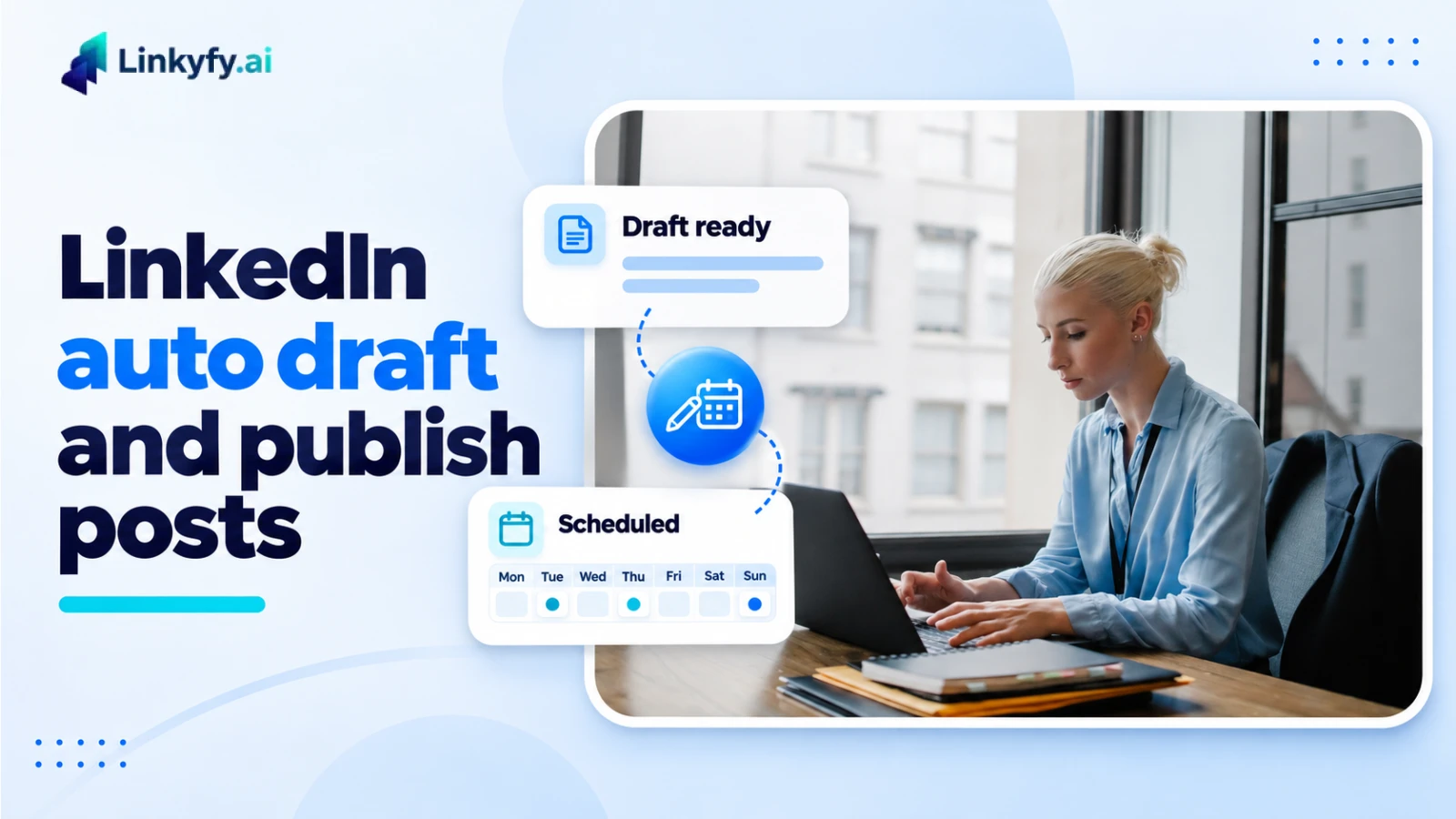
From an occasional idea to a posting routine
- Guide the writing with your profile and instructions rather than starting every post from a blank page.
- Review and edit the first post while setting up the campaign.
- Set a recurring schedule in your own timezone.
Set up your posting campaign
Choose the Auto LinkedIn Post Publish campaign and complete the four setup steps.
- 1
Choose the account
Select the LinkedIn account that will publish the posts. The campaign account cannot be changed after creation.

- 2
Describe the audience
Optionally choose country, industry and designation to guide the writing. Choose the Hiring or Seeking intention and give clear instructions about the topics and voice.

- 3
Generate and edit your first post
Generate a first draft, read it and edit it during setup. This first post does not use the later email-review flow. LinkedIn posts have a 3,000-character limit; generation is limited to 10 requests per 10 minutes.

- 4
Choose the posting schedule
Use a daily schedule, one or two weekdays each week, or one or two dates each month. Select the timezone and time that match your audience.

Keep control of the campaign
Use the campaign settings and saved posts to manage the routine.
Audience-aware drafts
Profile information, audience choices and your instructions guide the content. Recent post context helps vary the writing; uniqueness is not guaranteed.
Later drafts by email
Later posts are normally drafted about a day before their slot, sometimes two days before, with an email offering Approve or Edit.
Pause without losing posts
Pause the campaign when you need to stop posting. Previously prepared posts remain available.
Understand optional review inside Linkyfy
For this product feature, reviewing later drafts is optional: if you ignore the review email, the scheduled post can publish as written. Read and edit it before the scheduled time when you want changes.
Scheduling limits and missed posts
Normally a campaign publishes no more than one post per day. An extra same-day post is possible in the specific case where Step 3 is edited after today’s post has already published and a later time is selected. Do not rely on this exception as a bulk-posting workflow.
A missed scheduled post is marked failed. Plan eligibility, the connected account and its session can prevent posting; review the campaign status rather than assuming a post went live. The feature publishes to the selected LinkedIn profile, not an unspecified company page.
Connect content with relevant conversations
Put this workflow to work
Available to paid Linkyfy users. Check current plans and the account requirements before creating a campaign.