
Your campaign conversations in one Unibox
Read and reply to the LinkedIn and email conversations your Linkyfy campaigns started, in one place. Unibox is available to paid users and keeps the campaign and sending account visible alongside the conversation, so the next reply has context.
- Runs in the cloud
- Setup in under 2 minutes
- Safe daily limits
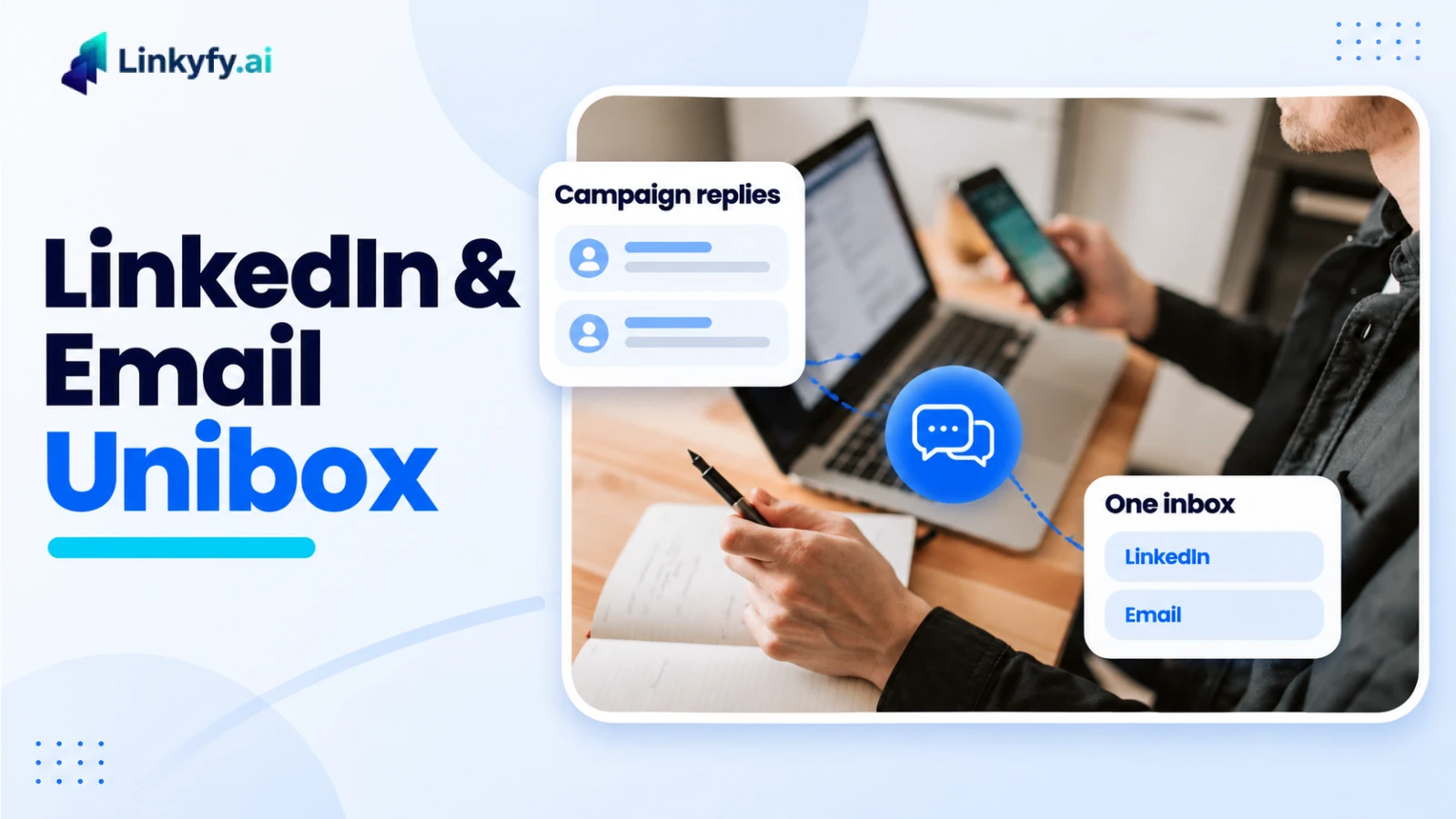
Find the conversation behind the campaign
- Search by connection name and filter by channel or LinkedIn account.
- Read the conversation together with its campaign and account context.
- Distinguish a queued LinkedIn reply from an immediately sent email reply.
Reply with the right context
Open Unibox after your campaigns have started conversations.
- 1
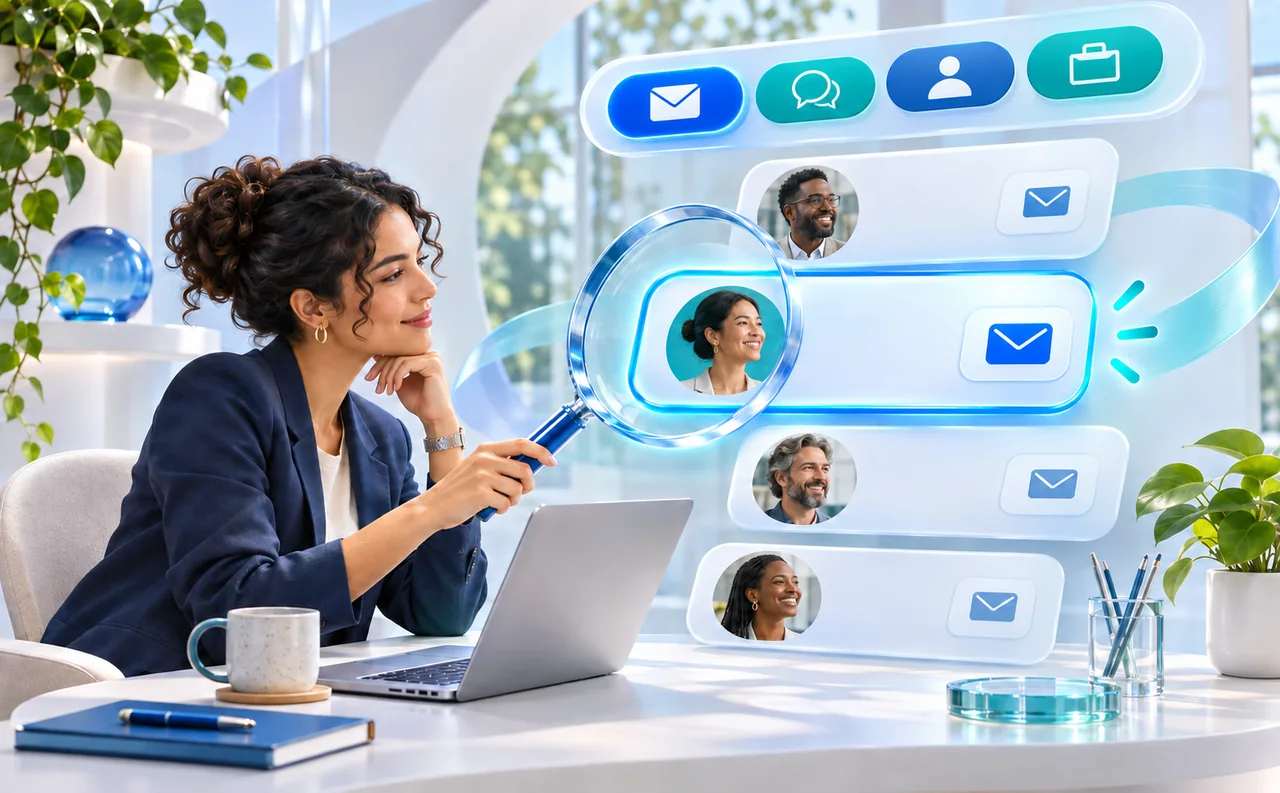
Find a campaign conversation
Use the channel and account filters or search for the connection’s name. Unibox covers campaign-started conversations; it is not an inbox for every person in your LinkedIn or email account.
- 2
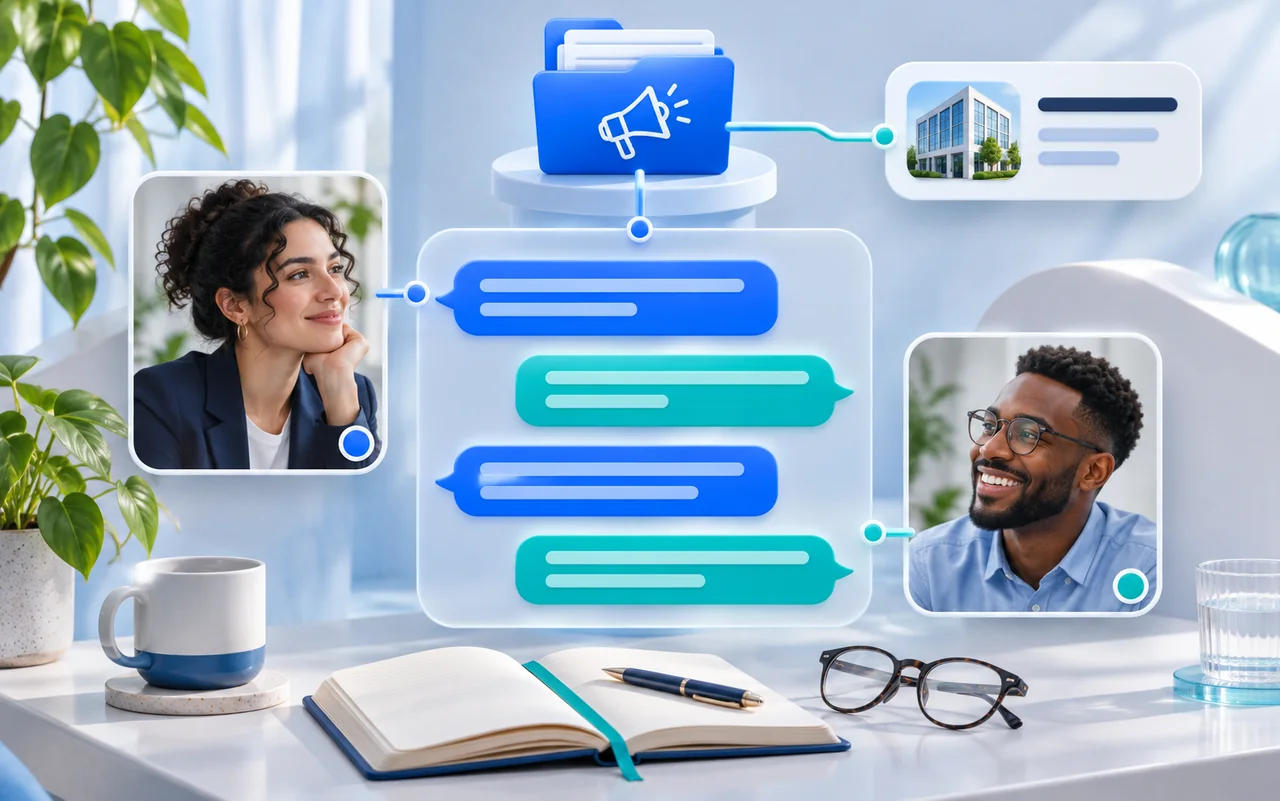
Read the thread
Open the conversation and check its account and campaign before composing a reply. Preserve the context of what was actually said.
- 3
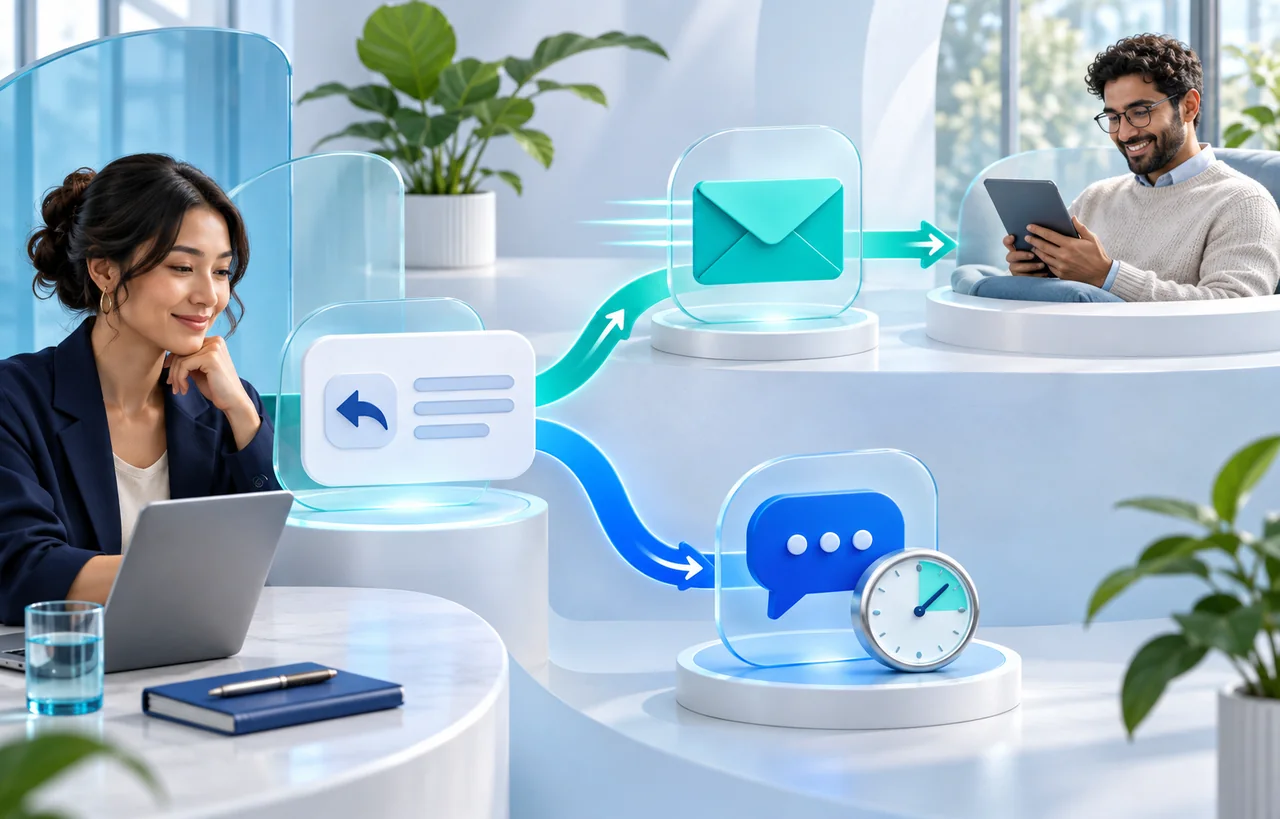
Send with the channel’s timing
Email replies send immediately through the same campaign mailbox, keeping the normal Re: thread. LinkedIn replies queue until that campaign’s next run.
- 4
Check the campaign state
A disabled campaign cannot send replies or collect new messages. Queued LinkedIn replies wait until the campaign is enabled; past conversations remain visible.
One place to manage campaign replies
Searchable conversations
Find the person and channel without manually switching among account inboxes.
Campaign context
Keep the originating campaign and account visible when deciding what to say next.
Reply-aware follow-ups
When the person replies, follow-ups to that person stop across both LinkedIn and email.
Sync timing is different from sending timing
Incoming email is checked about every 15 minutes. LinkedIn messages sync when their campaign runs, normally daily. A LinkedIn reply waiting in the queue is not a failed or instantly sent message.
Know what email status means
For campaign email, Delivered is inferred after 24 hours without a bounce; it is not proof that the recipient read the message. Email replies you send from Unibox are not open-tracked or delivery-tracked.
Use Unibox for the conversations started by Linkyfy campaigns. Do not expect it to collect every unrelated personal message, merge all contacts into one general inbox or continue collecting new messages while the related campaign is disabled.
Start the conversations Unibox organizes
Put this workflow to work
Available to paid Linkyfy users. Check current plans and the account requirements before creating a campaign.