
Turn Sales Navigator searches into outreach campaigns
Use a LinkedIn Sales Navigator people-search URL to build a targeted outreach campaign in Linkyfy. This feature is available to paid Linkyfy users and requires an active Sales Navigator subscription on the selected LinkedIn account.
- Runs in the cloud
- Setup in under 2 minutes
- Safe daily limits
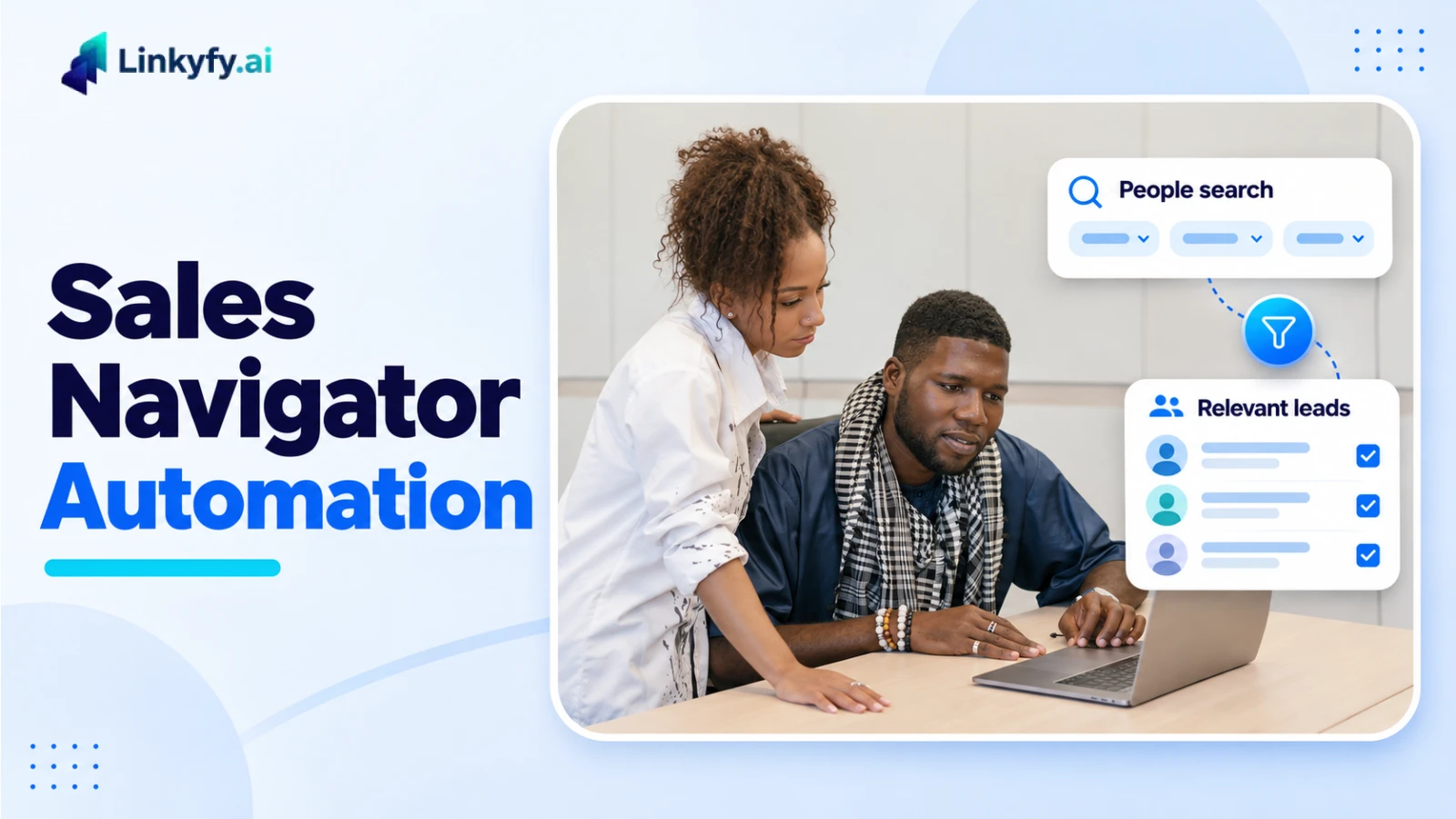
Carry a focused search into a campaign
- Start with Sales Navigator people-search results rather than an account or company search.
- Choose AI-generated messaging or your own templates.
- Set follow-up delays and let replies stop the sequence.
Build a Sales Navigator campaign
Confirm the subscription and search type before selecting the campaign account.
- 1
Prepare a people-search URL
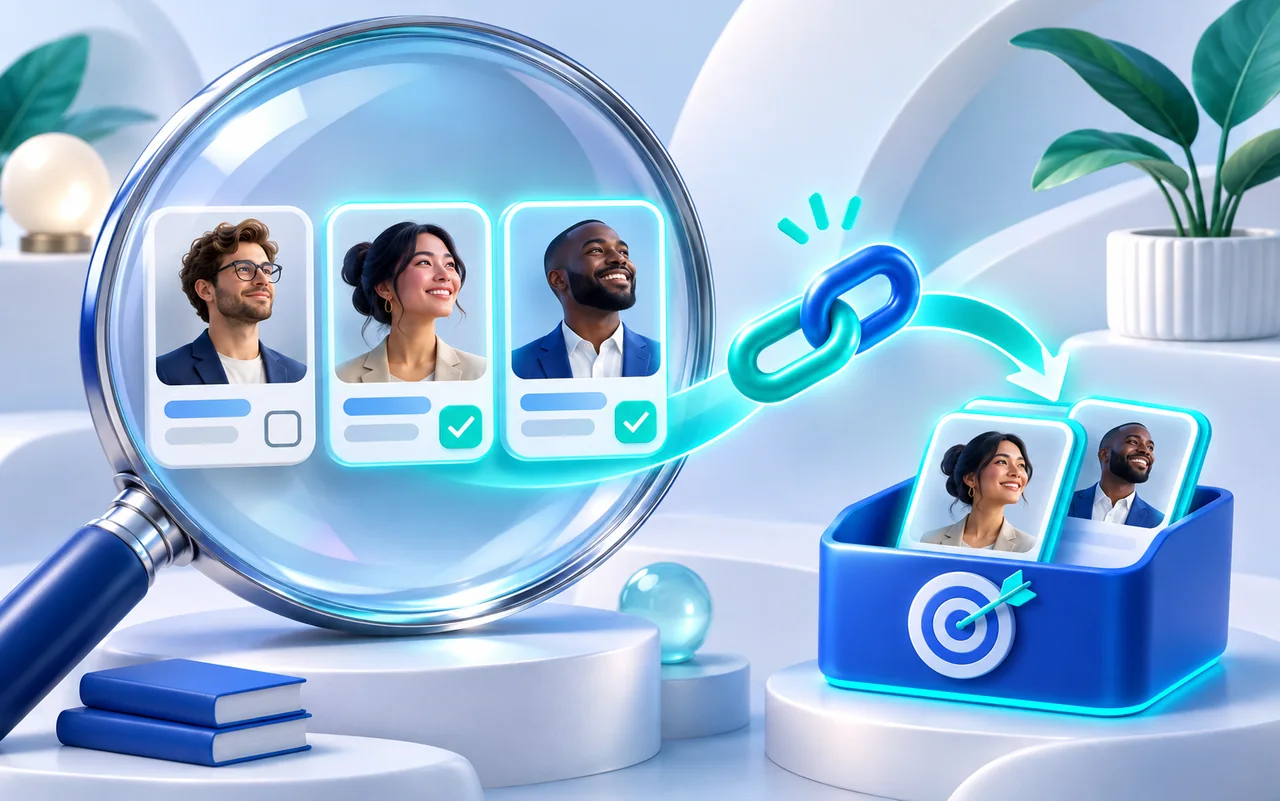
Use a linkedin.com/sales/search/people results URL. Ordinary LinkedIn search and Sales Navigator account or company searches are not supported for this campaign.
- 2
Select an eligible account
The LinkedIn account must have an active Sales Navigator subscription. Only one Sales Navigator campaign is allowed per LinkedIn account.

- 3
Choose the message approach
Use AI or templates for the campaign, add personalized connection notes and optionally email outreach. AI ranking is conditional on the applicable campaign configuration, not a guaranteed step in every campaign.

- 4
Set the follow-up timing
Choose distinct wait periods from 1 to 90 days. Follow-ups happen after the connection is accepted and stop when the person replies.

Connect targeting and follow-through
Focused source search
Keep the people-search context as the starting point for the campaign.
Flexible copy
Use templates when you want consistent wording or AI-assisted personalization when it fits the campaign.
Daily execution
Campaigns run daily at a randomized time, with an optional advanced time window.
Keep the subscription active
If the account no longer has Sales Navigator, the campaign is disabled. After restoring the subscription, manually turn the campaign back on; buying or restoring the subscription does not itself restart the campaign.
Account limits still apply
Sales Navigator access does not remove LinkedIn account limits or guarantee a number of invitations, replies, meetings or results. Automation is not a guarantee against restrictions. Review account and campaign states before interpreting a low send count as a targeting problem.
Use one eligible campaign per account and a supported people-search URL. A company-search URL is not interchangeable with the people-search URL this workflow needs.
Explore related outreach workflows
Put this workflow to work
Available to paid Linkyfy users. Check current plans and the account requirements before creating a campaign.