
Find matching jobs and automate Easy Apply
Use your LinkedIn Jobs search, resume and profile details to find relevant roles and apply through supported Easy Apply forms. Available to paid Linkyfy users, this workflow separates applications it can submit from company-website jobs that need your own action.
- Runs in the cloud
- Setup in under 2 minutes
- Safe daily limits
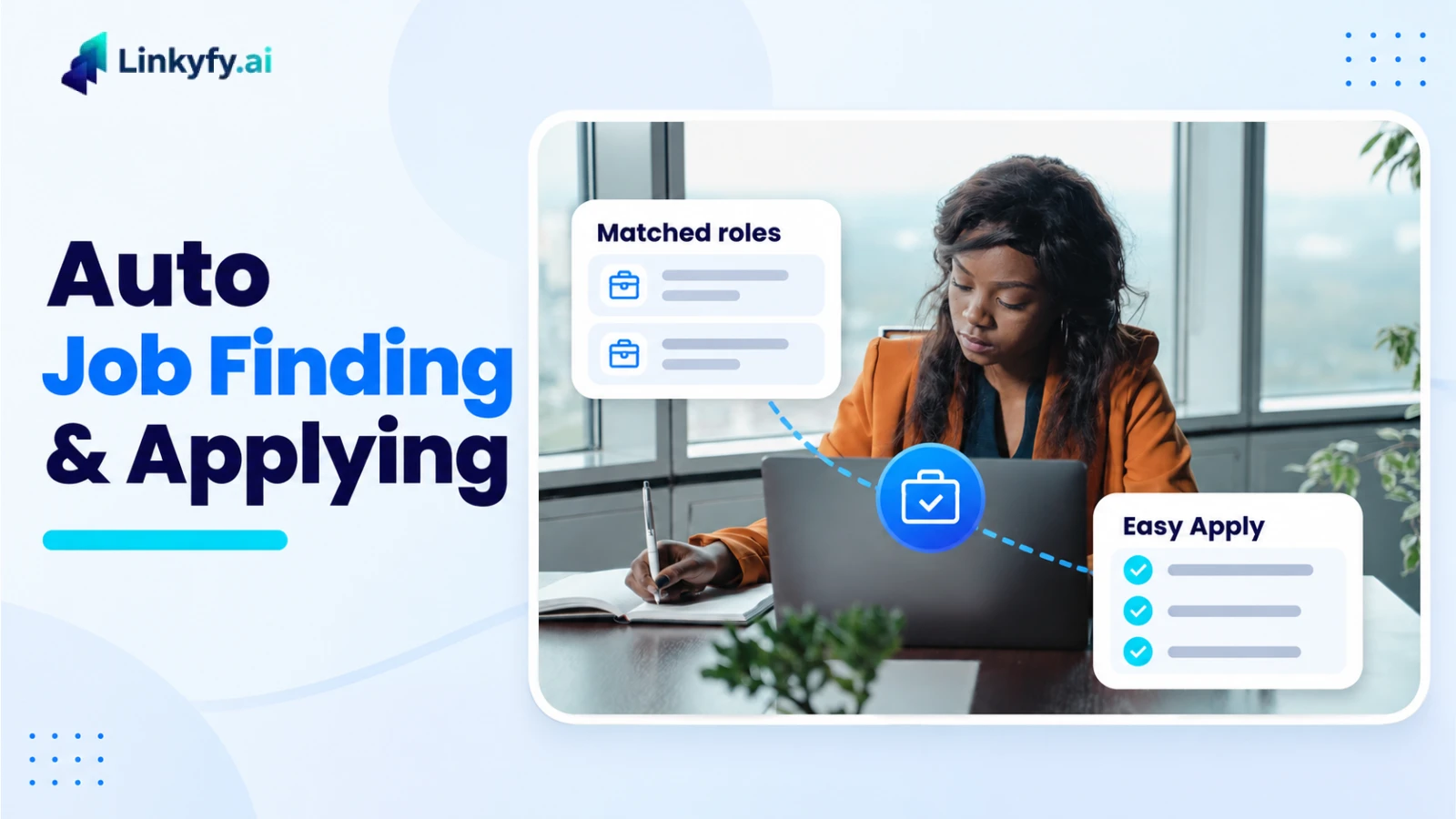
Separate job discovery from application work
- Start from a LinkedIn Jobs search-results URL and your own job requirements.
- Use a text-based PDF resume and accurate profile details.
- Track applications, skips, failures and jobs that need a manual website application.
Prepare a job-application campaign
Supply real information and a supported search before enabling the routine.
- 1
Choose a job-search results URL
Use the results of a LinkedIn Jobs search, not the LinkedIn Jobs home page. Set the search to reflect the roles you want.

- 2
Provide your resume and details
Use a text-based PDF resume and complete the requested profile details truthfully. The workflow answers from the information you provide; it should not invent missing qualifications.

- 3
Set the daily window
Choose a daily running window in your own timezone. The campaign finds jobs, checks the match and attempts supported Easy Apply applications.

- 4
Review outcomes
Check found, not matched, applied, skipped, failed, pending and apply-on-site records. Company-website applications remain manual links for you to complete.

Make application status easier to understand
Relevant matches
Compare the jobs found with the resume and profile details supplied.
Supported Easy Apply forms
Automate only the supported LinkedIn Easy Apply route, with clear outcomes for other cases.
Visible exceptions
Review skipped, failed and pending jobs instead of assuming every matched job was submitted.
Missing information is a reason to skip
If an application requires information that is missing, such as a required visa answer or certification, the workflow skips rather than guessing. It does not promise to complete every Easy Apply form or guarantee interviews or employment.
Retries, reporting and notifications
Skipped and failed jobs are not automatically retried. Pending matched jobs can be retried later. Check the reason before deciding whether any manual action is needed.
Dashboard counts use the relevant event dates. Found, applied and other status counts are not necessarily additive, so do not total them as if each represented a separate job. There is no daily results email; notifications are for failures. Review the Jobs data in the platform for results.
Keep job applications distinct from outreach
Put this workflow to work
Available to paid Linkyfy users. Check current plans and the account requirements before creating a campaign.